2026-06-28 · Updated 2026-07-11
ClawHub Skill Registry: Finding and Sharing Claude Code Skills
ClawHub is a community registry for Claude Code Skills. I walk through how I search, install, publish, and audit SKILL.md packages to share agent capabilities safely.
Last updated: July 11, 2026
A skill registry is the missing piece between writing a Claude Code Skill and anyone else actually using it. ClawHub is one community registry that does for SKILL.md packages what npm does for JavaScript: it lists them, versions them, and hands you a one-line install. I installed my first registry skill about ten minutes after I learned skills existed, and I published my own the following week.
Here is the short version, then the practical part: what a registry is, how I find and install skills from ClawHub, how I publish one, and the trust questions I ask before running anyone else's code. If you have never written a skill, the mechanics live in my Claude Code Skills post; this article assumes you know the basics and focuses on the sharing layer.

Quick answer: what is a skill registry?
A skill registry is a hosted catalog of Claude Code Skills. Each entry points to a package (a folder with a SKILL.md and usually some scripts), has a name, a version, and an author. You search the catalog, install an entry into your local .claude/skills/ directory, and the model can then invoke that skill on demand. ClawHub is the community-run example I use day to day; it is not an official Anthropic product, so treat it the way you would treat any third-party package source.
Anthropic documents the underlying skill format at docs.anthropic.com/en/docs/agents-and-tools/agent-skills, and the CLI that loads these skills is open source at github.com/anthropics/claude-code. A registry sits on top of both, providing discovery and distribution. For the broader agent picture, see the Claude Code ultimate guide for 2026.
Why would you use a registry at all?
Without a registry, sharing a skill means zipping a folder, sending it, and hoping the recipient drops it in the right path. That breaks the moment you fix a bug or change the prompt. A registry gives you four things I rely on:
- Discovery — a searchable list, so I do not have to know a skill exists by word of mouth.
- Versioning — every publish is a version, and I can pin or roll back.
- One-line install — a single command instead of a manual copy.
- A shared source of truth — my team and I install the same
migration-lintskill and get the same behavior.
The tradeoff is trust. A registry that anyone can publish to is only as safe as your review habits. I treat registry skills as untrusted code until I have read them, which I cover below.
How do you install a skill from ClawHub?
The exact command varies by registry client, but the pattern is the same everywhere: search, install, verify. With the ClawHub CLI installed globally, my normal flow looks like this.
## Find a skill by capability
clawhub search "database migration"

## Install by name (latest version)
clawhub install migration-lint

## Pin a specific version for reproducibility
clawhub install migration-lint@1.2.0

## See what you have, including versions
clawhub list
After install, the skill lands in .claude/skills/migration-lint/ inside my project. I open the folder before I ever let the model use it, because the model will follow whatever instructions that SKILL.md contains. If the skill ships shell scripts, I read those too. The skill only fires when the model decides the task matches its description, exactly as described in the SKILL.md mechanics post.
A small install checklist
| Step | What I check | Why |
|---|---|---|
Read SKILL.md |
The instructions and the description field |
This is literally what the model will be told |
| List scripts | Anything in scripts/ or referenced files |
Scripts can run shell commands on my machine |
| Check permissions | Network, filesystem, shell, secrets | A lint skill should not need network access |
| Pin the version | Install @1.2.0, not @latest |
Avoids silent behavior changes on update |
How do you publish your own skill?
Publishing is the part I was nervous about, and it turned out to be the easy half. The hard half was writing a description good enough that the model actually fires the skill. My publish workflow, end to end:
- Build the skill locally and test it in a real session first.
- Add a small manifest (name, version, author, entry path) that the registry expects.
- Log in to the registry once with an API token.
- Run the publish command from the skill folder.
- Bump the version in the manifest for every change, then publish again.
A minimal skill folder I published last month looks like this.
migration-lint/
├── SKILL.md          # The instructions the model loads
├── scripts/
│   └── check.sh      # Runs the actual lint
└── skill.json        # Registry manifest: name, version, author
The SKILL.md body is where the real work is, and the same writing rules apply whether the skill is local or on a registry: lead with when to use it in the description, keep the body short, and attach only the files the skill truly needs. When a skill grows past one job, I split it, which is the same instinct behind running Claude Code sub-agents for parallel work instead of one giant prompt.
How does a registry compare to other ways of extending Claude Code?
Skills are not the only extension mechanism, and I reach for different ones depending on the job. Skills are best for reusable, model-invoked instructions; MCP servers are best for live data and tool access; sub-agents are best for isolated, parallel work. The table below is how I actually decide.
| Mechanism | What it is | When I use it |
|---|---|---|
| Skill (registry or local) | A SKILL.md the model loads on demand |
Reusable prompts, team conventions, lint rules |
| MCP server | A live tool/data source over JSON-RPC | Database queries, external APIs, real-time data |
| Sub-agent | A separate Claude Code instance for a subtask | Parallel research, isolated long-running jobs |
MCP is the right call when the model needs to do something live rather than follow a saved procedure. I wrote up the full comparison in how MCP connects AI to your tools, and the official overview of the CLI's capabilities is at docs.anthropic.com/en/docs/claude-code.
Is ClawHub official, and is it safe?
No, ClawHub is a community registry, not an Anthropic product. That is not a reason to avoid it, but it is a reason to bring the same caution you would bring to any open-source dependency. The model will execute whatever a skill tells it to, so a malicious or sloppy skill can read files, call network endpoints, or run shell commands in your name.
My own rules, in order of how much they matter:
- I read every
SKILL.mdbefore first use, end to end. - I read any script the skill ships.
- I prefer skills from authors I recognize or that have public review.
- I pin versions and read the changelog before updating.
- I run untrusted skills in a throwaway directory first.
If a skill asks for more permission than its job needs, that is a red flag and I do not install it.

What can go wrong with third-party skills?
A few failure modes I have actually hit or seen: a skill's description is too broad, so it fires on tasks it was not meant for and gives bad instructions; an update changes behavior without a changelog and silently breaks my workflow; or a skill bundles a script with a hardcoded path that does not exist on my machine. None of these are catastrophic, but all of them waste time, and all of them are cheaper to catch by reading the skill than by debugging the model's output.
The fix is boring and effective: treat the registry like npm, treat each skill like a dependency, and review before you run. Pin your versions, keep a short list of trusted authors, and when in doubt, copy the skill into a local folder and strip out anything you do not understand.
Summary
A skill registry turns SKILL.md files from personal shortcuts into shareable infrastructure. ClawHub gives me discovery, versioning, and one-line installs, and publishing my own skill took an afternoon once the skill itself was written. The mechanics are simple; the discipline is in the review. Read what you install, pin what you trust, and publish the skills you find yourself rewriting every week.
Image credits
- Colorful programming code highlighted on a developer computer screen — photo by Nemuel Sereti on Pexels
- Vibrant source code displayed on a monitor representing a registry listing — photo by Seraphfim Gallery on Pexels
- Color-coded programming code representing a packaged Claude Code skill — photo by Godfrey Atima on Pexels
- A developer coding on a laptop while reviewing installed packages — photo by Lukas Blazek on Pexels

Use the free tools while you follow the guide.
Keep reading
2026-10-07
Background Remover Removes Part of Subject? How to Fix It
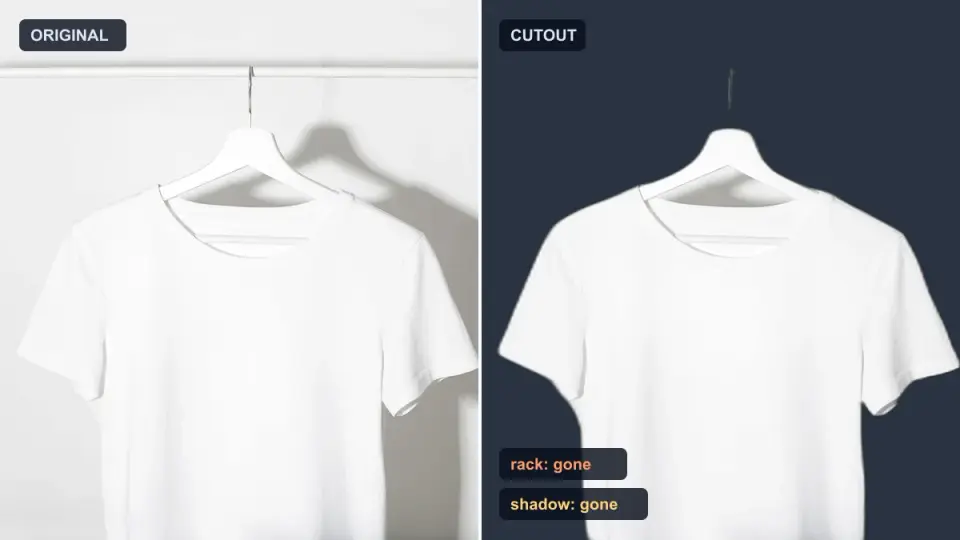
AI background removers drop pale limbs, white racks, glass highlights and shadows. I measured why on real photos and how to get the missing parts back.
2026-10-07
Batch Background Remover Comparison 2026: E-commerce
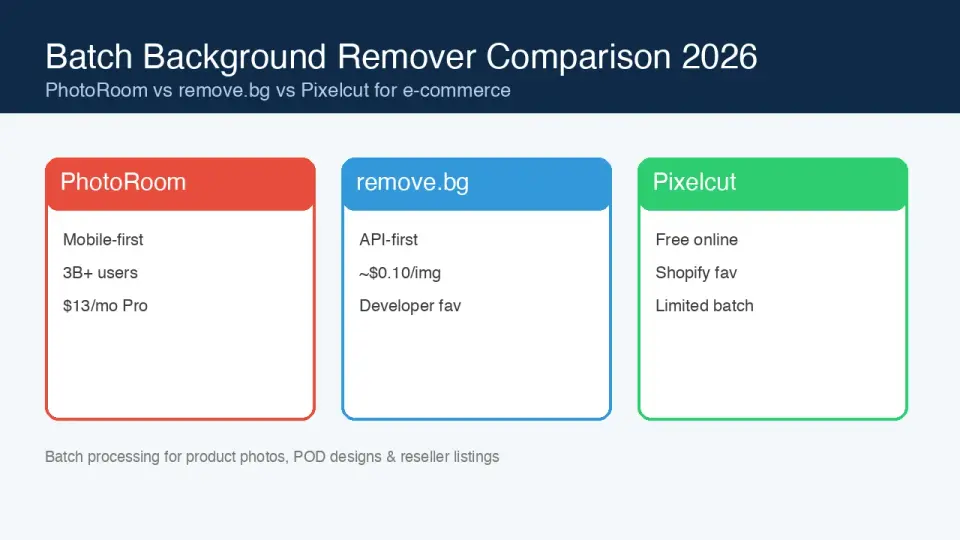
PhotoRoom, remove.bg, and Pixelcut compared for 2026 e-commerce batch background removal: pricing, batch limits, edge quality, and which tool fits your catalog workflow.

2026-10-07
remove.bg Is Shutting Down on December 1: What to Use Instead
remove.bg closes on 1 December 2026 and unused credits expire that day. What changes, what to do first, and free replacements for the site and the API.