2026-06-27 · Updated 2026-07-26
AI Dubbing: Translate and Re-Voice Video Into New Languages
How AI dubbing translates and re-voices video into other languages: transcript prep, voice choice, lip-sync, mixing, and QC for creators and studios.
Last updated: July 26, 2026
A cooking creator with 2 million subscribers wants the same recipe video to land in Spanish, Portuguese, and Hindi without reshooting anything. A SaaS team needs its product demo to sound native in German before a sales call. AI dubbing is how both of them re-voice an existing video into another language instead of starting over.
This walks through what AI dubbing does, which approach fits which project, and the localization steps that keep the result believable instead of robotic.
Quick answer: how does AI dubbing turn one video into many languages?
AI dubbing replaces the original spoken track with a translated, re-voiced track, then aligns that new audio to the picture.
The pipeline is consistent across tools:
- Transcribe the source dialogue with timestamps.
- Translate and adapt the script so it fits the on-screen timing.
- Choose a voice: a synthetic voice, a cloned voice, or a recorded human take.
- Generate or record the new language audio against the original timing.
- Adjust lip-sync and pacing so mouth movement and speech roughly match.
- Mix the new dialogue with the original music and effects.
- Run quality control per language before publishing.
For a one-person channel, steps 1 through 4 can run inside a single dubbing app in minutes. For a studio releasing a series in eight markets, each step has an owner, a review pass, and a sign-off. The mechanics are the same; the rigor scales with the stakes.
What does AI dubbing actually do?
AI dubbing is translation plus re-voicing. It is not the same as subtitles, and it is not the same as a raw machine translation pasted under the video.
A full dubbing job touches three layers of the original file:
- The dialogue track, which gets replaced with the new language.
- The music and effects (the M&E stem), which should stay untouched so the scene still sounds like itself.
- The timing, because translated sentences are rarely the same length as the original.
The hard part is rarely the raw translation. It is fitting a German sentence into the four seconds a character's mouth is moving, keeping the tone of a joke, and making sure the new voice carries the same energy as the original performer. When dubbing sounds "off," it is usually a timing or performance problem, not a vocabulary problem.
If you only need on-screen text rather than a new voice track, subtitles are the cheaper and faster path; dubbing wins when viewers will not read.
Which dubbing approach fits your project?
Pick the approach by audience and budget, not by what sounds most advanced.
| Approach | Best for | Effort | Trade-off |
|---|---|---|---|
| Subtitles only | Quick reach, tutorials, niche languages | Low | Viewers must read; weak for kids and casual mobile watching |
| Synthetic voiceover | Explainers, internal training, high-volume channels | Low to medium | Flat emotion on long content; needs script tuning |
| Cloned-voice dub | Creator keeps their own voice across languages | Medium | Quality drops on slang and shouting; consent matters |
| Lip-synced dub | Film, TV, ads, anything with close-up faces | High | Slowest and most expensive; needs a review per language |
Most creators start with synthetic voiceover because it is fast and cheap, then upgrade their top-performing videos to a cloned voice or a recorded take. A localization manager at a studio usually does the opposite: lip-synced dubbing for hero content, subtitles for the long tail.
For voice choice specifically, settle consent and accent before you clone a presenter, and check pacing and emphasis before you commit a synthetic voice to scripted narration.
A localization workflow you can repeat
Treat each target language as its own small production, not a button press.
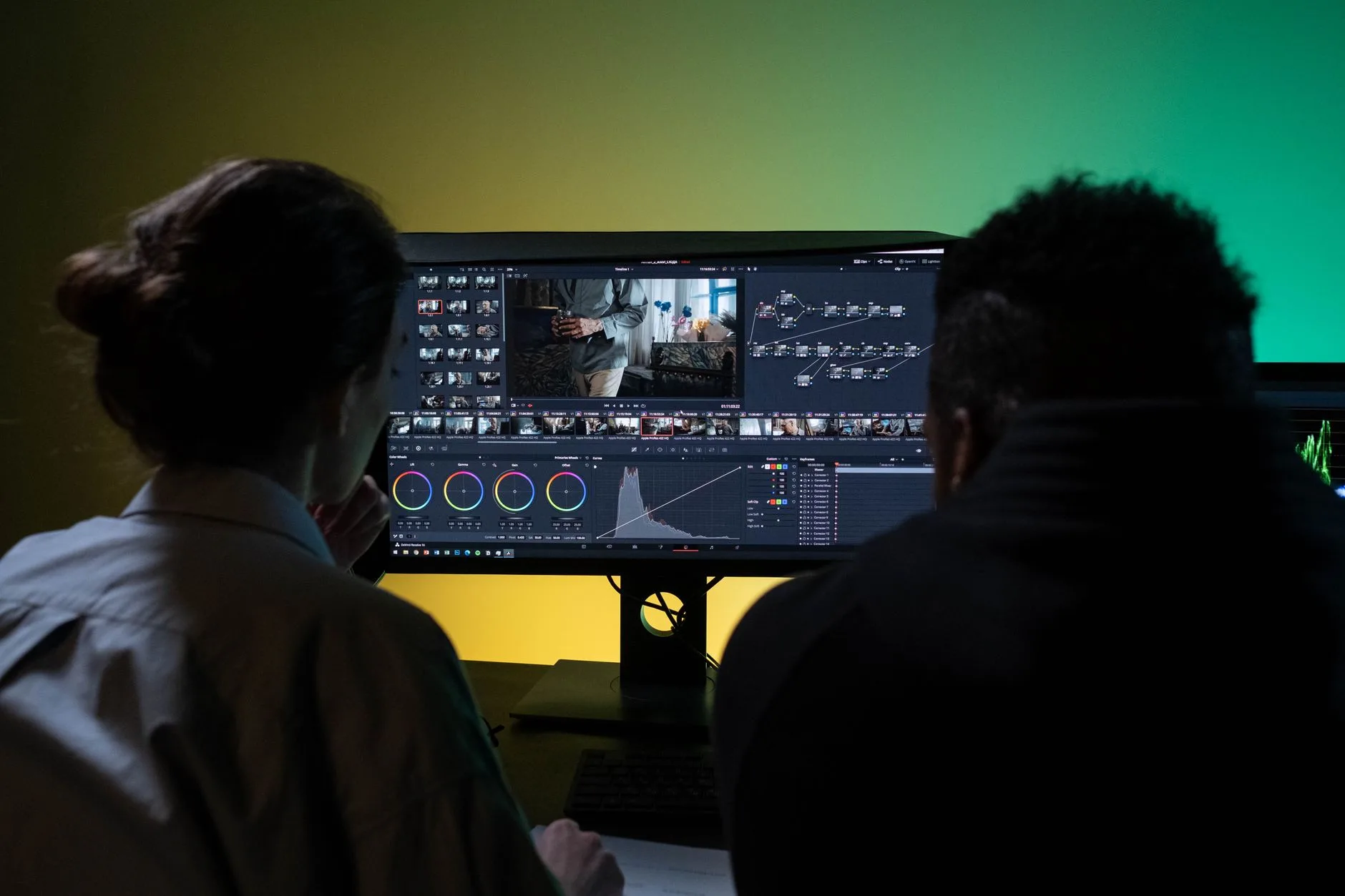
Use this order for every new language:
- Lock the source. Finish the original edit first; re-dubbing after a re-edit doubles the work.
- Transcribe with timecodes. A timestamped transcript is the spine of everything downstream.
- Adapt, don't just translate. Rewrite for length and culture so the line fits the shot. Tag language with BCP 47 codes.
- Cast the voice. Match age, gender, and energy to the original performer; one voice per recurring character.
Then in production:
- Generate or record. Synthetic voices for scale, or a voice actor for hero scenes.
- Fit the timing. Stretch or trim lines so they land inside the original gaps.
- Mix against the M&E stem. Keep the original music and effects; only the voice changes.
- QC per language. Have a native speaker watch the whole cut, not just spot-check.
This sequence matters because mistakes compound downstream. If you cast the wrong voice before adapting the script, you re-record. If you mix before timing is locked, you re-mix. Lock each step before moving on.
How do you keep lip-sync and timing believable?
Believable lip-sync comes from matching syllable rhythm and breath, not from perfect word-for-word translation.
A few practical rules hold up across languages:
- Write the translated line to roughly the same syllable count as the original, especially on close-ups.
- Keep sentence breaks where the speaker pauses on screen.
- Protect the first and last syllable of each line; viewers notice the edges most.
- Let the picture lead. If a character shouts, the dub shouts, even if the literal translation is calmer.
- For tight close-ups, use a tool that reshapes mouth movement to the new audio rather than forcing audio to picture.
When faces fill the frame, audio-to-picture alignment is not enough. Mouth reshaping is what closes the gap on close-up shots that plain voiceover cannot hide.
What breaks dubbing quality, and how to catch it
Most dubbing failures are predictable, which means a checklist catches them before viewers do.
| Problem | What viewers notice | Fix before publishing |
|---|---|---|
| Translation too long | Voice rushes or overruns the shot | Re-adapt the line shorter; trim filler words |
| Flat synthetic delivery | Emotion does not match the scene | Add emphasis tags or record a human take |
| Lost music and effects | Scene sounds thin or sterile | Mix against the original M&E stem, not a flat track |
| Lip drift on close-ups | Mouth and audio clearly disagree | Reshape mouth movement or recut the line |
| Wrong register | Formal speech in a casual scene | Localize tone, not just words |
| Mispronounced names | Brand or character name sounds wrong | Add a pronunciation note for the voice |
Run one more pass that platform algorithms care about. YouTube, for example, lets a channel attach multiple audio tracks to a single video; its multi-language audio guidance explains how each track is labeled and surfaced. And because dubbing is part of accessibility, keep captions accurate too; the W3C's overview of making audio and video accessible is a solid reference for caption and described-audio expectations.
When should a human stay in the loop?
Keep a human in the loop whenever the dub carries risk: legal, brand, or emotional.
Lean on people for:
- Comedy and wordplay, where literal translation kills the joke.
- Medical, legal, or financial content, where a wrong word is a liability.
- Hero scenes with tight close-ups and strong emotion.
- Any cloned voice, where consent and likeness rights apply.
- Final QC, where a native speaker confirms the dub sounds natural end to end.
Lean on automation for high-volume, lower-stakes work: internal training, knowledge-base walkthroughs, recurring weekly uploads, and first drafts you will refine later. The realistic split is automation for scale, humans for the moments viewers will remember or screenshot.
Tools that pair with a dubbing pipeline
Dubbing rarely ships alone. The localized video usually needs new thumbnails, presenter assets, and re-exported frames per market.
A few image jobs come up on almost every localization project:
- Build a per-language thumbnail with translated text using an AI image generator.
- Create or refresh a presenter image for a synthetic host with AI avatar.
- Resize and re-export channel art and end cards once with batch processing.
Keep those assets organized by language code so the right thumbnail ships with the right audio track. If you have a workflow question about the tools above, the FAQ and the main tool list cover formats and limits.
The short version: lock your edit, adapt instead of translate, cast voices that match the original energy, fit the timing before you mix, and let a native speaker sign off on each language. That order is what separates a dub people forget from one they assume was filmed that way.
Image credits
Article images are sourced from Pexels and stored locally for stable page rendering.
Use the free tools while you follow the guide.
Keep reading
2026-09-13
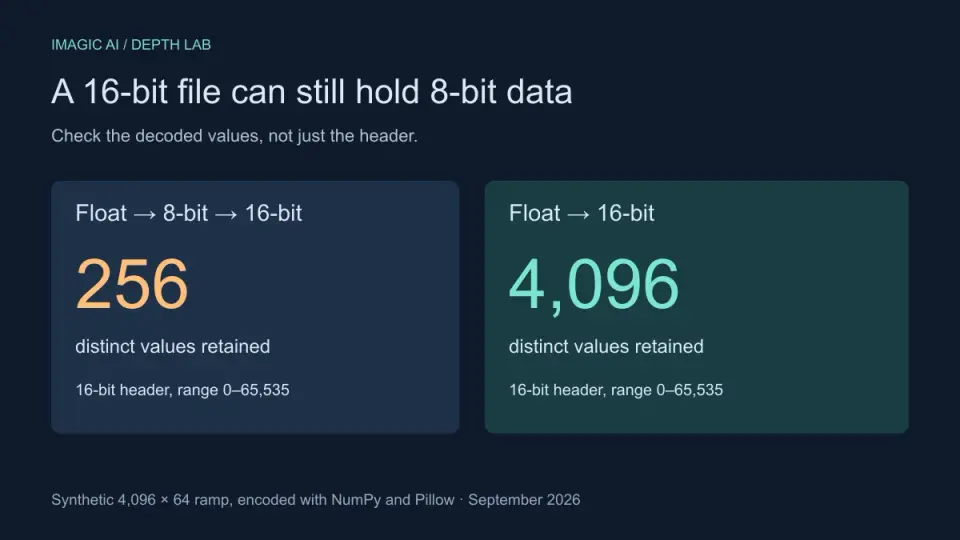
16-Bit Depth Maps: Fix Banding and Verify Your PNG
Fix stair-stepped or inverted depth maps with a reproducible 8-bit vs 16-bit PNG test, a file inspection script, and a practical Blender import checklist.
2026-09-13
GIF Maker From Images: Build Animated GIFs That Load Fast
Turn a set of images into an animated GIF for web and social media. Real frame timing, size limits for each platform, and when to choose GIF over video.

2026-09-13
How to Blur Faces and License Plates Before You Post
Blur or pixelate faces and license plates so they stay unreadable. Which method actually anonymizes, what fails, and how to avoid leaking EXIF location data.