2026-07-18 · Updated 2026-07-26
AI Face Restoration: GFPGAN vs CodeFormer Compared
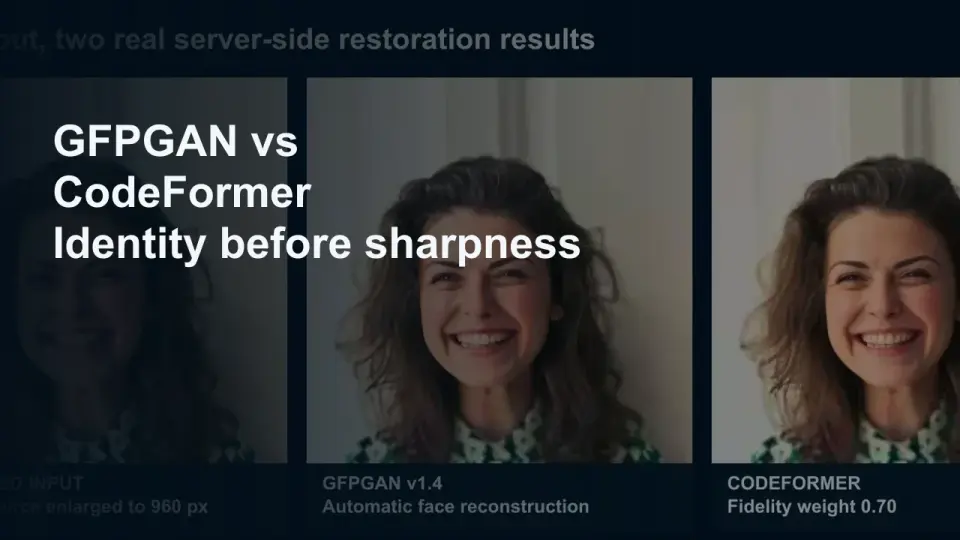
GFPGAN and CodeFormer both repair damaged faces but trade accuracy for polish differently. Which to use, how they work, and where both invent detail.
Last updated: July 26, 2026
AI face restoration repairs a blurry, low-resolution, or compression-damaged face by generatively rebuilding detail a camera or scan never actually captured. Almost every restoration tool on the market is a wrapper around one of two models, GFPGAN and CodeFormer, and they solve the problem differently: GFPGAN pushes toward a single sharp, attractive output, while CodeFormer exposes a fidelity dial that trades identity accuracy against visual polish. Neither recovers real information — both guess — so the choice matters most when the face in the photo belongs to someone you actually know.
Quick answer: GFPGAN or CodeFormer?
Use CodeFormer with the fidelity weight set to 0.7 or higher when the person's identity matters and you want to limit how far the model is allowed to invent. Use GFPGAN when you want a fast, strong, mostly-automatic repair and some identity drift is an acceptable trade for a cleaner result. AI Face Restoration runs both models in the browser so you can compare the same photo side by side before choosing.
| Situation | Model | Why |
|---|---|---|
| Family photo, identity matters | CodeFormer, fidelity 0.7+ | The fidelity weight limits how far the output can drift from the real input |
| Badly damaged or very low-res face | GFPGAN | Stronger automatic repair with fewer settings to tune |
| Quick one-off fix | Either, browser tool | No install — both run inside AI Face Restoration |
| Batch of many faces | CodeFormer, scripted | A fixed fidelity weight stays consistent across the whole run |
What did the reproducible GFPGAN vs CodeFormer test show?
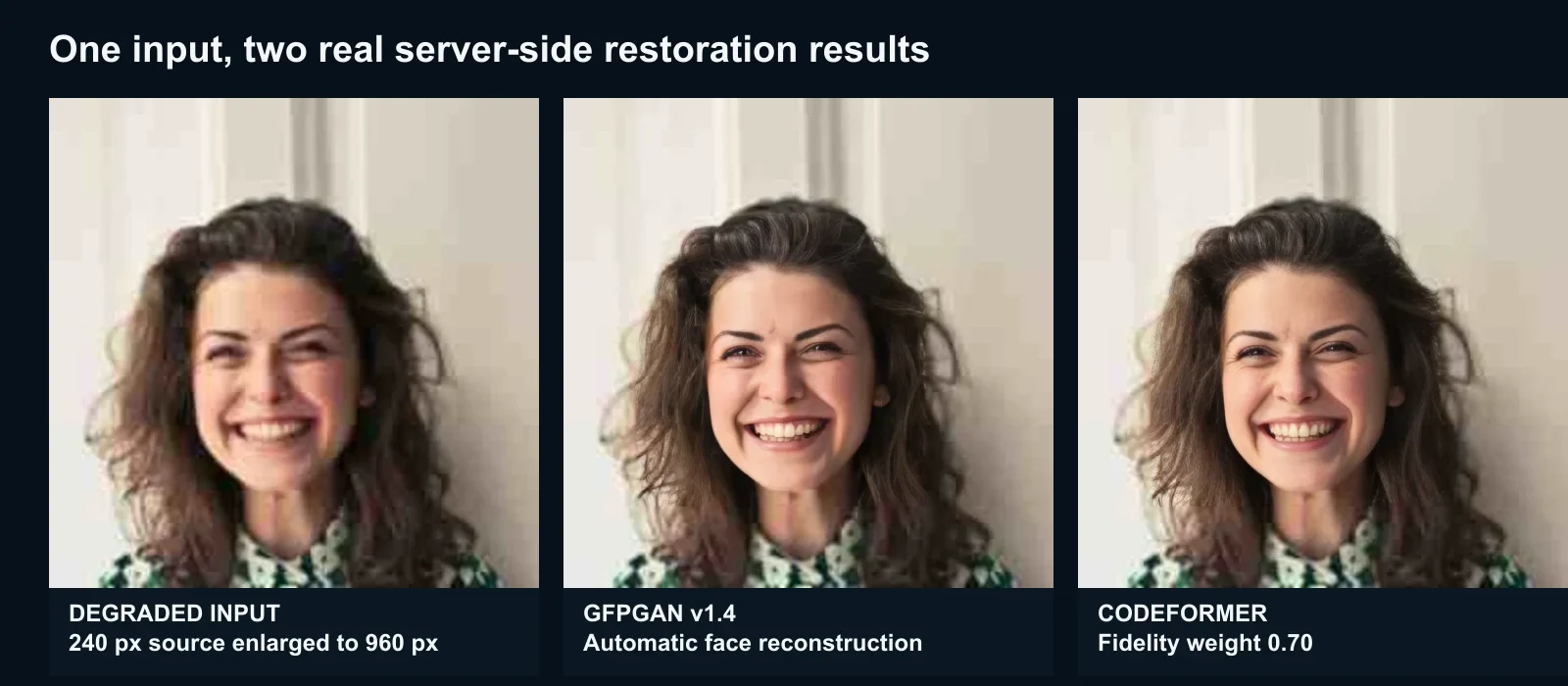
On July 25, 2026, we took a licensed portrait already used in the Imagic content library, cropped it to 960×960, reduced it to 240×240, added a small blur, encoded it as low-quality JPEG, and enlarged it back to 960×960. That created an input with visible lost detail and compression damage while keeping a detectable face.
We submitted the same bytes to the public AI Face Restoration tool once with GFPGAN v1.4 and once with CodeFormer at fidelity 0.70. Background enhancement was disabled, so the comparison isolates the face-restoration path rather than adding a separate Real-ESRGAN pass.
| Run | Setting | Time | Output |
|---|---|---|---|
| Input | 240px degraded, enlarged | — | 960×960, 65,608 bytes |
| GFPGAN | v1.4, automatic | 5.073s | 960×960, 32,472 bytes |
| CodeFormer | fidelity 0.70 | 5.849s | 960×960, 33,526 bytes |
Those times describe one production run, not a latency promise. Model warm-up, queue depth, source dimensions, face count, and the active engine can all change response time. Both outputs are much sharper than the deliberately degraded input, but eyebrows, eyes, teeth, skin, and fine hair are visibly reconstructed. The comparison proves that both production routes completed the recorded input; it does not establish which output is historically or biologically more accurate. That requires an independent reference photo and human judgment.
How do GFPGAN and CodeFormer actually differ?
GFPGAN pairs a degradation-aware encoder with a fixed StyleGAN2 generator. It reads the damaged face, maps it into that generator's learned space of "plausible faces," and renders the closest match — which is why its output tends to look polished and consistent, but has no dial to hold it back.
CodeFormer takes a different approach: a transformer predicts a sequence of tokens from a learned discrete codebook of face patches, then reconstructs the face from those tokens. Because the prediction happens in discrete steps, CodeFormer can blend between "stay close to the real input" and "trust the predicted high-quality codes" using a single fidelity weight — that control is the entire practical difference between the two models.
| Aspect | GFPGAN | CodeFormer |
|---|---|---|
| Core approach | Fixed StyleGAN2 prior with a degradation-aware encoder | Discrete codebook plus transformer, predicts plausible face tokens |
| Identity control | None — always outputs its single best guess | Fidelity weight (0 to 1) trades identity accuracy against quality |
| Best at | One-click repair of compressed or blurry faces | Controlled repair when the real identity matters |
| Main risk | Smooths toward a generic "attractive" face | Low fidelity settings drift further from the real person |
Both are trained on synthetically degraded face datasets — blur, JPEG compression, downscaling, some noise — so they are tuned for that specific kind of damage. Neither is designed for a genuinely missing region, like a torn photo or an occluded face; that is inpainting, a related but different problem where the model has even less real signal to anchor on.
What can face restoration actually fix — and what can't it?
- Can: rebuild plausible detail in blurry, low-resolution, or JPEG-compressed faces; sharpen eyes, teeth, and the hairline; produce usable results on faces down to roughly 64 pixels tall.
- Cannot: recover a face that is genuinely missing from the source, such as a torn photo or an occluded face — the model invents structure there rather than repairing it.
- Cannot: guarantee identity. Every restoration is a plausible reconstruction, not a measurement, so treat the output as an interpretation — most reliable when you have another photo of the same person to compare against.
Method 1: Browser tool (GFPGAN and CodeFormer)
For a single photo, use AI Face Restoration: upload a JPG, PNG, or WebP with at least one visible face, choose GFPGAN or CodeFormer, and compare the result against the original before downloading. No install, no signup, and it works on any device with a browser.
Method 2: CodeFormer locally (batch and fidelity control)
CodeFormer's official implementation exposes the fidelity weight directly and is scriptable for batches. Pick this route when restoring many photos with the same setting, or when a project needs finer identity control than a one-click browser tool exposes.
Method 3: Commercial apps (MyHeritage, Remini, and similar)
Consumer restoration apps wrap a GFPGAN- or CodeFormer-style model behind a simplified interface, usually tuned for family photos. Convenient for a non-technical relative, but you give up direct control over the fidelity-versus-quality trade-off that matters most on faces.
Should you restore a family member's face?
For personal photos, generally yes. Restoring a blurry photo of a grandparent is a common, reasonable use, and the emotional value usually outweighs small inaccuracies. The AI photo restoration guide covers a case where a restoration model rebuilt a grandmother's jawline into a stock-photo-smooth face her own children didn't fully recognize — a useful reminder to start with a high fidelity setting and compare against the original before trusting the result.
For anything where accurate identification matters — a legal document, a missing-person photo, an identity application — do not use generative restoration. The output is a plausible guess, not a recovered fact, and any process that verifies identity needs the real image, not an AI's interpretation of it.
How do you get the best result?
- Start with the highest-resolution source available; restoration cannot add information a badly cropped or tiny source never had.
- Try CodeFormer at fidelity 0.7 first if the person is recognizable to you — that keeps most of the real facial structure.
- Compare the result against a reference photo of the same person at 100% zoom; eyes, nose shape, and jawline drift are the first things to check.
- If GFPGAN's output looks "too perfect," it usually is — try CodeFormer at a higher fidelity setting instead.
- On a group photo, restore faces individually rather than the whole frame at once; a single global pass averages settings across faces that may need different treatment.
Common failure modes
- Over-smoothed skin that erases real texture and reads as synthetic at full size.
- A generic "attractive" face — sharp, symmetric, and template-like, but no longer quite the person.
- Eyes and teeth restored inconsistently between two different photos of the same person.
- Small or heavily cropped faces, under roughly 64 pixels tall, where the model has almost no real signal left to work from.
For old photos that are also faded, scratched, or torn, see the old photo restoration guide for the full repair sequence — scan, structural repair, then AI for texture and faces last.
Frequently asked questions
Is GFPGAN or CodeFormer better?
Neither is universally better. GFPGAN gives a stronger one-click repair with no settings to tune, while CodeFormer's fidelity weight lets you trade visual quality for identity accuracy. Use CodeFormer when the person's real identity matters and GFPGAN when a fast, polished result is the priority.
Is AI face restoration free?
Yes, AI Face Restoration runs both GFPGAN and CodeFormer for free in the browser, with no signup or watermark on the core tool.
Can AI face restoration change how someone looks?
Yes. Both models synthesize plausible detail rather than recovering real information, so pushed too far they can smooth skin, reshape features, or drift toward a generic face. Always compare the result against a reference photo before trusting it.
What is the CodeFormer fidelity weight?
A setting from 0 to 1 that controls how much CodeFormer favors the low-quality input's real structure (higher fidelity) versus its predicted high-quality codebook match (lower fidelity, more "restored" but less accurate to the source).
Can face restoration fix a torn or damaged photo?
Only the face's internal detail, not missing structure. A blurry or low-resolution face is exactly what GFPGAN and CodeFormer are trained for; a torn or occluded face is a different problem — inpainting — with a much higher chance of inventing structure that was never there.
Does face restoration work on old black-and-white photos?
Yes, resolution and blur matter more than color to these models. For an old photo that is also faded or discolored, restore the face first, then use the Old Photo Colorizer if you also want to add color.
Reproducibility
The complete record is stored in docs/content/evidence/ai-face-restoration.json. It includes the source asset path and SHA-256, exact degradation recipe, production endpoint, returned engines, settings, dimensions, byte counts, timings, and output hashes. The scope is intentionally one licensed portrait and one run, not a universal model leaderboard.
Image credits
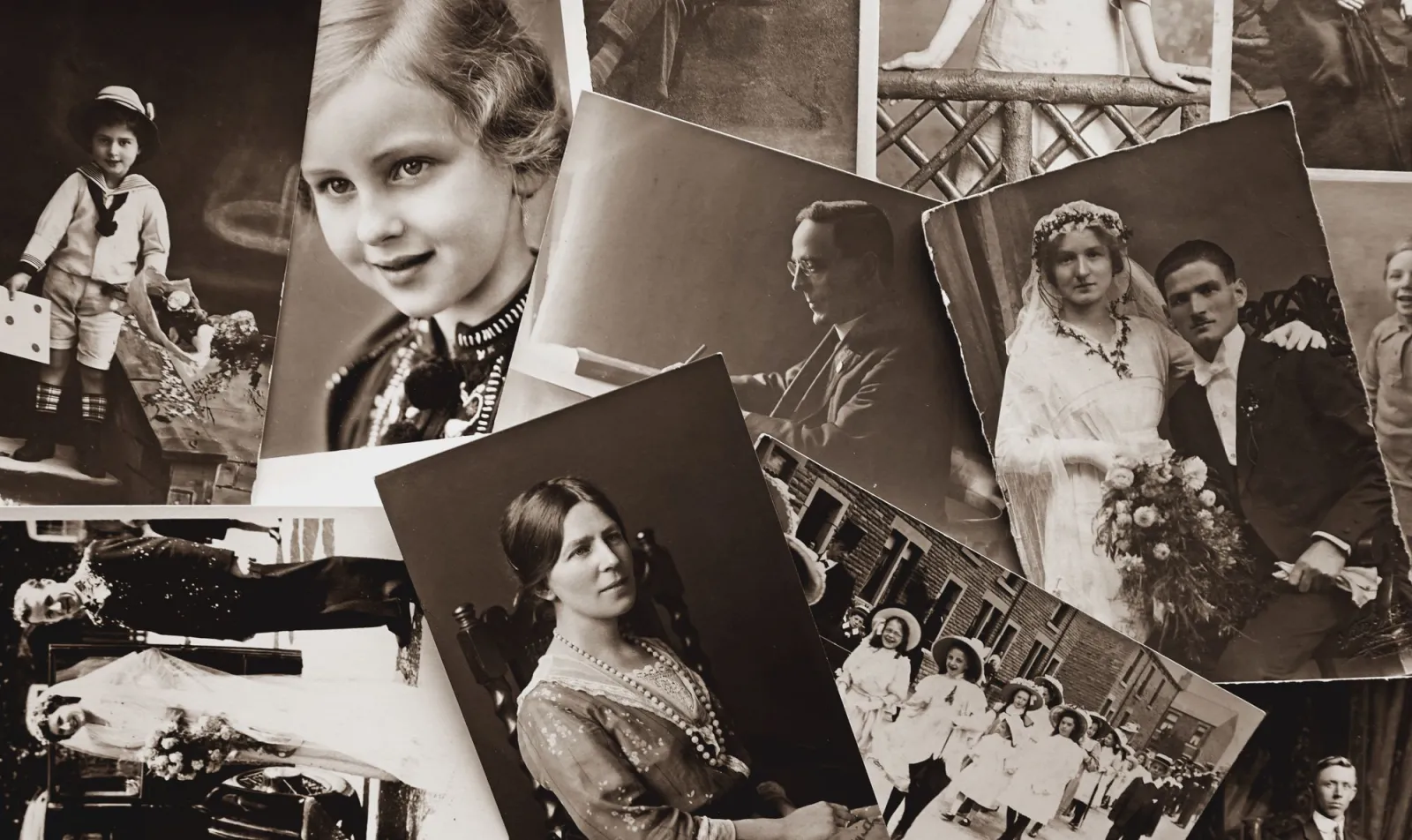
- A collection of vintage black-and-white family photographs — photo by Suzy Hazelwood on Pexels
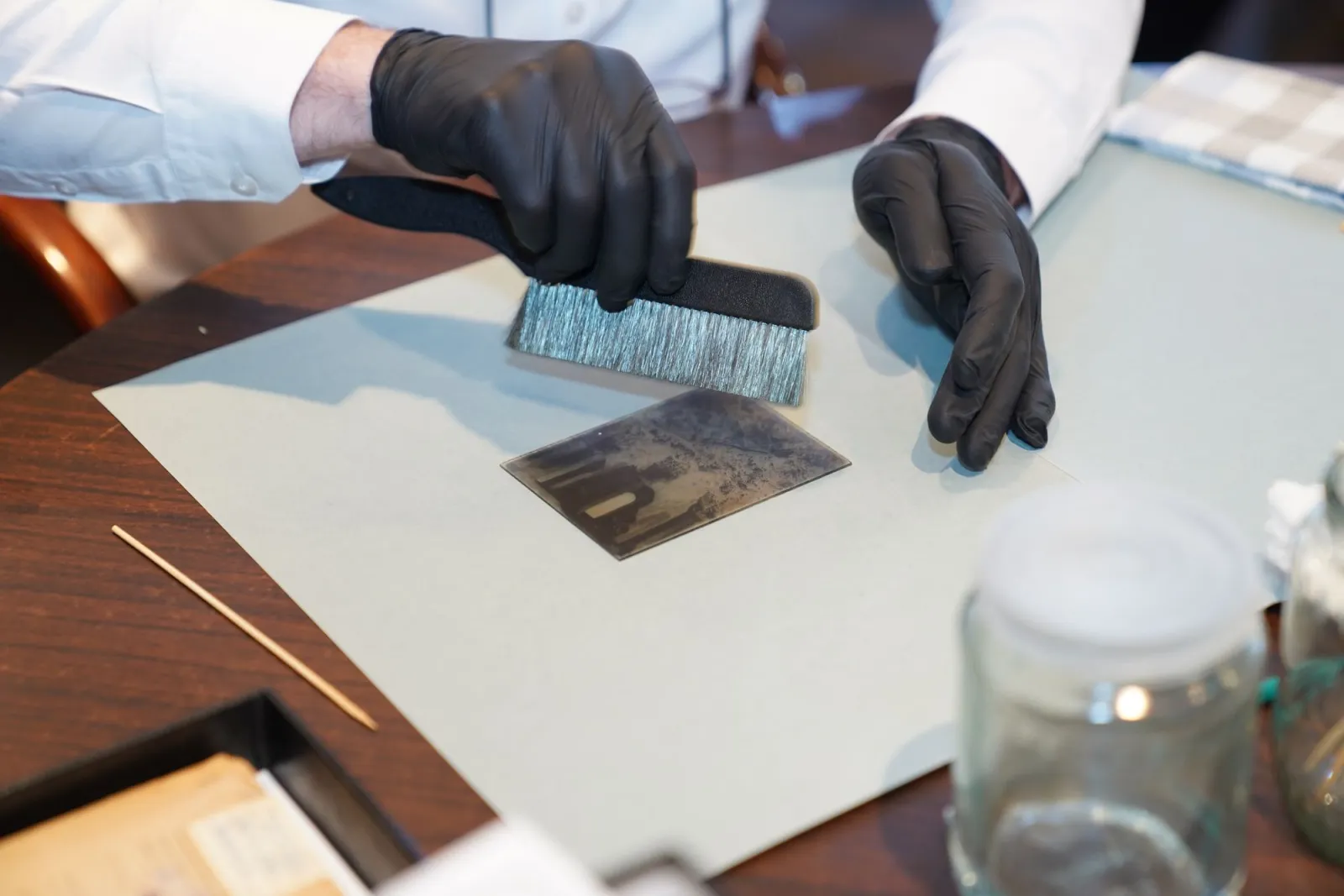
- Hands in black gloves preserving an old photograph — photo by Tima Miroshnichenko on Pexels
Use the free tools while you follow the guide.
Keep reading
2026-07-28
How to Enhance Photo Quality: Sharpen, Denoise, and Brighten
Enhance photo quality by sharpening, denoising, and brightening, with what enhancement can and cannot fix, the tools, and a real before/after.

2026-07-26
AI Face Enhancer: Natural Portrait Retouching Guide
Use an AI face enhancer without plastic skin: choose the right portrait, protect identity, check artifacts, and export sharp web-ready headshots.
2026-07-26
AI Image Colorization: How It Works and Its Honest Limits
How AI colorization turns black-and-white photos into color, what it can and cannot recover (color is guessed, not restored), the tools, and where it fails.