Image Cropper
Prepare first with Image Cropper
Turn a text prompt, and an optional starting photo, into an AI video clip.
What a clip costs
This clip is free if it is your account's first; otherwise it costs 8 credits.
Prepare first with Image Cropper
Write what should happen in the clip, in up to 1,000 characters.
To start from a particular picture, add a photo. The clip begins on it and the prompt describes the motion.
Your free clip is MiniMax H3 Lite at 480P, 4 seconds. After that you pay per second: 2 credits at 480P or 3 at 768P (4 to 15 seconds), or 7 with Kling 4.0 Flash at 720P with sound (3 to 20 seconds). Making a clip can take several minutes. When it is ready, play it here and download the MP4.
Unedited clips, each with the exact prompt and settings and what came out right or wrong: 4-second clips from MiniMax h3-lite (24 November 2026, 21–31 seconds of model time each) and 5-second clips with sound from Kling 4.0 Flash, using the same prompts (25 November 2026, 52–68 seconds each).
A red kite flying over a green hill on a windy day, the camera slowly following itThe kite moves with the wind, but it flies with no string and its tail came out dark.A red kite flying over a green hill on a windy day, the camera slowly following itThe same prompt at 768P gave a different shot: a visible string, a red tail, clouds and more grass detail.A red kite flying over a green hill on a windy day, the camera slowly following itKling 4.0 Flash with the same prompt: the kite has a string and a long ribbon tail, casts a shadow on the grass, and the camera follows it up into the sky. The clip comes with sound.Steam rising from a cup of coffee on a wooden table beside a rainy window, slow push-in, soft morning lightFaint steam and a slow push-in. The saucer holds two spoons, a typical AI slip.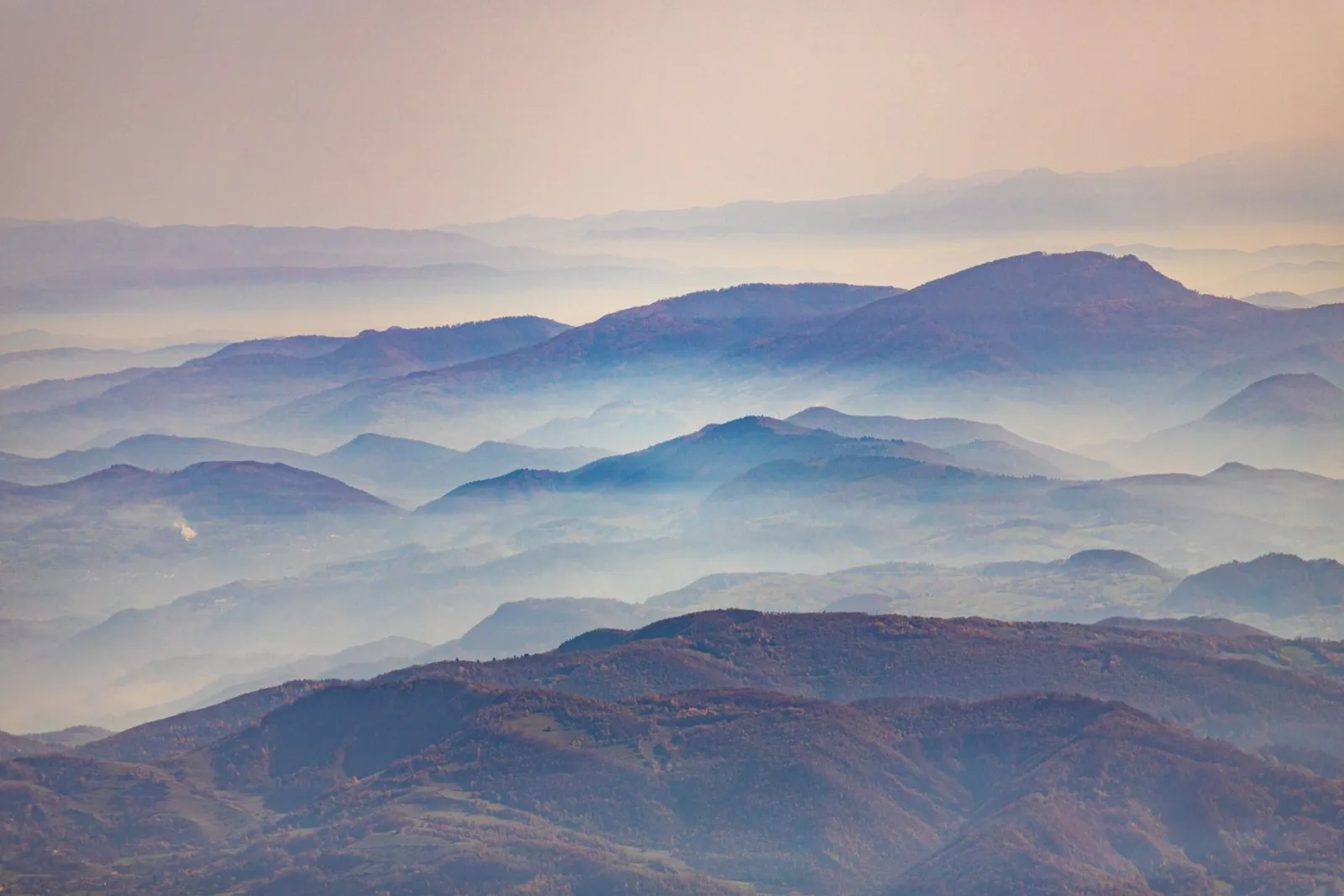 Photo: PexelsPrompt:
Morning mist drifts slowly through the valleys between the hills while the camera pushes gently forwardThe clip starts exactly on the photo. The push-in and the mist movement are subtle.Photo: PexelsPrompt: Morning mist drifts slowly through the valleys between the hills while the camera pushes gently forwardKling 4.0 Flash from the same photo: the mist clearly fills the valleys, but the sky turns orange, which the prompt did not ask for, and the push-in is barely visible. The clip comes with sound.Use the Imagic AI Video Generator to turn a text prompt, or a photo used as the first frame, into an MP4 clip made by MiniMax H3 Lite or Kling 4.0 Flash. You can try a 4-second 480P clip free; after that you pay per second of video: 2 credits at 480P or 3 at 768P with MiniMax H3 Lite, or 7 with Kling 4.0 Flash, which adds sound.
A clip that fails, is refused by the model or is still not finished after 15 minutes is stopped and not charged: the credits, or the free clip, go back to your account.
| Job | Pick this | Why |
|---|---|---|
| A short clip from a written idea | AI Video Generator | Describe the scene and get an MP4 clip. |
| Bring a still photo to life | AI Video Generator with a first frame | The clip starts from your photo and the prompt describes the motion. |
| An animation from photos you already have | GIF Maker | It joins your own images into a GIF in the browser, free and without an account. |
Yes, you can try one 4-second MiniMax H3 Lite clip at 480P free. After that you pay per second of video: 2 credits at 480P or 3 at 768P, or 7 with Kling 4.0 Flash, which makes 720P clips with sound. A 10-second 480P clip, for example, costs 20 credits.
Yes. Add a photo as the first frame and describe in the prompt how it should move. The clip starts on your picture.
You are not charged. If the model fails, refuses the prompt or runs out of time, the credits or the free clip go back to your account automatically.
It can take several minutes. The page checks on the clip and plays it when it is ready. If you close the tab while it is being made, open this page again in the same browser to pick it up.
Yes. When a clip needs more credits than you have, the credit packs appear right here. Payment is handled by Stripe, which brings you back to this page afterwards.