2026-06-28 · Updated 2026-07-26
E-commerce Image Optimization 2026: Speed, WebP and Sales
I optimized images across real online stores for 2026. Here is how to compress to WebP, ship responsive images, write product alt text, and pass Core Web Vitals.
Last updated: July 26, 2026
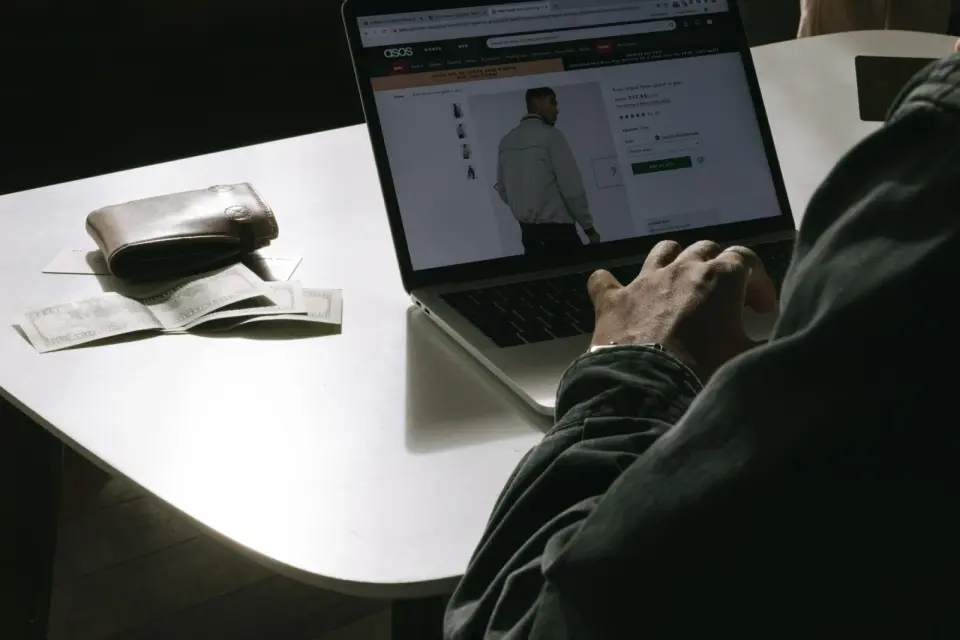
In 2026 the bar for an e-commerce image is unforgiving: it has to sell the product and load on a phone in well under a second. I optimized the image pipeline for several stores this year, and the pattern is always the same — the hero photo is the largest thing on the page, and it is usually the reason the page is slow.

Quick answer: what does e-commerce image optimization need in 2026?
Ship one high-resolution master per product, then export a WebP version at the size the page actually displays. Resize before you compress, write alt text that names the product, and let everything below the fold lazy-load. Then measure the result on a real phone with PageSpeed Insights, not on your laptop.
The whole job is five repeatable steps:
- Capture one sharp, evenly lit master per product.
- Resize it to the largest width the page renders.
- Compress to WebP at quality 80 to 82; keep a JPEG only for channels that need it.
- Add alt text that names the product and one visible detail.
- Publish, open the live page on a phone, and confirm it loads fast.
The capture half — lighting, angles, background, consistency — is covered in e-commerce product photography. This page is the 2026 delivery half: formats, responsive markup, lazy loading, alt text, Core Web Vitals, and CDN.
Why does image weight decide whether your store loads at all?
On a typical product page, images are 60 to 80 percent of the bytes the browser downloads. I measured one Shopify client whose hero images were 2.4 MB JPEGs straight off the camera; the page shipped 6.1 MB before any JavaScript ran.
The fastest possible fix is to stop sending pixels the screen cannot show. A phone displaying a 375 px-wide thumbnail does not need the 6000 px original. Resize to the largest width the page renders, then compress — in that order. Compressing first keeps megapixels you are about to throw away.
A few habits that remove most of the weight:
- Store one master per product, never the camera original on the page.
- Resize to display width, then compress.
- Convert to WebP, and keep a JPEG only for channels that require it.
- Lazy-load everything below the fold so the hero loads first.
Which image format should you ship in 2026?
WebP is the default for your own storefront in 2026. It beats JPEG on size at the same visual quality and is now supported by every browser that matters to a store. AVIF is smaller still but slower to encode and patchy on older CMS themes, so I treat it as a progressive enhancement, not the baseline.
| Format | When to ship | Typical size vs JPEG | Caveat |
|---|---|---|---|
| WebP | Default for your own storefront | 25 to 35% smaller | Some marketplace feeds still demand JPEG |
| AVIF | Progressive layer on top of WebP | 10 to 20% smaller than WebP | Slow to encode, patchy on older themes |
| JPEG | Marketplace exports (Amazon, Google) | Baseline | Lossy; do not re-save repeatedly |
| PNG | Logos, graphics needing transparency | Larger than JPEG | Avoid for photographic product shots |
Marketplaces still throw a curveball. Amazon and Google Shopping feeds expect JPEG or PNG at specific sizes, and some reject WebP outright. Keep a JPEG export per channel alongside your WebP. Google's Merchant Center product image specification lists the exact size, ratio, and background rules, and a feed disapproval usually traces back to a baked-in watermark or a wrong size.
For the compression trade-offs that decide how small you can go before fabric looks cheap, the detail is in compress images without losing quality.
How do responsive images and lazy loading protect Core Web Vitals?
The main product photo is almost always the Largest Contentful Paint (LCP) element, which makes it the single biggest lever on your store's speed score. I moved one client's hero from a 2.4 MB JPEG to a 140 KB WebP at display width and watched mobile LCP fall from 3.8 s to 1.5 s.
Three habits move LCP and Cumulative Layout Shift (CLS) the most:
- Serve the size that actually displays, via
srcset. - Set explicit
widthandheightso the layout does not jump while loading. - Lazy-load below the fold, but eager-load the hero with a high fetch priority.
<img
  src="backpack-1200.webp"
  srcset="backpack-600.webp 600w, backpack-1200.webp 1200w, backpack-2000.webp 2000w"
  sizes="(max-width: 600px) 600px, (max-width: 1200px) 1200px, 2000px"
  width="1200"
  height="1200"
  loading="eager"
  fetchpriority="high"
  alt="Olive canvas backpack with brown leather straps, front view">
web.dev documents the full picture in its Fast load times guide, and you can confirm the field result on a real device with PageSpeed Insights. Test the live product page after you publish, not a local preview — CDN caching and third-party scripts change the number.

What should product alt text actually say?
Alt text is the only signal a screen reader and an image crawler receive, so for a product it has to name the item and one detail a buyer cares about. Keep it specific, then stop.
- Good: "Olive green canvas backpack with brown leather straps, front view."
- Weak: "backpack, bag, rucksack, travel bag, best backpack."
- Empty: "product photo," "image," or a raw file name like "IMG_4471."
Name the file the same way: olive-canvas-backpack-front.webp outranks IMG_4471.webp in image search. If you manage hundreds of SKUs, build the alt text from the product title plus the angle so it stays consistent across the catalog.
How do I batch-optimize a whole catalog without breaking detail?
You do not touch photos one at a time. I run the catalog as: one master, a fixed set of export sizes, and a batch step that does resize, WebP conversion, and rename in a single pass. Spot-check five products at 100 percent zoom before you publish the batch.
| Use | Width | Format | Target size |
|---|---|---|---|
| Catalog thumbnail | 400 to 600 px | WebP | 15 to 40 KB |
| Product card / grid | 600 to 800 px | WebP | 40 to 90 KB |
| Main product image | 1200 to 1600 px | WebP | 80 to 200 KB |
| Zoom / detail view | 2000 to 2600 px | WebP | 150 to 350 KB |
| Marketplace export | Per channel | JPEG | Channel limit |
For odd aspect ratios and channel-specific crops, batch the conversions through a resizer and converter so a 4:5 Shopify hero and a 1:1 Amazon shot come from the same master instead of being re-shot.
What did I measure on a real store?
Concrete numbers from a 320-product Shopify store I worked on this year. Same photos, same catalog — only the image pipeline changed.
| Metric | Before | After |
|---|---|---|
| Hero image | 2.4 MB JPEG | 140 KB WebP |
| Catalog page weight (40 thumbnails) | 6.1 MB | 740 KB |
| Mobile LCP | 3.8 s | 1.5 s |
| Mobile bounce on product pages | 61% | 39% |

I am not claiming the bounce drop was all images. I changed one variable at a time and shipping stayed the same, so the speed gain is the cleanest explanation. A faster LCP tends to move conversions, but pin a number only to your own store after you measure it.
A weekly checklist for store teams
The optimization is not a one-off; images drift. New products land at full camera size, a marketing badge gets baked into a hero, a variant gets shot at a different crop. Run this weekly on your top sellers:
- Re-check hero images for camera-original file sizes.
- Confirm every image is WebP and under its target weight.
- Verify
widthandheightare set so the layout does not shift. - Spot-check alt text for the newest ten products.
- Open one product page on a phone and run a PageSpeed pass.
- Reject any hero with a watermark or promo badge baked in.
For the CDN half — where images are cached, resized on the fly, and served from an edge close to the shopper — the image CDN guide walks through the setup. For the wider view that ties specs, speed, and sales together, the e-commerce image optimization guide is the companion to this 2026 edition.
One honest caveat: web.dev and every modern browser support WebP in 2026, but a handful of legacy in-app checkout webviews and older embedded devices still fall back to JPEG. Test against your actual customer device mix before you delete your JPEG fallbacks, or a slice of shoppers will see a broken hero right at the moment they were about to buy.
Frequently asked questions
What is the best image format for e-commerce product photos in 2026?
WebP is the default for your own storefront, with a JPEG kept only for marketplace feeds that still require it.
Should I resize or compress a product image first?
Resize to the display width first, then compress, since compressing a full-size original first keeps megapixels you are about to throw away.
What size should a main product image be?
Ship the main product image at 1200 to 1600 px wide as WebP, targeting roughly 80 to 200 KB.
How much does image optimization actually affect page speed?
On the 320-product store I measured, moving the hero from a 2.4 MB JPEG to a 140 KB WebP cut mobile LCP from 3.8 s to 1.5 s.
What should product alt text include?
Name the product and one visible detail a buyer cares about, such as color or material, then stop.
Does image weight really affect conversion?
I only changed the image pipeline on one store and mobile bounce on product pages fell from 61% to 39%, though I would not pin the whole drop on images alone.
Can I still use AVIF for product images?
AVIF is smaller than WebP but slower to encode and patchy on older CMS themes, so treat it as a progressive enhancement, not the baseline.
Do marketplace listings like Amazon accept WebP images?
No, most marketplace feeds still expect JPEG or PNG at specific sizes, so keep a JPEG export alongside your WebP for those channels.
Image credits
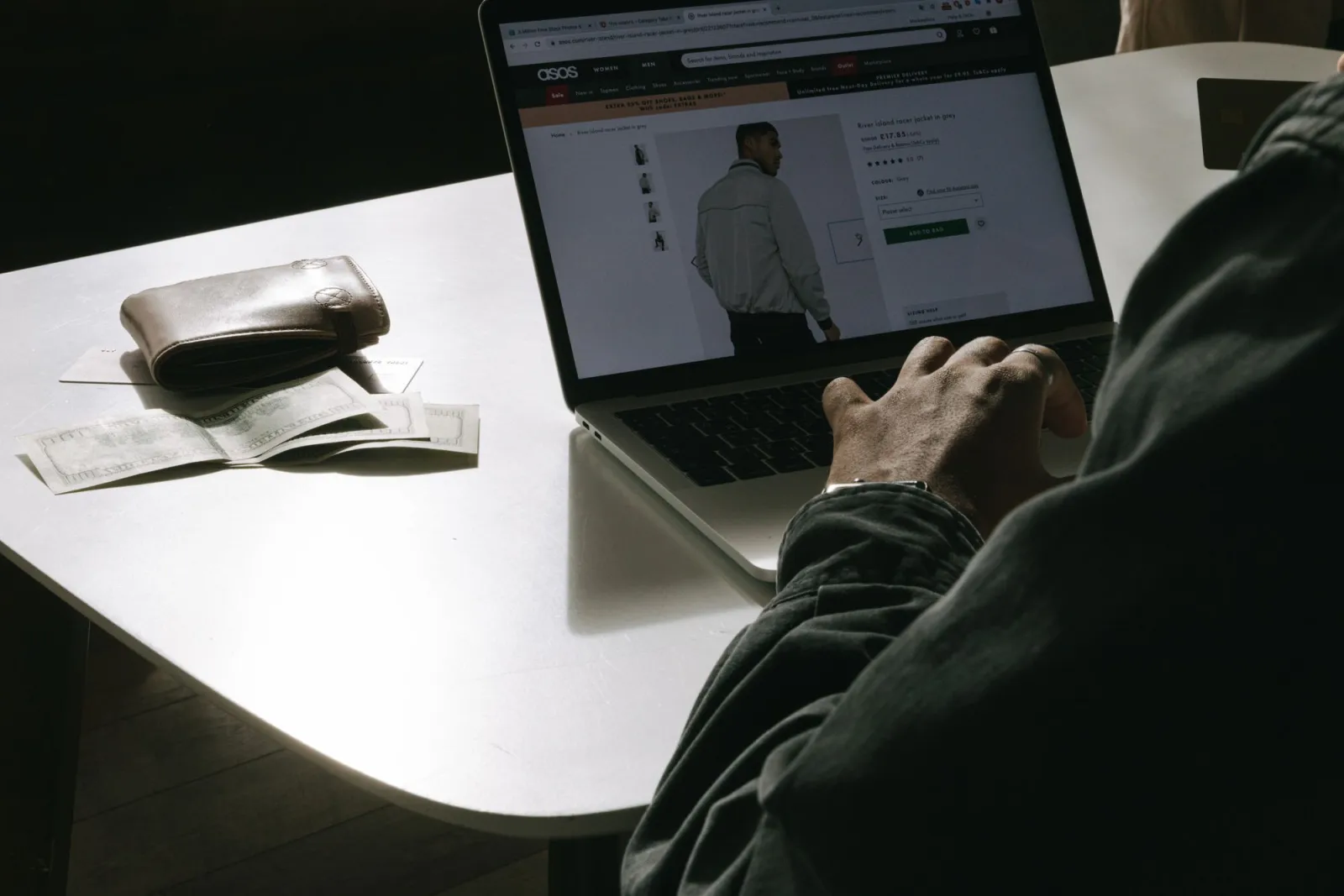
- A person shopping for clothes online using a laptop with a wallet on the table — photo by Andrea Piacquadio on Pexels
- Hands browsing an online shoe store collection on a laptop — photo by Monstera on Pexels
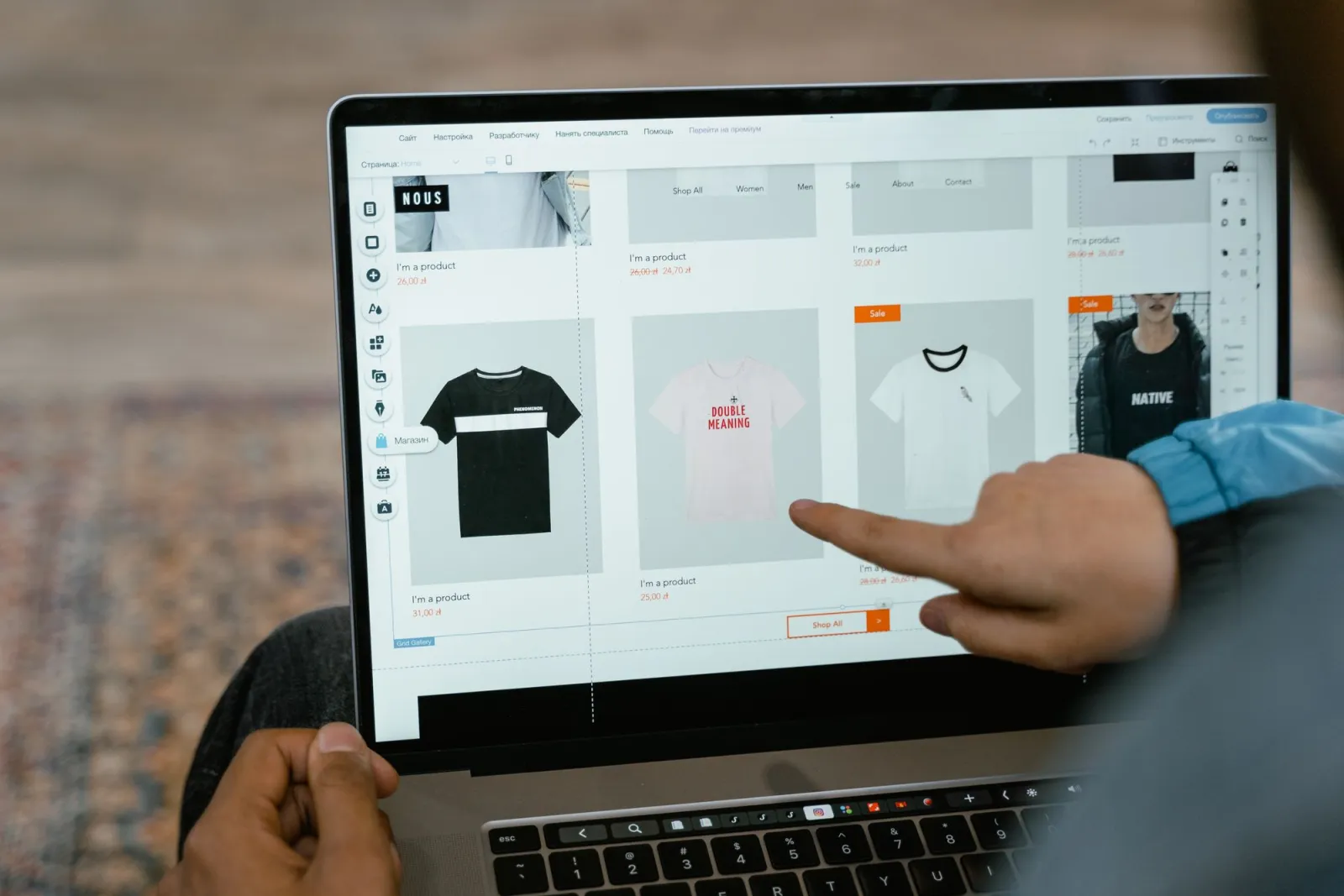
- Person pointing at t-shirt options in an online store on a laptop — photo by Monstera on Pexels
- Hand holding a smartphone showing a loading screen — photo by Shahariar Rabbi on Pexels


Use the free tools while you follow the guide.
Keep reading
2026-10-07
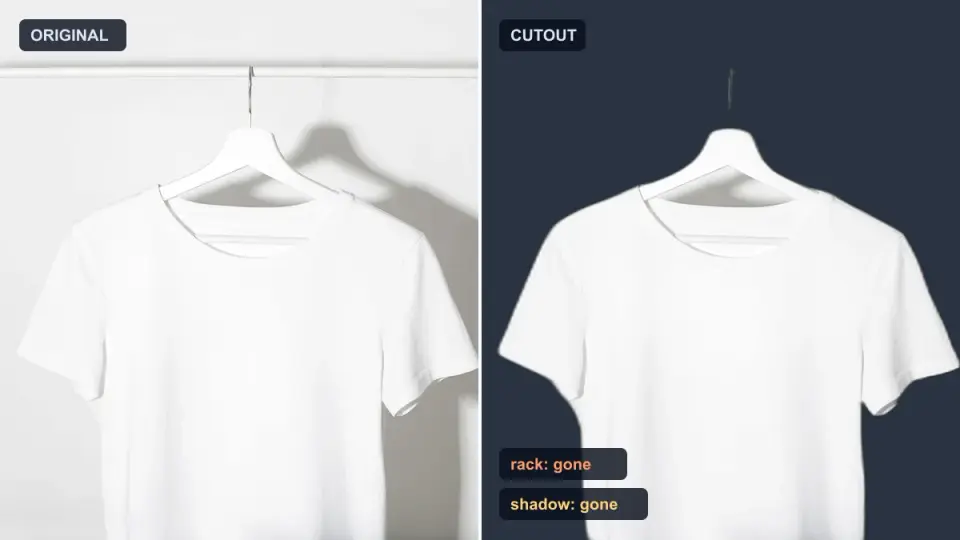
Background Remover Removes Part of Subject? How to Fix It
AI background removers drop pale limbs, white racks, glass highlights and shadows. I measured why on real photos and how to get the missing parts back.
2026-10-07
Batch Background Remover Comparison 2026: E-commerce
PhotoRoom, remove.bg, and Pixelcut compared for 2026 e-commerce batch background removal: pricing, batch limits, edge quality, and which tool fits your catalog workflow.
2026-10-07
remove.bg Is Shutting Down on December 1: What to Use Instead
remove.bg closes on 1 December 2026 and unused credits expire that day. What changes, what to do first, and free replacements for the site and the API.