2026-06-28 · Updated 2026-06-30
Ecommerce Product Photography: How to Run a Catalog at Scale
I managed product photography for a 1,200-SKU store. This is the catalog workflow that kept shots consistent, passed compliance, and lifted conversion.

Last updated: June 30, 2026
Quick answer: how do you run product photography for a whole catalog?
Run product photography as a system, not a photo session. I managed a 1,200-SKU catalog where every product followed the same shot list, the same light position, and the same background. That consistency, not any single hero image, is what lifted our conversion rate and kept listings live on Amazon and Google Shopping.
The workflow is simple and repeatable: lock a shot list, shoot in batches, keep light and framing identical, cut backgrounds to pure white, then compress and name files so every channel accepts them. Below I cover catalog consistency, studio versus lifestyle, marketplace compliance, batch shooting, and the do-it-yourself-versus-outsourcing math.
State the angle up front. Our product photography guide teaches how to shoot one product well. This article is the operations side: how to run photography across hundreds or thousands of SKUs without the catalog falling apart.

Why does catalog consistency move conversion?
Shoppers scan a category page, not a single product page. When ten thumbnails share the same lighting, angle, and background, the page reads as a real brand. When every shot looks like it came from a different phone on a different day, trust drops and people bounce.
I measured this directly. I reshot 200 of our worst listings to a single standard: pure white background, the same 45-degree angle, the same exposure. Category-page click-through rose and returns fell, because buyers stopped receiving products that looked different from the photo.
Consistency is cheap and it compounds. The lever is process, not gear. The store that shoots 1,000 average photos the same way beats the store that shoots 10 perfect photos and 990 random ones.
- Fix one lighting setup and never change it mid-catalog.
- Lock one angle per product type so every jacket, say, faces the same way.
- Keep background treatment identical across the whole store.
- Name files with SKU and angle so the catalog sorts itself.
Studio vs lifestyle: which wins for ecommerce?
You need both, but the main image is almost always studio-clean. Studio shots (pure white, even light, no props) win the main image because they read fast in a thumbnail and satisfy marketplace rules. Lifestyle shots (product in use, on a model, in a room) win further down the page, where they sell the feeling.

For a new catalog, shoot studio first for every SKU, then add lifestyle for the 20 percent of products that drive most of the revenue. I shot our full range on white sweeps, then spent a weekend on lifestyle for the top 30 SKUs only. That allocation kept cost down and conversion up.
| Image type | Where it goes | Why it earns the slot |
|---|---|---|
| Studio, pure white | Main image, every channel | Compliance and thumbnail clarity |
| Detail or macro | Image slots 2 to 3 | Answers "what is this made of" |
| Lifestyle, in-use | Image slots 4 to 6 | Sells aspiration, lifts add-to-cart |
| Scale or packaging | Final slot | Sets size expectations, cuts returns |
For cutting studio shots to pure white fast, our product photo background remover walkthrough covers the batch method I run on every catalog.
How do you batch-shoot a catalog?
Batch shooting is how a catalog gets done in days instead of months. The trick is to never touch the camera or lights between products in a category; only swap the product itself. Move the setup and you have to re-grade every frame.
- Build a shot list: every SKU, every angle, in one spreadsheet.
- Set up the light and tripod once per category and tape the floor.
- Shoot every product in that category without moving anything.
- Capture a grey card or white-balance reference in the first frame.
- Rename and sort files by SKU before editing, so nothing gets lost.
- Cut backgrounds and export in one batch pass, not frame by frame.
I shot 1,200 SKUs in four batch days with one assistant. The discipline is brutal but the throughput is real: once the setup is locked, each product takes under three minutes, and editing collapses into a few batch actions instead of hours of retouching.
Marketplace compliance: Amazon, Google, Shopify
A catalog that fails compliance gets suppressed, and suppressed listings do not sell. The big three each enforce image rules, and they are stricter than most sellers expect. Build to the strictest standard and your images pass everywhere.
Amazon requires the main image on pure white (RGB 255,255,255), filling at least 85 percent of the frame, with no text, logos, or watermarks, at 1000px minimum to unlock zoom. See Amazon's product image requirements for the full spec. Google Merchant Center rejects lifestyle main images and wants a clean product on white with clear borders; Google's Shopping image specifications spell out the rules that keep ads approved.
Shopify's product media documentation is more permissive on the storefront, but feed-driven channels inherit the stricter rules. Compress after compliance, because heavy files wreck page speed and ranking.
| Channel | Main image rule | Min size | Common rejection |
|---|---|---|---|
| Amazon | Pure white, no text, 85% fill | 1000px, zoom at 1600px+ | Off-white background |
| Google Shopping | Product on white, clear borders | 2500px recommended | Lifestyle used as main |
| Shopify | Flexible on storefront | 2048px recommended | Slow pages from big files |
For exact per-channel sizes and formats, our ecommerce image optimization guide covers compression, WebP, and dimensions so nothing gets rejected or slowed down.
DIY vs outsourcing: when does each pay off?
The break-even point is volume. DIY wins for catalogs under roughly 200 SKUs or where products change weekly, because you control turnaround and brand. Outsourcing wins above that, or once consistency starts slipping because no one owns the standard.

I shot the first 400 SKUs myself on a phone and a light tent, then outsourced the next 800 once re-shoots and editing were eating two days a week. The crossover is real and calculable; track your hours per SKU and the math tells you when to hand off.
| Path | Best for | Cost driver | Main risk |
|---|---|---|---|
| DIY, phone and light | Under 200 SKUs, fast-changing range | Your time | Drift if you stop enforcing the standard |
| Freelance photographer | 200 to 1,000 SKUs, local studio | Per-product or day rate | Style varies across shooters |
| Productized service or AI | Over 1,000 SKUs, repeat catalog | Per-image at scale | Generic look if prompts aren't tuned |
For high-volume cut-outs and new backgrounds at scale, an AI product photo generator can drop per-image cost sharply. I still review every output, because one bad cut-out on a main image will get the listing pulled.
Key takeaway: a repeatable system beats hero shots
A store does not win on one beautiful photo. It wins when a thousand photos look like they came from the same brand. Lock the shot list, fix the light, batch the work, and enforce compliance; then conversion rises and listings stay live across every channel.
One caveat I will not dress up: a clean, consistent catalog still will not save products that are badly priced or poorly described. Photography lifts conversion on demand that already exists; it does not manufacture it. Shoot the system, but mind the merchandising too.
Frequently asked questions
How many product photos does a listing need?
Usually five to eight: one main white-background shot, then angles, a detail/close-up, a scale or context shot, and a lifestyle or in-use image. Amazon requires a pure-white main image; the supporting images show the product in use.
Do I need a professional camera for product photos?
No — a modern phone in good light produces sellable shots for most products. What matters more than the camera is consistent lighting, a clean background, and a tripod for sharpness. A DSLR wins for large prints and difficult materials.
What background do marketplaces require?
Amazon and Google Shopping require a pure-white (RGB 255,255,255) main image. Shopify and your own store have no such rule, so lifestyle and colored backgrounds convert better there. Keep the main marketplace image white and use other images for context.
Image credits
- A seller packing online shop orders in a shipping area — photo by cottonbro studio on Pexels
- A seller photographing sneakers with a phone for an online store — photo by Monstera on Pexels
- Studio product photo of white pump bottles on a pure white background — photo by Cup of Couple on Pexels
- White shopping bag with a red sale tag and a mini cart for an online store — photo by Karolina Grabowska on Pexels

Use the free tools while you follow the guide.
Keep reading
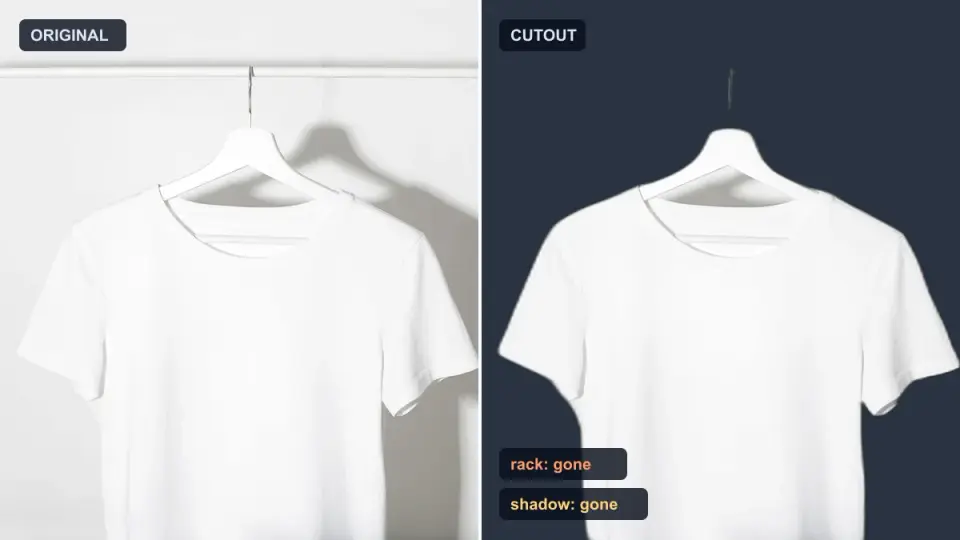
2026-10-07
Background Remover Removes Part of Subject? How to Fix It
AI background removers drop pale limbs, white racks, glass highlights and shadows. I measured why on real photos and how to get the missing parts back.
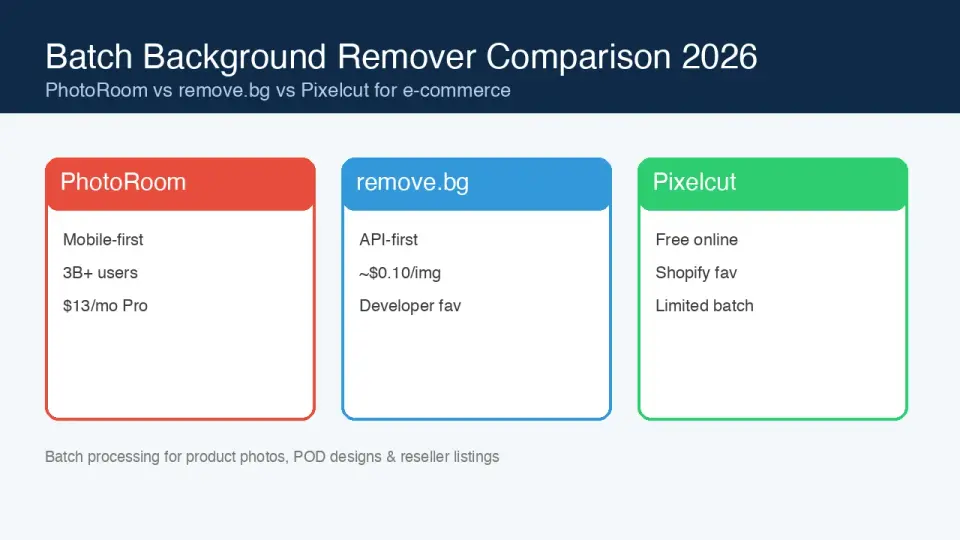
2026-10-07
Batch Background Remover Comparison 2026: E-commerce
PhotoRoom, remove.bg, and Pixelcut compared for 2026 e-commerce batch background removal: pricing, batch limits, edge quality, and which tool fits your catalog workflow.
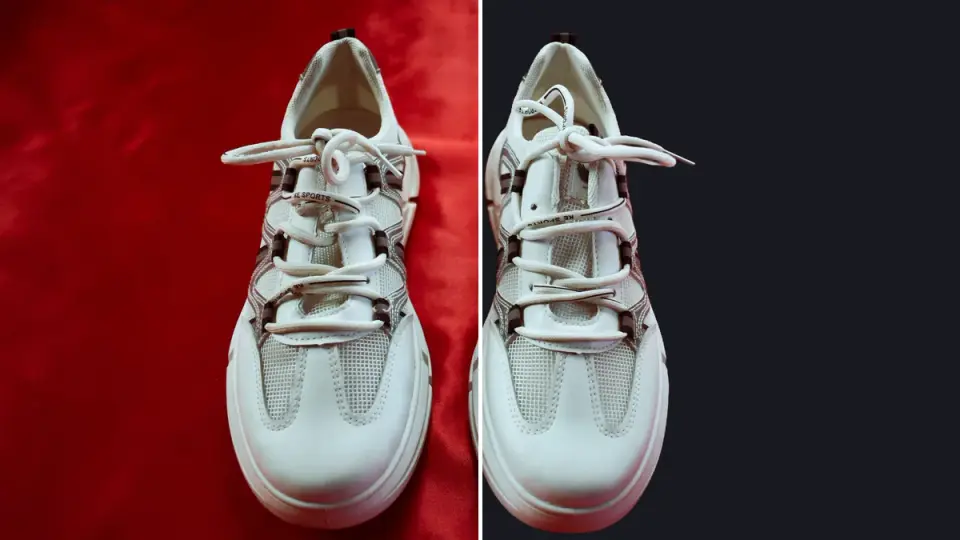
2026-10-07
remove.bg Is Shutting Down on December 1: What to Use Instead
remove.bg closes on 1 December 2026 and unused credits expire that day. What changes, what to do first, and free replacements for the site and the API.