2026-03-23 · Updated 2026-07-11
QR Code Generator Guide: Create Custom QR Codes (URL, vCard, Wi-Fi)
How QR codes work, what they can encode (URL, vCard, Wi-Fi, SMS), how to generate a custom QR code with error correction and branding, and the scannability mistakes.
Last updated: July 11, 2026
A QR code is a 2D barcode that a phone camera scans to open a URL, share contact info, join Wi-Fi, or send a message. Generating one is easy; generating one that scans reliably is about three things: enough error correction, high contrast, and the right physical size for the scanning distance. This guide covers what QR codes encode, how to generate a custom one, and the mistakes that make codes unscannable.
Quick answer: how do you generate a QR code?
| Need | QR type | Example data |
|---|---|---|
| Open a web page | URL | https://imagic-ai.com |
| Share contact | vCard | Name, phone, email |
| Join Wi-Fi | Wi-Fi string | SSID + password |
| Send SMS/email | SMS / mailto | Number or address |
| Plain text | Text | Any string |
For one code, use the QR Code Generator; for batches, the qrcode Python library or qrencode CLI. If the code is going into a campaign graphic, prepare the surrounding artwork with the image resizer and check destination dimensions in the social media image sizes guide.
What can a QR code encode?
QR codes are not just URLs — they can encode several data types that phones recognize and act on:
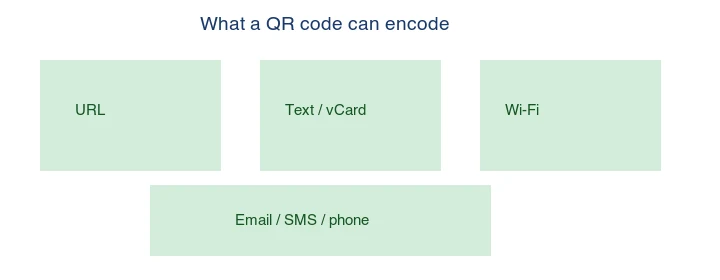
- URL — opens a web page (the most common use).
- vCard — adds a contact to the phone's address book.
- Wi-Fi — joins a Wi-Fi network (SSID + password embedded).
- SMS / email / phone — opens a message or dials a number.
- Plain text — any string, displayed as text.
The data type is encoded in the QR's payload, so the scanning phone knows what to do. A URL QR opens the browser; a Wi-Fi QR opens the network-join prompt.
How do you generate a QR code?
Browser generator
For one code, use the QR Code Generator: pick the type (URL, vCard, Wi-Fi), enter the data, optionally set a brand color or logo, and download the PNG/SVG. SVG is better for print because it scales without pixelation.
Command line (qrencode)
## Generate a URL QR as PNG
qrencode -o qr.png -s 20 -m 2 "https://imagic-ai.com"

## As SVG (for print)
qrencode -o qr.svg -t SVG "https://imagic-ai.com"
Python (qrcode)
import qrcode
qr = qrcode.QRCode(box_size=20, border=2, error_correction=qrcode.constants.ERROR_CORRECT_M)
qr.add_data("https://imagic-ai.com")
qr.make(fit=True)
qr.make_image(fill_color="black", back_color="white").save("qr.png")
For batches (hundreds of codes from a CSV), the Python library is the right tool.
What is error correction and why does it matter?
QR codes have built-in error correction (Reed-Solomon) so they still scan when partially damaged, dirty, or overlaid with a logo. There are four levels:
| Level | Recoverable | Use |
|---|---|---|
| L (Low) | ~7% | Clean environments, maximum data |
| M (Medium) | ~15% | Default, general use |
| Q (Quartile) | ~25% | Print, slight damage risk |
| H (High) | ~30% | Outdoor, logo overlay |
Higher correction lets you place a logo in the center or survive wear, but it makes the code denser (more modules). Use H when adding a logo or printing for outdoor use; M is fine for most cases.
How do you brand a QR code without breaking it?
You can change the foreground color and add a center logo, but both risk scannability:

- Color: keep high contrast — dark foreground on a white background is safest. Avoid low-contrast pairs (yellow on white). The ISO/IEC 18004 QR code standard defines the spec; practical scanning guidance from Google's QR code best practices echoes the high-contrast rule.
- Logo: keep it small (under ~30% of the area) and centered, and use error correction H so the code still scans with the logo covering the middle.
- Shape: keep the three corner "finder" patterns intact; they are how the scanner locates and orients the code.
Always test a branded code on a real phone before printing it anywhere expensive.
What size should a printed QR code be?
The scanning rule of thumb: the code should be at least 1/10 the scanning distance across. A code scanned from 1 meter (a poster) needs ~10cm; a code scanned from 20cm (a business card) needs ~2cm. Going smaller than that makes it hard for phone cameras to resolve the modules. For print, export as SVG so it stays sharp at any size.
Static vs dynamic QR codes
- Static: the data is encoded directly in the code. The destination cannot change after generation. Best for Wi-Fi, vCard, and permanent URLs.
- Dynamic: the code encodes a short redirect URL; the destination can be changed later (and scans tracked). This requires a server and is usually a paid service. Best for marketing campaigns where you may change the landing page.
The choice matters for cost and flexibility. A static code is free forever and has no dependency on any service — it keeps working even if the generator company disappears, because the data lives in the code itself. A dynamic code costs money and depends on a redirect server staying up, but it lets you change the destination after printing (fix a typo, swap a campaign) and count scans. The practical split: use static for anything that must work forever with no ongoing cost (a business card, a Wi-Fi sign, a product manual), and dynamic for time-bound marketing where you want analytics and the ability to redirect. Mixing both is common — static for permanent materials, dynamic for campaigns.
Common mistakes
- Low contrast. A faint code on a colored background does not scan. Use dark-on-light.
- Logo too large. Covers the data; use error correction H and keep the logo under 30%.
- Too small for the distance. A 1cm code on a poster is unscannable from across a room.
- Damaged finder patterns. The three corner squares must stay intact.
- Rasterizing for print. Use SVG so the code stays sharp when scaled up.
Frequently asked questions
Do QR codes expire?
Static codes never expire — the data is in the code. Dynamic codes (a redirect URL) expire only if the redirect service shuts down.
Can a QR code have a logo?
Yes — place a small logo in the center and use error correction H. Keep it under ~30% of the area.
What is the best error correction level?
M for general use, H when adding a logo or printing for outdoor/wear risk. The QR code Wikipedia article covers the levels in detail.
Can I track QR code scans?
Only with a dynamic QR (a redirect URL with analytics). Static codes cannot be tracked.
What can a QR code encode?
A URL, plain text, a vCard (contact), a Wi-Fi network, an email, an SMS, or a calendar event. URLs are by far the most common. The data type sets how the scanner handles the result — a URL opens in a browser, a vCard adds a contact, a Wi-Fi code joins a network.
What is error correction and why does it matter?
Error correction is redundancy that lets a QR code scan even if part is damaged or covered (up to 30 percent, at the highest level). Higher error correction makes a larger, denser code. Use it when the code may be scuffed or when you overlay a logo — the center is the safest spot for a small logo.
What size should a printed QR code be?
Large enough to scan from the expected distance — roughly 1 inch for a 2-foot scan, larger for farther. The smaller the code, the closer the scanner must be. Test the printed size with a phone before mass-producing, because a too-small code simply fails to scan.
What is a dynamic QR code?
A QR code that encodes a short redirect URL rather than the final destination, so you can change where it points without reprinting the code, and log scans for analytics. A static QR code encodes the destination directly and cannot be changed or tracked. Dynamic codes cost more but are flexible and measurable.
How do I brand a QR code without breaking it?
Keep the brand color high-contrast (dark on light), and never cover more than the error-correction level allows — the center is safest for a small logo. Test the branded code on a real scanner before printing, because low contrast or too much overlay breaks the scan and a broken QR code is just decoration.
Can a QR code be too small to scan?
Yes — below roughly 1 inch, most phone cameras struggle, especially from a distance. Size the code for the scan distance: larger for farther scanning. Test the printed size with a phone before mass-producing, because a too-small code simply fails to scan and is just decoration.
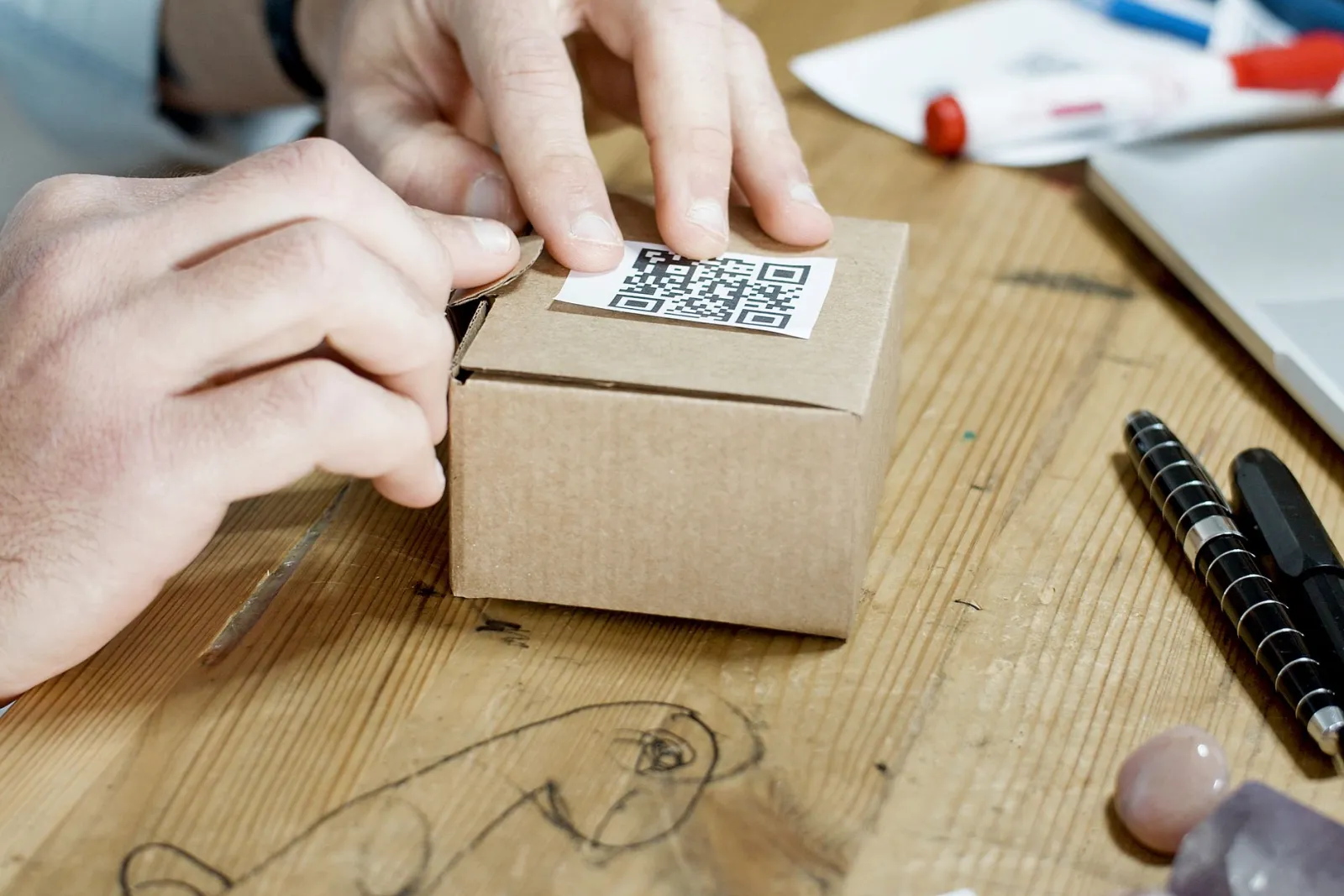
Image credits
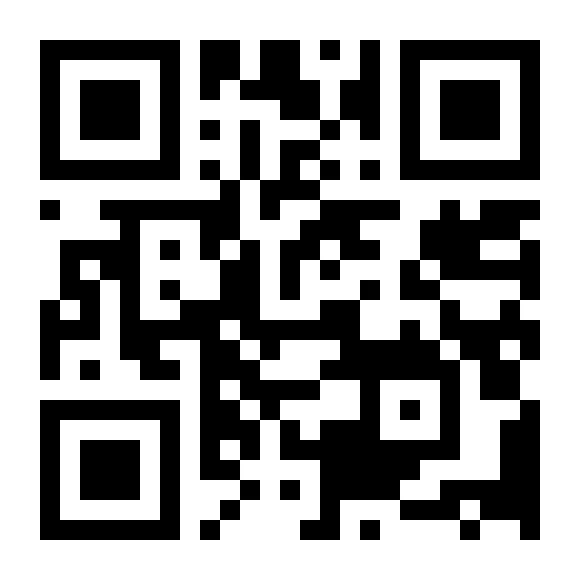
- QR-code example, branded QR, and what-qr-encodes diagrams — the QR codes are real, generated by the author with the Python
qrcodelibrary encodinghttps://imagic-ai.com; the encoding-types diagram is author-illustrated.
Use the free tools while you follow the guide.
Keep reading
2026-09-13
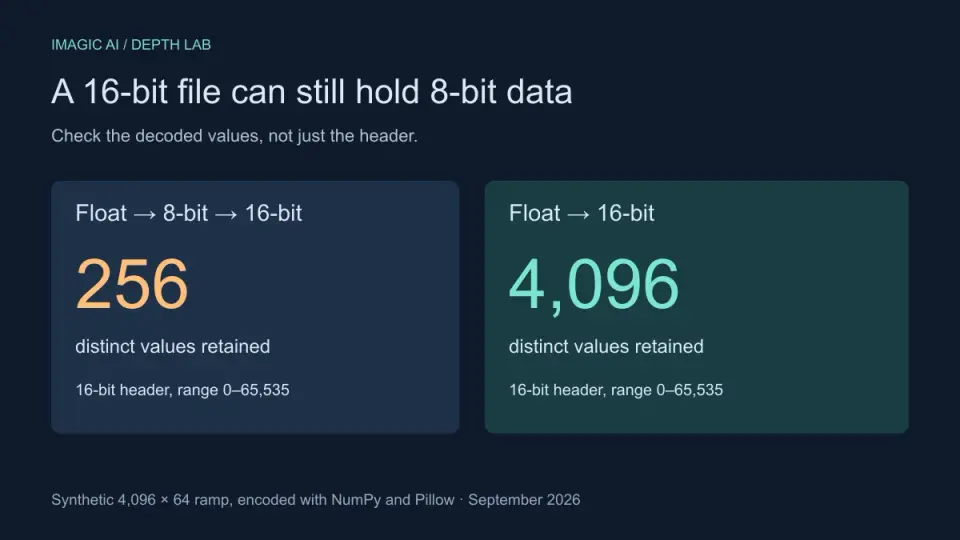
16-Bit Depth Maps: Fix Banding and Verify Your PNG
Fix stair-stepped or inverted depth maps with a reproducible 8-bit vs 16-bit PNG test, a file inspection script, and a practical Blender import checklist.
2026-09-13
GIF Maker From Images: Build Animated GIFs That Load Fast
Turn a set of images into an animated GIF for web and social media. Real frame timing, size limits for each platform, and when to choose GIF over video.
2026-09-13
Screenshot to Image: Save, Format, and Optimize Screenshots
Capture screenshots on any device, save them in the right format, and compress them for web without blurring text. Real steps for PNG, WebP, and full-page capture.