2026-06-28 · Updated 2026-07-26
Convert JPG to PDF: Free Methods and When You Need It
Turn JPG photos into a PDF for forms, portfolios, and print. Real steps for each device, the resolution to pick, and free tools that keep quality intact.
Last updated: July 26, 2026
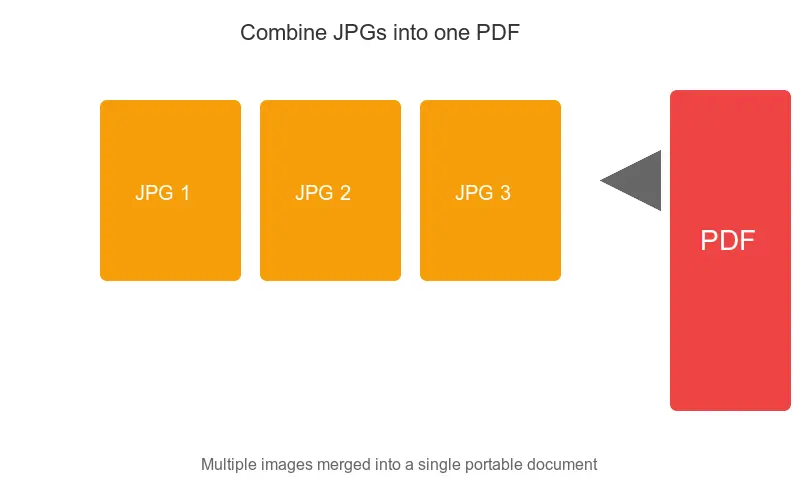
Turning a JPG into a PDF is one of the most common document tasks, and it is free on every device you own. The hard part is not the conversion — it is deciding when a PDF is the right container and preparing the images so the result looks sharp instead of bloated. This guide covers the actual steps for Windows, macOS, iOS, and browser tools, plus the resolution and compression settings that keep the file small without losing text legibility.
Quick answer: how do you convert a JPG to PDF for free?
To convert a JPG to PDF for free, open the image on your device and "print" it to PDF: on Windows choose Microsoft Print to PDF, on macOS use Preview > File > Export as PDF, and on iOS pinch the print preview, then save. For several photos at once, drop them into a free browser tool and export a single file. Prepare the images first with the image cropper and image resizer so the PDF stays sharp without ballooning to hundreds of megabytes.
When should you convert images to PDF?
Not every photo needs to become a PDF. It earns its keep when the other side expects a document, not a picture.
- Government and legal uploads — portals for visas, insurance claims, and court filings reject JPG attachments and require PDF.
- School and job applications — transcripts, certificates, and portfolios are usually submitted as one PDF.
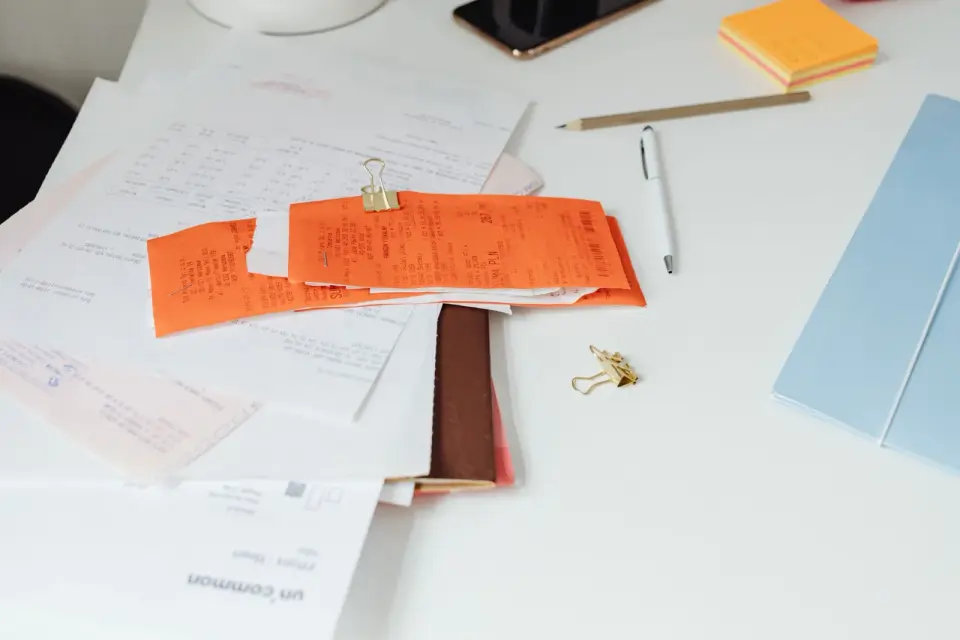
- Scanned receipts and contracts — a stack of scans is easier to archive and search as a single PDF than as loose JPGs.
- Email with many photos — one PDF beats ten attachments for the person opening it on a phone.
- Print shop handoff — presses prefer PDF because it locks dimensions, color profile, and page order.
Why PDF instead of JPG for documents?
A JPG is a flat raster image. It has no concept of pages, no fixed physical size, and no protection against edits. PDF, defined by the ISO 32000 standard, is built to capture a fixed layout that renders the same everywhere (ISO 32000-2).
That matters for documents. A landlord wants a lease that cannot be quietly altered. A registrar wants a transcript at a predictable page size. Adobe summarizes the format's intent around consistent, reliable document exchange (Adobe, "What is PDF?"). When the goal is "this looks right and stays put," PDF is the correct container.
Prepare images before converting
The conversion step takes seconds; the preparation step decides the quality. Sort these out first.
- Crop borders and skew — trim scanner margins and white edges with the image cropper so pages look intentional.
- Set the target dimensions — resize to the page you want (see table below) with the image resizer.
- Compress for size — run photos through the image compressor at around 85% quality; the drop is invisible in a PDF but the file shrinks a lot.
- Match the format — start from JPEG for photos or PNG for text-heavy scans. Use the image converter if your source is HEIC, WebP, or BMP.
For a US Letter page at 300 DPI, the useful pixel targets are:
| Page layout | Dimensions (px) | Good for |
|---|---|---|
| Full Letter page | 2550 x 3300 | Single scan or photo per page |
| Half page | 2550 x 1650 | Two images per page |
| A4 full page | 2480 x 3508 | European submission |
| Screen-only viewing | 1240 x 1754 | Email or web proof |
Pick one target and apply it to every image so pages stay consistent.
Free JPG-to-PDF conversion tools
No single tool wins everywhere. Match the tool to the device and the job.
| Method | Best for | Limitation |
|---|---|---|
| Windows Print to PDF | One-off images, no install | One image per pass |
| macOS Preview | Quick, offline | Reorder manually |
| iOS Print > Save | Photos on a phone | Fiddly on small screens |
| PDF24 (browser) | Many images, no sign-up | Upload to a server |
| iLovePDF (browser) | Reordering and merging | Free-tier size cap |
Built-in routes, no tool needed:
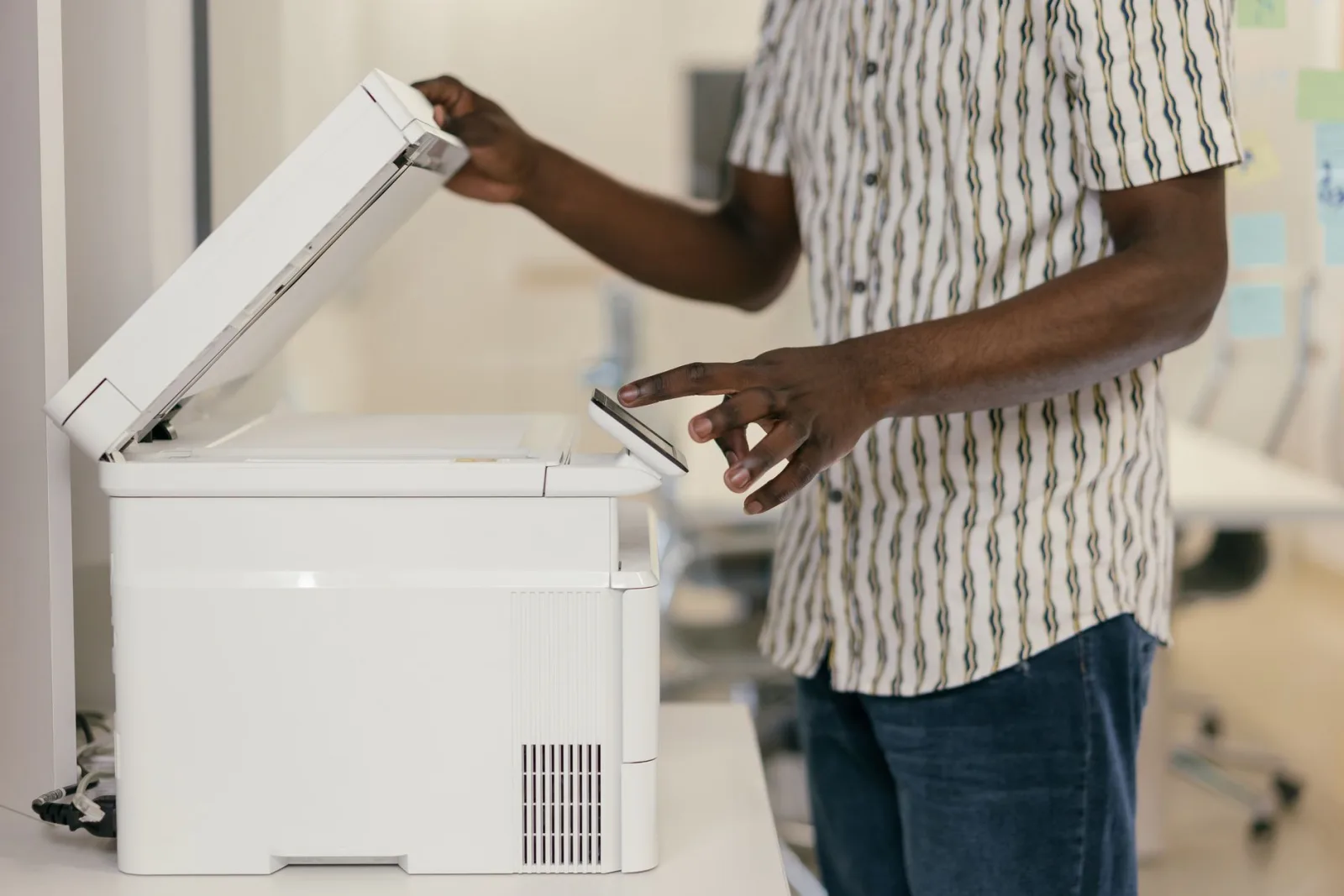
- Windows: open the image > Print > select Microsoft Print to PDF.
- macOS: open in Preview > File > Export as PDF.
- iOS: open the photo > Share > Print > pinch the preview > Share as PDF.
- Chrome: open the image > Ctrl+P / Cmd+P > Save as PDF.
How do you combine multiple JPGs into one PDF?
Combining several photos into one ordered PDF is the most common job, and it rewards a little prep.
- Resize every image to the same dimensions so pages line up.
- Compress each one to keep the total file small.
- Upload the set to PDF24 or iLovePDF and drag pages into the right order.
- Export a single PDF and open it to confirm the page sequence.
A photography portfolio is the textbook case. Twenty loose JPGs feel like clutter; the same images as one PDF read as a finished piece. See the deeper walk-through in the JPG to PDF guide, and for unusual source formats check the convert image format guide.
Keep quality high without a huge file
PDFs embed images at whatever resolution you give them, so it is easy to overshoot. A 50-page PDF with uncompressed scans can hit hundreds of megabytes and fail an email or upload limit.
Match quality to the destination:
| Use case | Format / quality | Resolution | Rough PDF size |
|---|---|---|---|
| Screen viewing | JPEG 80% | 150 DPI | 200-500 KB/page |
| Standard print | JPEG 90% | 300 DPI | 500 KB - 2 MB/page |
| High-quality print | PNG or JPEG 95% | 300+ DPI | 2-5 MB/page |
| Archival scan | PNG (lossless) | 600 DPI | 5-15 MB/page |
Run the math before you convert: pages times per-page size. If the total clears your upload limit, drop DPI or switch to JPEG compression first. It is faster than rebuilding a 300 MB PDF.
Common problems and fixes
- PDF opens sideways — rotate the source image before converting; PDF keeps the orientation it is given.
- Text looks blurry — the source resolution is too low; rescan or reshoot at 300 DPI for text.
- File too large to email — compress the JPGs to 80-85% first, or split into two PDFs.
- Wrong page order — reorder in PDF24 or iLovePDF before exporting; do not trust filename order blindly.
- Black borders around photos — crop the margins with the image cropper before converting.
Should you convert at all?
Sometimes a PDF is the wrong move. If the recipient just needs to view a photo, send the JPG. If they need to edit it, send the original. Reach for PDF when the goal is a fixed, portable document: a submission, a portfolio, a print handoff, or an archive. Get the images right first, then the conversion is the easy part. For a deeper look at when PDF is the better choice over raw image formats, the format comparison guide lays out the trade-offs by use case.
Frequently asked questions
When should I convert a JPG to PDF?
When you need a fixed-layout document — a receipt, a form, a multi-page scan — that prints and displays consistently everywhere. PDF locks the layout; a loose JPG renders unpredictably across email clients and browsers.
Can I combine multiple JPGs into one PDF?
Yes, and that is the main reason to convert. Most converters and the OS print-to-PDF option let you order several JPGs into a single multi-page PDF, which is far easier to share and print than a folder of loose images.
Does converting JPG to PDF reduce quality?
Not if the JPG is embedded as-is — the PDF is just a container around the image. Quality loss happens only if the converter re-compresses the image. Choose an option that preserves the original resolution.
How do I set the page size?
Match the page to the image aspect ratio (A4 for documents, letter for US, or a custom size that fits the image). A mismatched page size letterboxes the image or stretches it. Most converters let you choose the page size per image.
Use the free tools while you follow the guide.
Keep reading
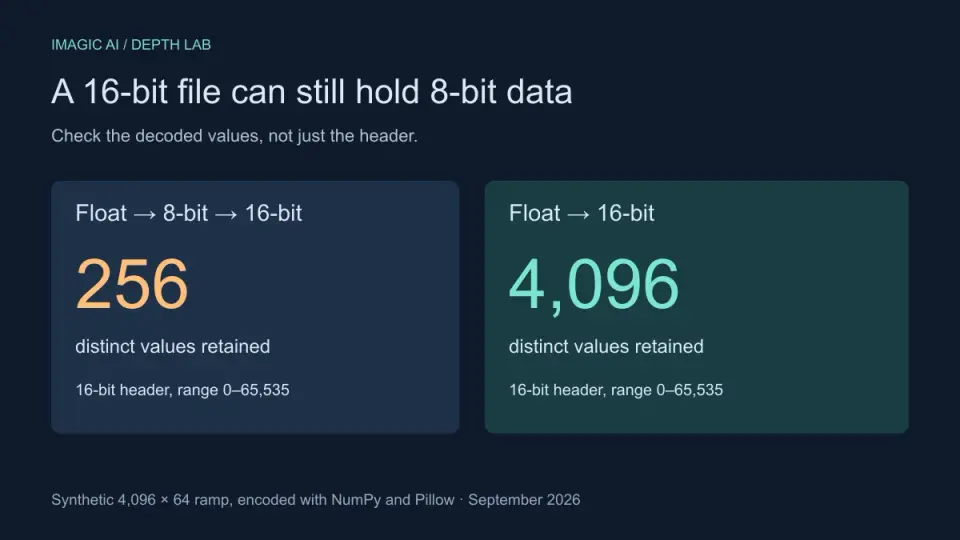
2026-09-13
16-Bit Depth Maps: Fix Banding and Verify Your PNG
Fix stair-stepped or inverted depth maps with a reproducible 8-bit vs 16-bit PNG test, a file inspection script, and a practical Blender import checklist.
2026-09-13
GIF Maker From Images: Build Animated GIFs That Load Fast
Turn a set of images into an animated GIF for web and social media. Real frame timing, size limits for each platform, and when to choose GIF over video.
2026-09-13
Screenshot to Image: Save, Format, and Optimize Screenshots
Capture screenshots on any device, save them in the right format, and compress them for web without blurring text. Real steps for PNG, WebP, and full-page capture.