2026-06-28 · Updated 2026-06-30
AI Product Photo Generators: Sellable Listings From Any Snapshot
AI product photo generators cut a product out, place it on pure white, and compress it to WebP. See when AI works and when Amazon or Google need a real photo.

Last updated: June 30, 2026
Use an AI product photo generator when you want to turn a quick phone shot into a marketplace-ready image: a clean white background, the right pixel size, and small WebP bytes. The tool handles background removal, resizing, and compression; you supply a sharp photo of the real product. It works for most Shopify and eBay listings, but Amazon and Google Shopping have strict rules about what counts as a real product photo — read the marketplace section before you submit.
Quick answer: what does an AI product photo generator do?
An AI product photo generator removes the background, drops the product onto a pure white (RGB 255, 255, 255) backdrop, resizes it to each marketplace's dimensions, and compresses it for fast loading. For your own Shopify or eBay store it can replace a lightbox and a retoucher. For Amazon and Google Shopping, use it to prepare the cutout and sizing, but the product itself must be a real photograph — invented backgrounds or synthetic product bodies can get a listing rejected.
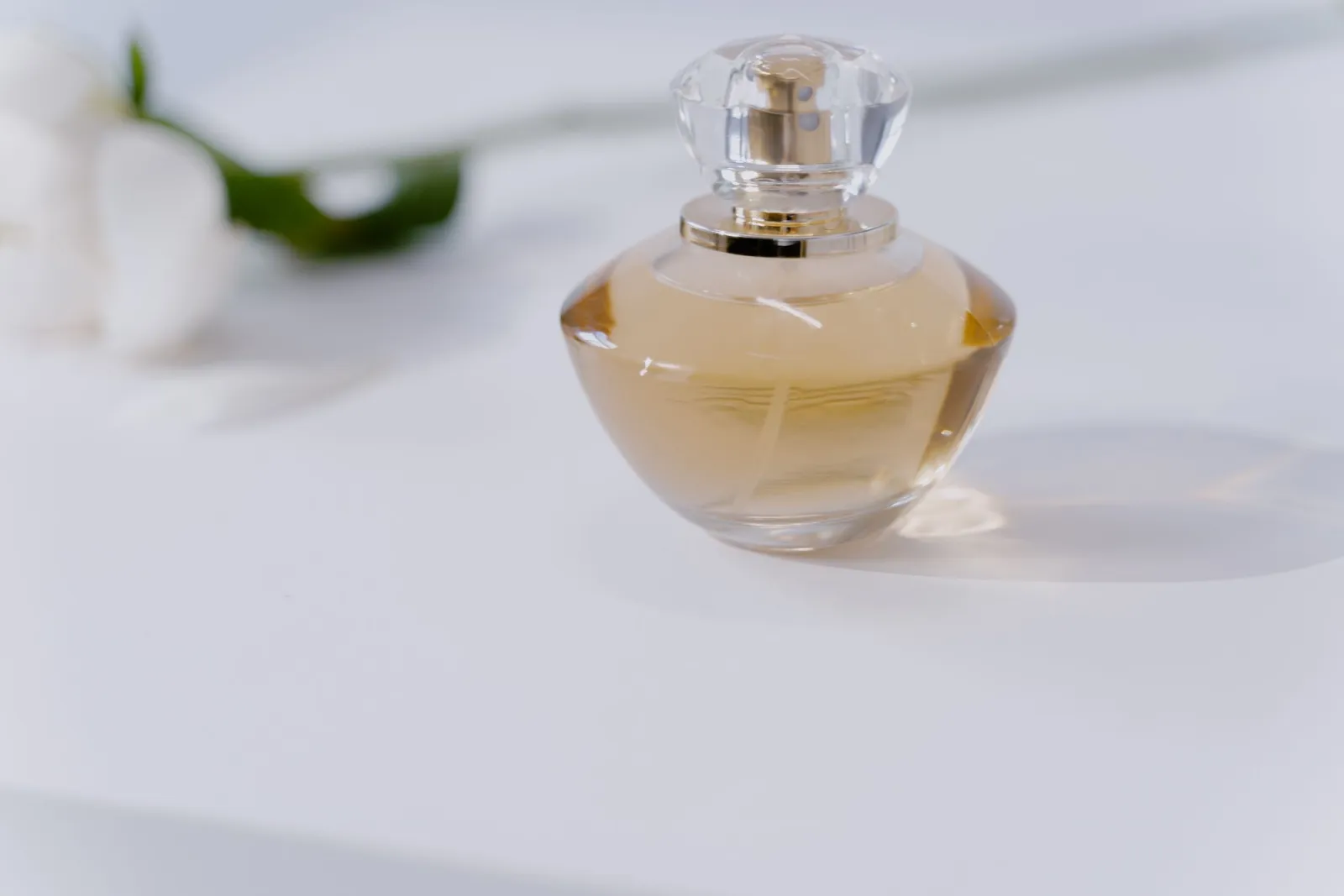
When does an AI-generated product photo actually work?
It works best when the product is real and you only need the background swapped, cleaned, or resized. The AI never has to invent the item, so accuracy stays high.
Common winning scenarios:
- A Shopify owner with no lightbox photographs a ceramic mug on a kitchen counter, then removes the counter for a white listing image.
- An eBay seller with dozens of used books needs consistent white backgrounds across the whole catalog.
- A small brand wants square 2000 x 2000 images for a feed without renting studio time.
- You need the same product at multiple sizes — thumbnail, gallery, and zoom — from one source shot.
AI gets risky when it generates the product itself. Inventing a bottle, garment, or shoe that does not exist can misrepresent the listing and break marketplace rules. Use AI to edit a real photo, not to fabricate the goods.
Can you use AI product photos on Amazon and Google Shopping?
Yes for editing, no for fabrication. Both marketplaces require a real photograph of the real product; they care about accuracy and a clean main image.
Amazon requires the main image to have a pure white background (RGB 255, 255, 255) with the product filling at least 85% of the frame, and a minimum of 1000px on the longest side (1600px to enable zoom), per its seller image requirements.
Google Shopping asks for an unobstructed view of the product with no promotional text, watermarks, or borders, and disapproves listings that add overlays, per its Merchant Center image policy.
A camera shot on white seamless is rarely pure white in-camera, so post-processing is required either way. That is exactly where an AI background remover earns its place: cut the product out, then place it on a true 255, 255, 255 canvas.
| Marketplace | Main image background | Min size | Text / overlays |
|---|---|---|---|
| Amazon | Pure white (RGB 255,255,255) | 1000px (1600px for zoom) | Not allowed |
| Google Shopping | White or neutral, unobstructed | 800px recommended | No promotional text |
| eBay | White preferred | 1600px | Minimal |
| Your Shopify store | Your choice | 2048 x 2048 recommended | Your choice |
How do you run the step-by-step product photo pipeline?
Shoot the product first. You do not need studio gear — a phone in soft window light is enough for most platforms, and a steady hand keeps edges crisp.
Source shot checklist:
- Shoot near a window for even, diffused light; avoid hard direct sun.
- Fill the frame with the product but keep it fully in shot.
- Use any clean backdrop — it does not have to be white, the AI removes it.
- Capture multiple angles: front, back, detail, and scale.
- Lock focus so the product is sharp end to end.
Then remove the background. Drop the photo into the Background Remover; the model isolates the product in a few seconds. For a deeper method read our background removal walkthrough.
Next, resize to your platform. Amazon wants 2000 x 2000, Shopify recommends 2048 x 2048 and accepts up to 5000 x 5000 per its product media docs, and eBay prefers 1600 x 1600. Hit exact dimensions with the Image Resizer, and see our ecommerce product photography notes.
Finally, compress and convert. Product pages with heavy images load slowly and raise bounce rates. When I tested this pipeline on a 4032px iPhone photo, after background removal and WebP compression the file dropped from 3.1MB to 214KB — small enough for Shopify without losing zoom detail. Compress with the Image Compressor and convert to the right format with the Image Converter.
How do you keep the product accurate?
Accuracy is the part AI cannot fix for you. A clean background means nothing if the color, shape, or details are wrong, and a wrong listing costs returns and reviews.
Keep it truthful:
- Compare the AI cutout against the original source photo side by side.
- Check color under daylight; AI can shift whites and saturate reds.
- Do not upscale beyond 2x — detail hallucinations show up on zoom.
- Keep any required labels, tags, or sizing visible and legible.
- Re-verify reflective items like glass and metal where edges often fray.
If the product has fine text or precise dimensions, a real retoucher or a reshoot is safer than a regenerate. See our product photo editing guide for fixing color and edges after the cutout.
What about cost and turnaround?
Professional product photography runs $15-50 per image with a 1-3 day turnaround; a freelance retoucher charges $3-10 and takes 24-48 hours. An AI pipeline does the background, sizing, and compression instantly and free. For a seller with a 200-SKU catalog, that is the difference between a relaunch taking a weekend or a month, and the savings compound as the catalog grows.
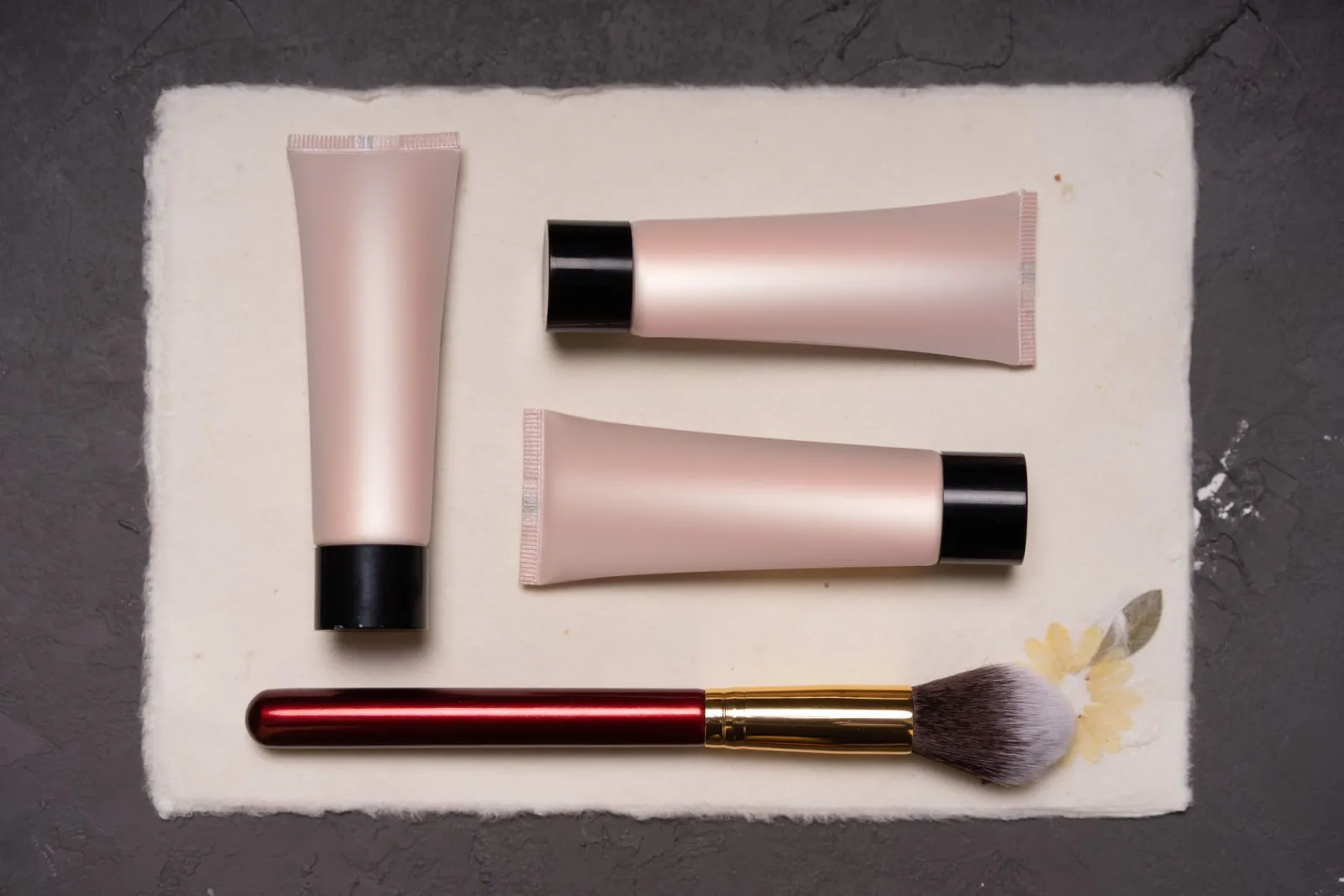
AI-generated vs. real photography: which fits the job?
Pick the approach by what the listing actually needs. For your own store, lifestyle AI scenes can lift conversion. For marketplaces that police accuracy, keep the main image a real photo and use AI for background and sizing only.
| Need | AI generation fits | Real photography fits |
|---|---|---|
| White-background catalog shot | Yes | Yes |
| Lifestyle scene (product in use) | Risky | Yes |
| Accurate color and materials | Edit only | Yes |
| Fabricating a product that does not exist | No | n/a |
| Bulk consistency across 100 SKUs | Yes | Slow |
Our product photography tips cover when a reshoot pays off, and the ecommerce image optimization guide handles sizing for fast pages.
Summary: edit the real photo, do not invent the product
The reliable pattern is to photograph the real product, let AI handle the background, sizing, and WebP compression, and keep a human check on color and detail. That works for Shopify and eBay freely, and for Amazon and Google Shopping as long as the main image stays a real photo. Start with one SKU, run the full pipeline, and confirm the marketplace rules before you batch the catalog.
Frequently asked questions
Can I use AI-generated product photos on Amazon?
For supporting images, sometimes; for the main image, no. Amazon requires the main listing image to be a real photograph on pure white. AI works for backgrounds, sizing, and lifestyle context, but inventing a product that does not exist violates marketplace accuracy rules.
Are AI product photos cheaper than a photographer?
Per image, yes — no studio, no reshoots. The trade-off is accuracy: AI can drift on color, texture, and proportions, so a human check on detail is still required. For a large catalog where consistency matters more than perfect accuracy, AI scales where photography does not.
How do I keep an AI product photo accurate?
Edit a real photo rather than generating from scratch. Start from a genuine product shot, let AI handle the background and sizing, and keep a human check on color and material. Inventing the product from a text prompt is where accuracy breaks.
Image credits
- Cover: three product items on a clean white background for an online store — photo by Suzy Hazelwood on Pexels
- A perfume bottle on a minimalist white background — photo by MART PRODUCTION on Pexels
- White wireless headphones isolated on a plain background — photo by PublicDomainPNG on Pexels
- Cosmetic tubes arranged as a product still life — photo by Atlantic Ambience on Pexels

Use the free tools while you follow the guide.
Keep reading
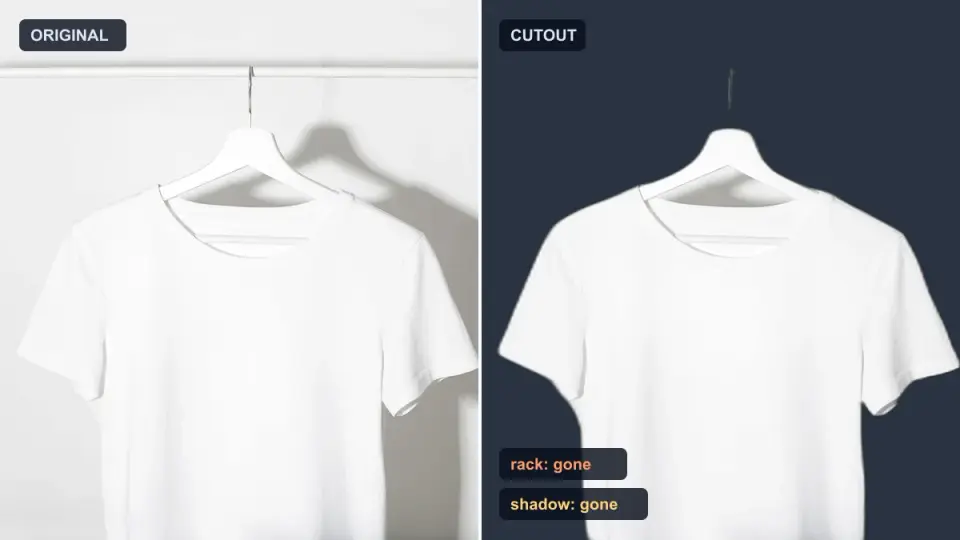
2026-10-07
Background Remover Removes Part of Subject? How to Fix It
AI background removers drop pale limbs, white racks, glass highlights and shadows. I measured why on real photos and how to get the missing parts back.
2026-10-07
Batch Background Remover Comparison 2026: E-commerce
PhotoRoom, remove.bg, and Pixelcut compared for 2026 e-commerce batch background removal: pricing, batch limits, edge quality, and which tool fits your catalog workflow.
2026-10-07
remove.bg Is Shutting Down on December 1: What to Use Instead
remove.bg closes on 1 December 2026 and unused credits expire that day. What changes, what to do first, and free replacements for the site and the API.