2026-07-26
Local AI Video with ComfyUI: Free 2026 Stack and GPU Floor
Run AI video generation on your own GPU: the free 2026 ComfyUI stack, the 16 GB VRAM floor, and when a paid cloud model is the better call.
Last updated: July 26, 2026
This is a local pipeline, not a web app. It runs on your own machine and needs a GPU with at least 16 GB of VRAM, plus a weekend to learn ComfyUI's node graph. If you want to type a prompt in a browser and get a clip back, a hosted model like Sora or Veo is the right tool and this guide will waste your time.
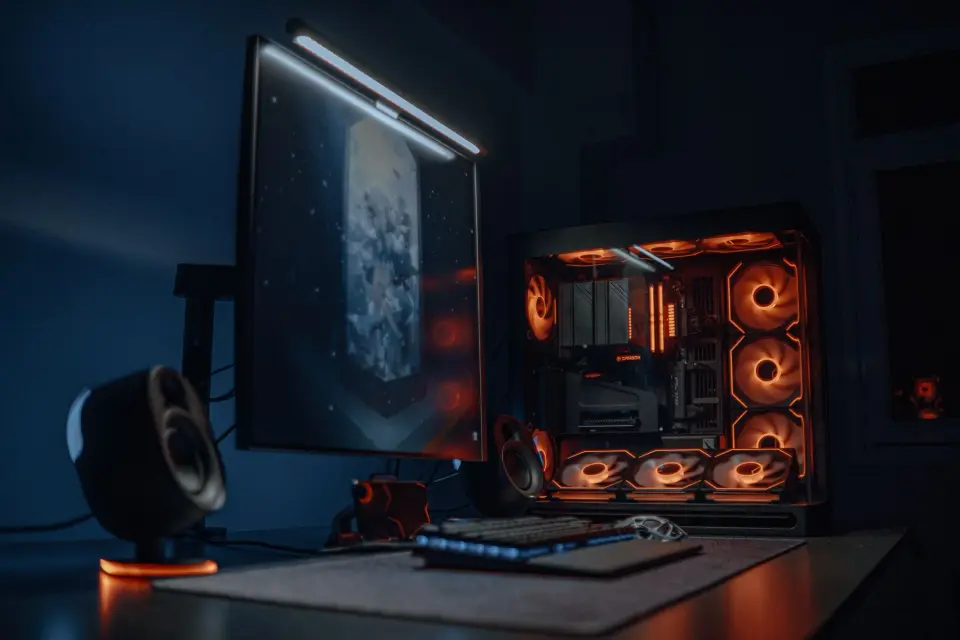
If you do have the hardware, the payoff is real: a maker on a laptop RTX 4090 generates a 1088×1920 still in an open model, animates it with a distilled video model, and ships it without paying a subscription. The closed flagships still lead on polish, but the open-source stack closed the gap enough that "which cloud service" is no longer the first question. This guide covers the free stack you can assemble today, what each piece does, and the hardware floor underneath it.
Quick answer: what is the best free AI video pipeline in 2026?
The stack the open-source community converged on has three stages, and you can swap pieces at each one:
- Generate the still: Qwen-Image or Z-Image (Apache 2.0) for realism and faces, or Ideogram 4 for layout and text control.
- Animate the still: LTX Director 2.0 inside ComfyUI — the breakout free tool of the year, with full editing, IC-LoRA, Retake Mode, and audio inpainting.
- Upscale the result: Upscayl, the free open-source category leader, to take the render to 4× or 8× without a paid tool.
The reason this pipeline wins on cost: once the models are downloaded, the only ongoing charge is your electricity. The closed flagships bill per clip and per second, which adds up fast when you are iterating on a short film.
Why did ComfyUI become the center of serious work?
ComfyUI is a node-based interface for stitching AI models together, and in 2026 it became the gravitational center of local generation. The signal is structural, not just social: InvokeAI and Pallaidium both build on top of it, and workflow sharing happens as ComfyUI node graphs that you load as a .json file.

What you get from the node-graph approach:
- Reproducibility. A saved graph is a recipe — load it and the same pipeline runs again.
- Composability. Swap the image model, the video model, or the upscaler without rebuilding the whole flow.
- Community. Thousands of shared graphs mean a working starting point exists for almost any task.
If node wiring sounds intimidating, that is the real learning curve — not the models. Budget a weekend for it, the same way you would for any pro tool.
How do I build the image-first, animate-second workflow?
This is the dominant pattern of 2026, and the cost logic behind it is the part worth memorizing: the cheapest place to fix a video is before it is a video. A still frame renders in seconds and costs nothing to change; a generated clip takes minutes and costs money on a cloud service. So fix everything you can at the still stage.

The working order:
- Storyboard in grayscale. Sketch the composition in pencil or a quick grayscale pass. This is where you decide framing, before any render time is spent.
- Generate the still. Load the storyboard reference into Qwen-Image, Z-Image, or Ideogram 4 inside ComfyUI. Pick the image model by the job — realism and faces for Qwen/Z-Image, layout and text for Ideogram. The open-source image generator guide breaks down which model for which task.
- Fix the still. Change the prompt, rerun, and choose between options while it is one frame. This is the step that saves the most money.
Once the still is locked, the expensive part begins. Everything from here costs render time, so the cheap iterations are behind you.
- Animate with LTX. Feed the approved still into LTX Director 2.0 for the motion pass.
- Upscale the clip. Run the output through Upscayl frame by frame. For the underlying technique, the AI image upscaler guide explains how the enlargement math works on stills, and the same applies per frame here.
LTX Director 2.0: the free all-in-one tool
LTX Director 2.0 is the single strongest open-source signal in recent months — a free, all-in-one AI video tool for ComfyUI that scored hundreds of upvotes on its complete overhaul. It bundles full video editing, IC-LoRA for identity consistency, Retake Mode for re-rolling motion, and audio inpainting into one package.
What that means in practice:
- One tool, end to end. Generate, edit, and finish without leaving the interface.
- IC-LoRA. Keep a character or subject consistent across shots, the open-source answer to closed identity tools.
- Audio inpainting. Fill in or repair sound inside the same tool, instead of exporting to a separate audio editor.
It runs distilled models like LTX 2.3, which is how a 16 GB laptop GPU keeps up. For ambitious builders who want more than one tool, Pallaidium extends the same idea into Blender as an omnimodal movie studio with 40 plugins spanning LTX, Wan, Flux Klein, Qwen, and Z-Image.
What hardware do I need to run this?
The floor dropped in 2026, but there is still a floor. Here is what the community is actually running:
| Setup | What runs comfortably | VRAM |
|---|---|---|
| Laptop RTX 4090 | Qwen/Z-Image stills + LTX 2.3 distilled animation | 16 GB |
| Desktop RTX 4090 | Full pipeline, larger batches, Flux with LoRAs | 24 GB |
| Mac (Apple Silicon) | Quantized builds via off-grid-ai and similar | Unified memory |
| Cloud GPU rental | Everything, billed hourly | Variable |
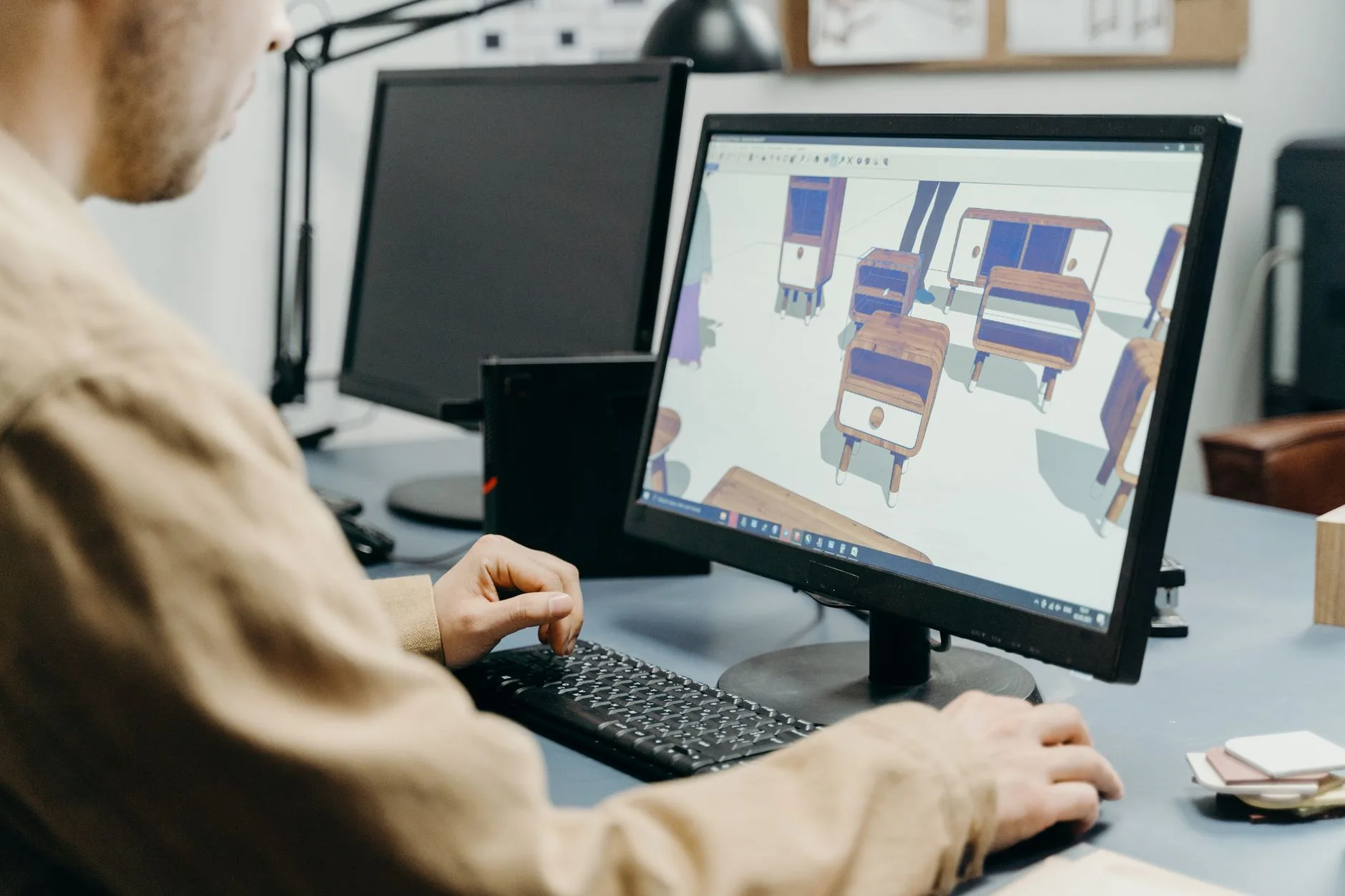
If you do not own a capable GPU, renting one by the hour for the heavy renders and finishing locally is the usual compromise. The models are free; the compute is the variable cost.
How does this compare to paying for Sora or Veo?
The trade-off is freedom and price against convenience and polish. A practical side-by-side:
| Factor | Free ComfyUI pipeline | Closed flagships (Sora, Veo, Kling) |
|---|---|---|
| Cost per clip | Electricity only | Per-second, per-clip pricing |
| Output rights | Yours (Apache 2.0 models) | Subject to vendor terms |
| Setup effort | High — install, nodes, models | Low — sign up and prompt |
| Peak polish | Close, not leading | Leads on physics and audio |
| Censorship | None — you run it | Strict filtering on prompts |
For the flagship comparison in detail, the Sora vs Veo vs Kling guide isolates those three, and the broader AI video generator comparison adds Seedance, Runway, and the rest. The short version: use the free pipeline when rights, cost, or censorship matter most, and reach for a flagship when a single shot's polish is the whole deliverable.
What should I watch out for?
The honest caveats for anyone building this stack:
- The learning curve is real. ComfyUI's node graph takes a weekend, and troubleshooting a broken graph is part of the work.
- Disk and download size. These models are large; budget tens of gigabytes for a full pipeline.
- Distillation trade-offs. Distilled models like LTX 2.3 run on less hardware but sacrifice some quality versus the full versions.
- Authenticity fatigue. A backlash against generic AI-looking output means the bar for "good enough" is rising. Intentional, specific work beats volume.
Start with one image model and LTX Director 2.0, get a single still to animate cleanly, and only then add the upscaler and the LoRA layer. The pipeline rewards mastering one stage at a time.
Image credits
- High-tech gaming computer setup featuring glowing LED fans and a dual monitor display — photo by Atahan Demir on Pexels
- 3D render abstract digital visualization depicting neural networks and AI technology — photo by Google DeepMind on Pexels
- Hand sketching in a notebook with a pencil — photo by Ivan S on Pexels
- A product designer using a computer for 3D modeling in an office setting — photo by cottonbro studio on Pexels
Use the free tools while you follow the guide.
Keep reading
2026-10-07
Background Remover Removes Part of Subject? How to Fix It
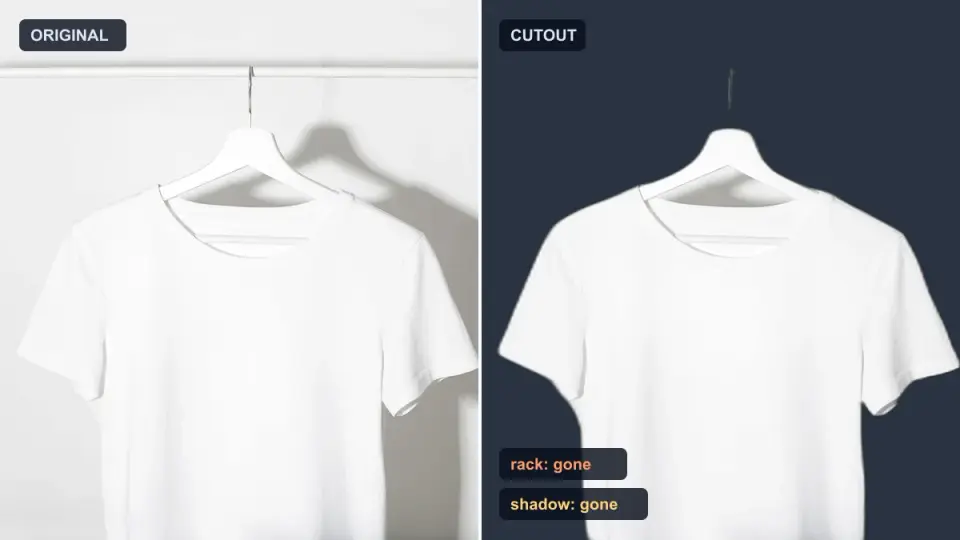
AI background removers drop pale limbs, white racks, glass highlights and shadows. I measured why on real photos and how to get the missing parts back.
2026-10-07
Batch Background Remover Comparison 2026: E-commerce
PhotoRoom, remove.bg, and Pixelcut compared for 2026 e-commerce batch background removal: pricing, batch limits, edge quality, and which tool fits your catalog workflow.

2026-10-07
remove.bg Is Shutting Down on December 1: What to Use Instead
remove.bg closes on 1 December 2026 and unused credits expire that day. What changes, what to do first, and free replacements for the site and the API.