2026-06-30
Sora 2 vs Veo 3.1 vs Kling 3.0: Which AI Video Model Wins in 2026
Sora 2, Veo 3.1, and Kling 3.0 each lead a different category of AI video in 2026. This comparison covers clip length, audio, price, and the job each does best.
Last updated: June 30, 2026
Closed-source AI video generation is a four-way fight in 2026, and the three names that come up first are Sora 2, Veo 3.1, and Kling 3.0. The mistake is treating them as one ranking with a winner on top. They do not compete on the same axis. One leads on physics and cinematic quality, one generates audio natively in a single pass, and one wins on clip length and price. Which one is "best" depends entirely on whether you are cutting a short film, an ad with sound, or a two-minute explainer.
Quick answer: which AI video model should you use?
Match the model to the deliverable:
- Cinematic quality and real-world physics: Sora 2. The leader when the shot has to look and move like filmed reality. Roughly 20-second clips, bundled in ChatGPT Plus.
- All-in-one cinematic with synchronized audio: Veo 3.1. Generates video and sound in one pass, reaches 4K through upscaling. Use it when you need the sound baked in.
- Long-form and value: Kling 3.0. Produces up to 2-minute clips at roughly $0.50 each. Use it for duration and budget.
- Talking-head and ad workflows: Seedance 2.0/2.5. The lip-sync leader, arriving in CapCut in July. Covered in our broader AI video generator comparison.
The pattern across hiring posts tells the real story: agencies recruiting AI video creators in 2026 name Veo, Kling, and Runway by tool. When paying work consolidates around a specific list, that is a stronger "what to learn" signal than any review.
How do Sora 2, Veo 3.1, and Kling 3.0 actually differ?
The split that decides which one you open is the axis each model optimized for.
| Model | Strongest axis | Clip length | Audio | Rough cost |
|---|---|---|---|---|
| Sora 2 | Physics + cinematic realism | ~20 sec | Separate | ChatGPT Plus bundle |
| Veo 3.1 | Audio-native (sound in one pass) | Short-to-mid | Native, baked in | Google AI plan |
| Kling 3.0 | Long-form duration + price | Up to 2 min | Supported | ~$0.50 per clip |
The practical implication: a short film that needs convincing physics goes to Sora 2, an ad that needs the sound designed alongside the picture goes to Veo 3.1, and a long explainer or sequence that would otherwise eat a budget goes to Kling 3.0. Picking one model for everything is the expensive mistake.
Sora 2: the physics and cinematic leader
Sora 2 leads the category most people think of first — the shot that looks filmed. Per a 62-source developer catalog of hosted video models, Sora 2 is the physics and cinematic front-runner, producing roughly 20-second clips at a quality that holds up in a short film or a hero ad.
The caveat worth knowing: the standalone Sora web app and API are being sunset, and the practical way to use Sora 2 in 2026 is bundled inside ChatGPT Plus. If your workflow depended on the API, that changes your pipeline. Use Sora 2 when the single most important thing about the output is that it looks and behaves like real footage.
Veo 3.1: the audio-native pick
Veo 3.1 does something the others handle separately: it generates the video and its soundtrack in one pass. That matters because synchronized audio — footsteps matching a walk, music hitting on a cut — is painful to add after the fact, and a model that bakes it in saves a whole editing stage.
Use Veo 3.1 when:
- The deliverable is sound-designed from the first frame.
- You want to skip the Foley and music-sync editing pass.
- You need 4K output, which Veo reaches through neural upscaling.
The 4K claim is worth a reality check: as with most "4K" video output in 2026, it is upscaling rather than native generation — the same enlargement math our image upscaler guide covers for stills, applied frame by frame.
Kling 3.0: the long-form value champion
Kling 3.0 wins the duration and price axis. It produces clips up to two minutes long at roughly $0.50 each, which makes it the only one of the three that can deliver an actual scene or sequence without stitching a dozen generations together.
Use Kling 3.0 when:
- You need a clip longer than a few seconds — an explainer, a sequence, a product demo.
- Budget per clip is the constraint, and $0.50 beats the alternatives.
- You are assembling a longer piece and would rather generate fewer, longer segments.
The trade-off is that Kling is not the physics leader, so action-heavy shots may need more takes or a different model for the hero moment.
How do I choose between them for a real project?
A working decision flow, based on what is actually being delivered:
- Is it a long sequence (30 sec+)? Start with Kling 3.0 — duration and price make it the default for anything beyond a hero shot.
- Is synchronized sound essential from frame one? Move to Veo 3.1 so audio is native, not bolted on.
- Is the single shot's realism the whole point? Use Sora 2 for the hero, then cut it into a Kling sequence if you need length.
A second table makes the trade-offs easier to scan when you are briefing a project:
| If your priority is... | Use this | The compromise you accept |
|---|---|---|
| The most realistic single shot | Sora 2 | Shorter clips, no native audio |
| Sound designed from frame one | Veo 3.1 | Shorter clips, plan-tier pricing |
| The longest clip for the least money | Kling 3.0 | Lower physics fidelity on action |
| Lip-synced talking heads | Seedance 2.0/2.5 | Newer workflow, July CapCut rollout |
For the full landscape including the lip-sync and ad-creation tools, the AI video generator comparison covers Seedance, Runway, and the open-source options. And because every one of these models benefits from a clean starting still, the AI short video creation guide walks through the image-first workflow that keeps costs down. The core insight from r/StableDiffusion storyboard threads applies here too: generate the still first, fix the composition while it is cheap, and only then spend money animating it — because the cheapest place to fix a video is before it is a video.
What about free or open-source video generation?
These three are paid, cloud-only flagships. If you want to generate video without a subscription, the open-source side moved fast in 2026 — LTX Director 2.0 inside ComfyUI is the breakout, and the free AI video tools guide covers that pipeline end to end. The short version: generate a still with an open image model, animate it locally, and upscale the result.
Image credits
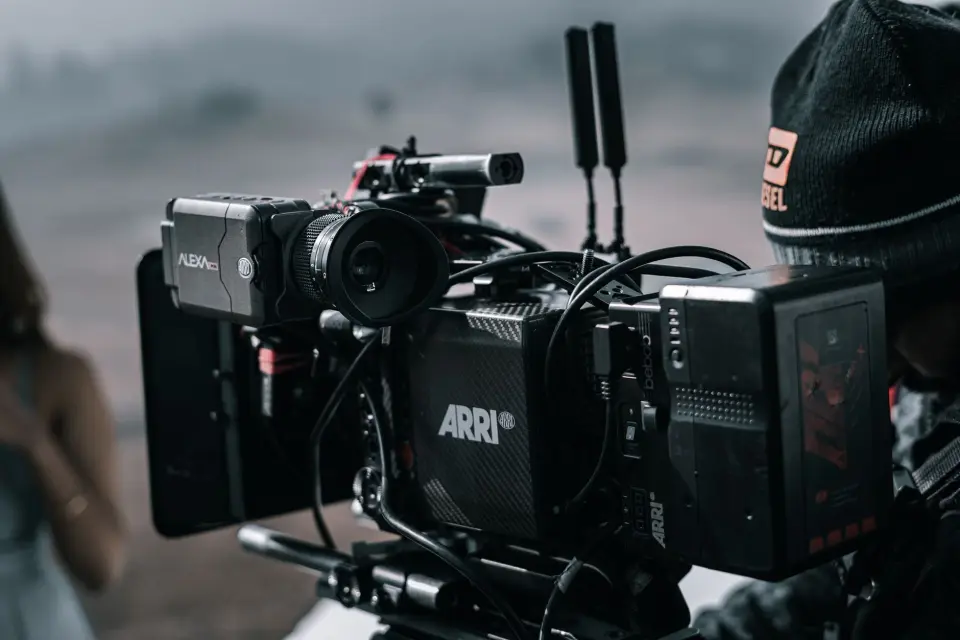
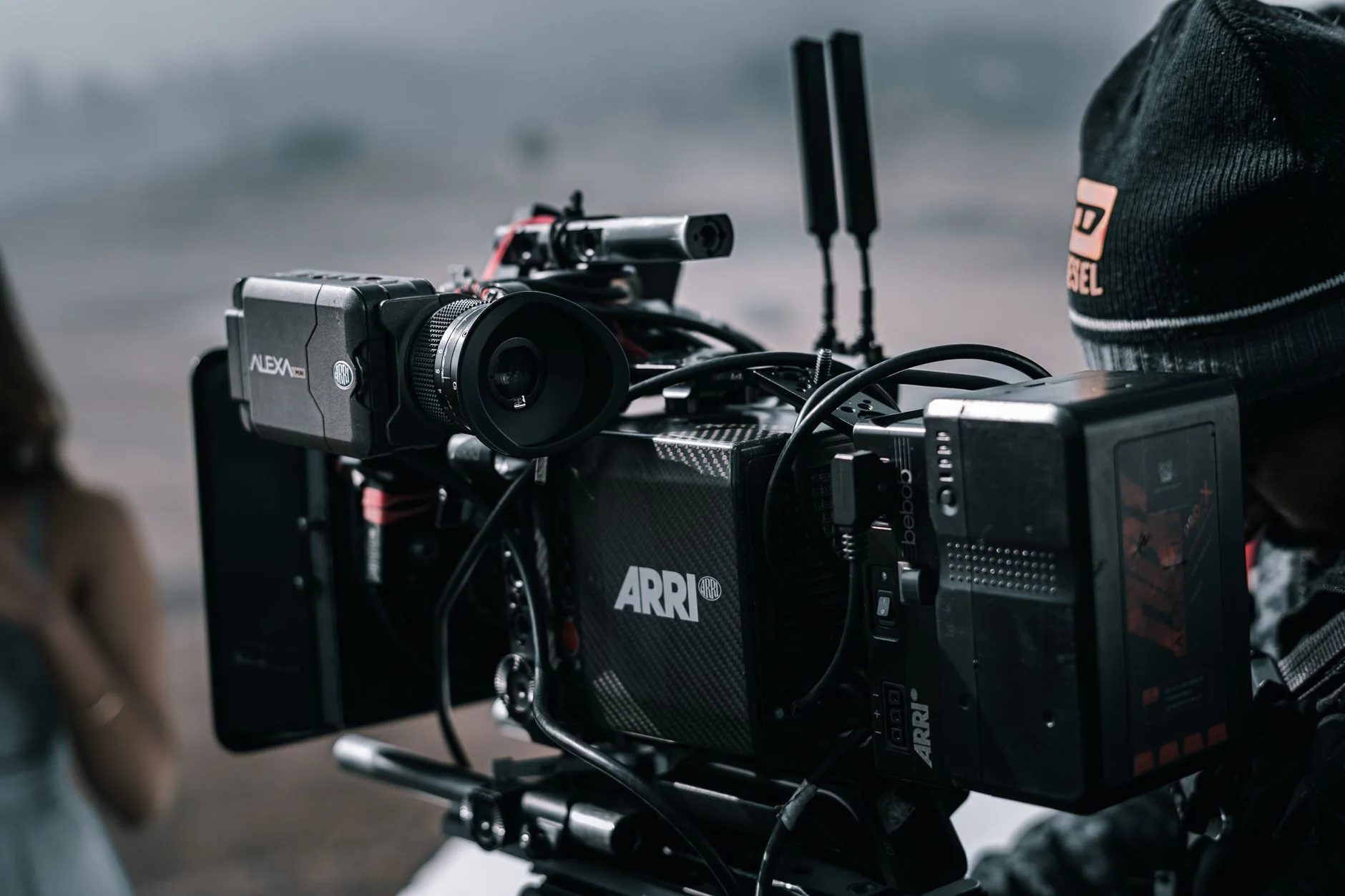
- Close-up of a professional filmmaking camera setup on an outdoor set — photo by Syed Qaarif Andrabi on Pexels
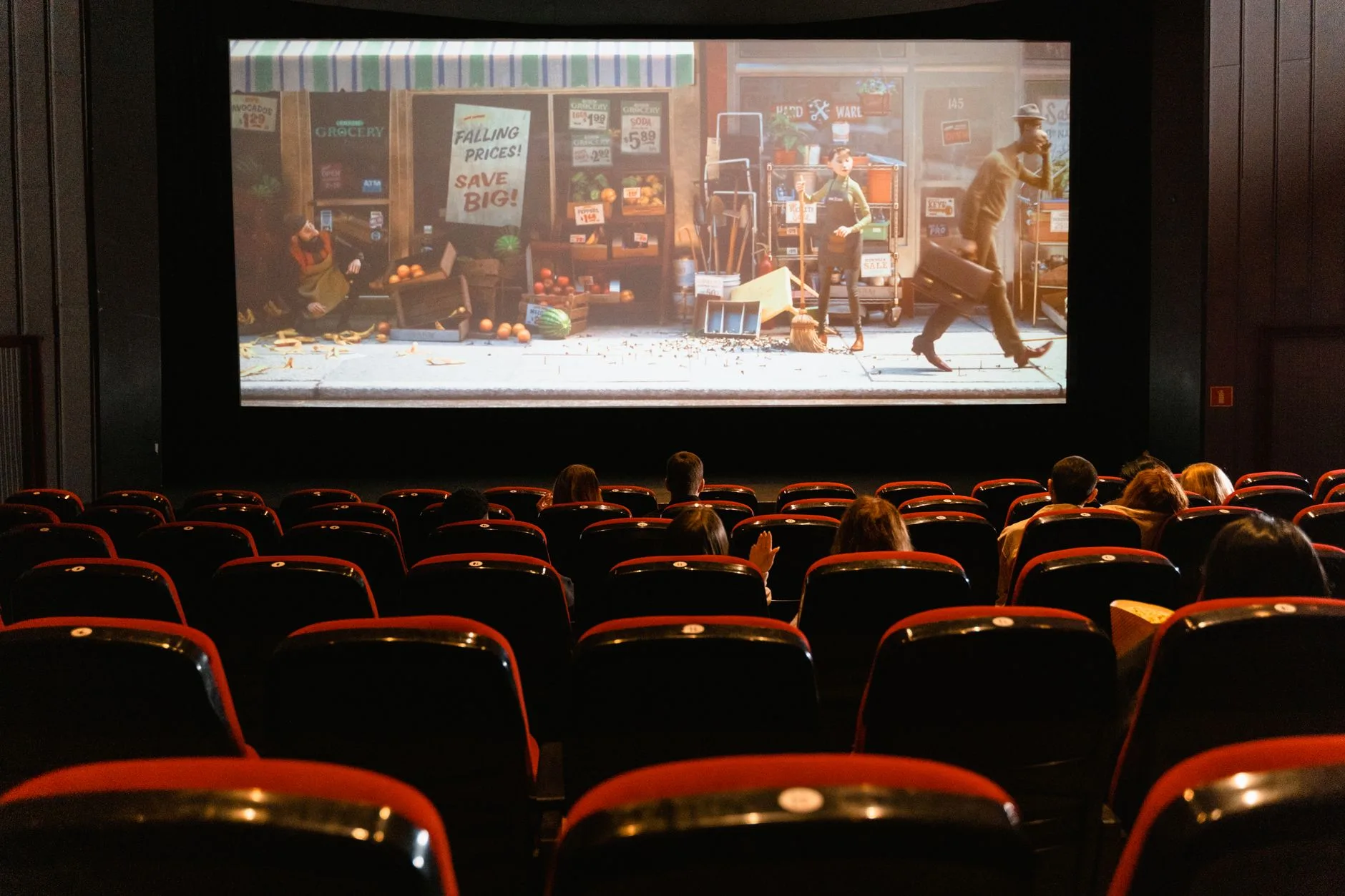
- A cozy indoor movie theater showing an animated film to an audience — photo by Tima Miroshnichenko on Pexels
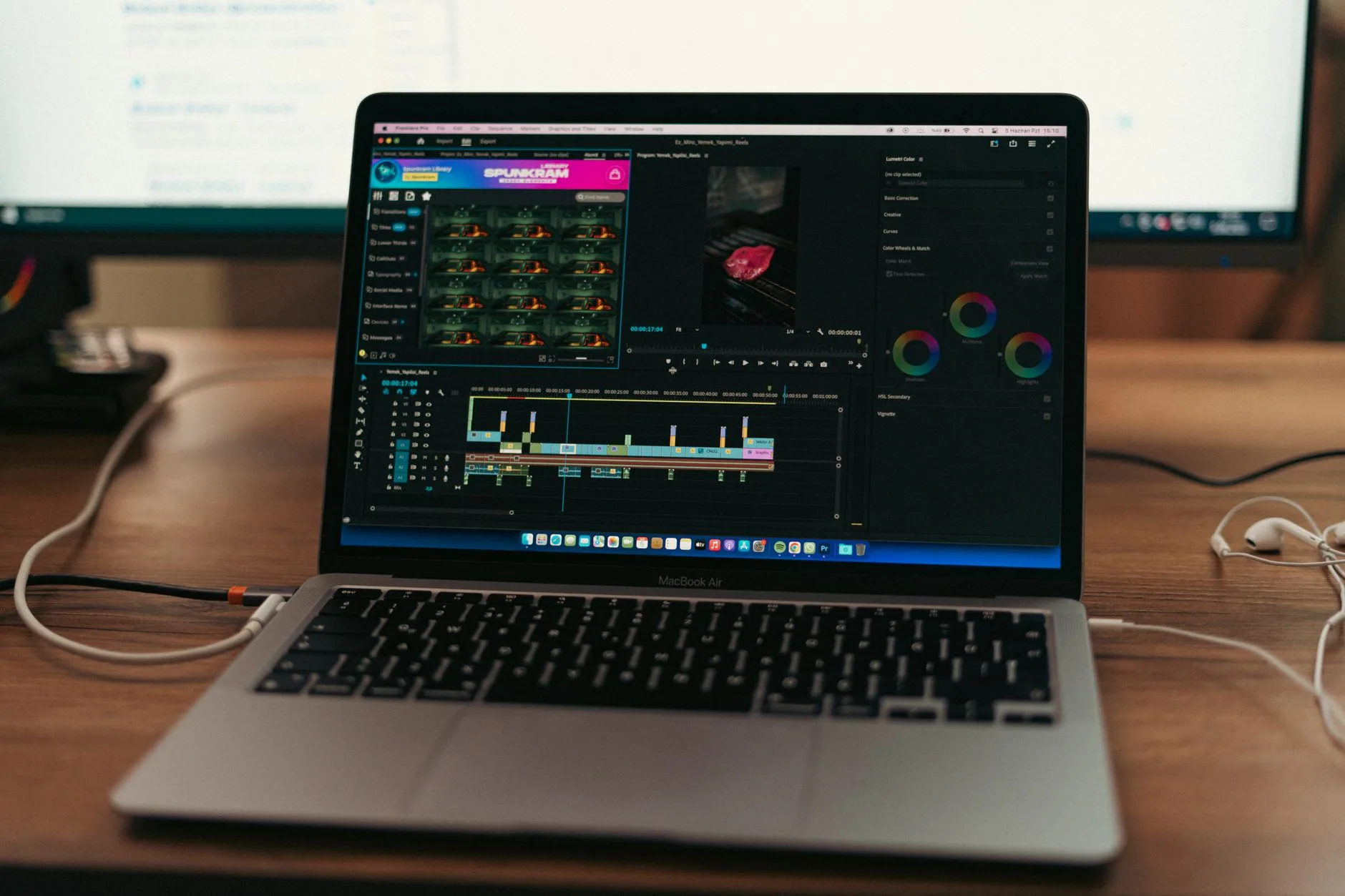
- MacBook setup with video editing software open — photo by Muhammed Çetinkaya on Pexels
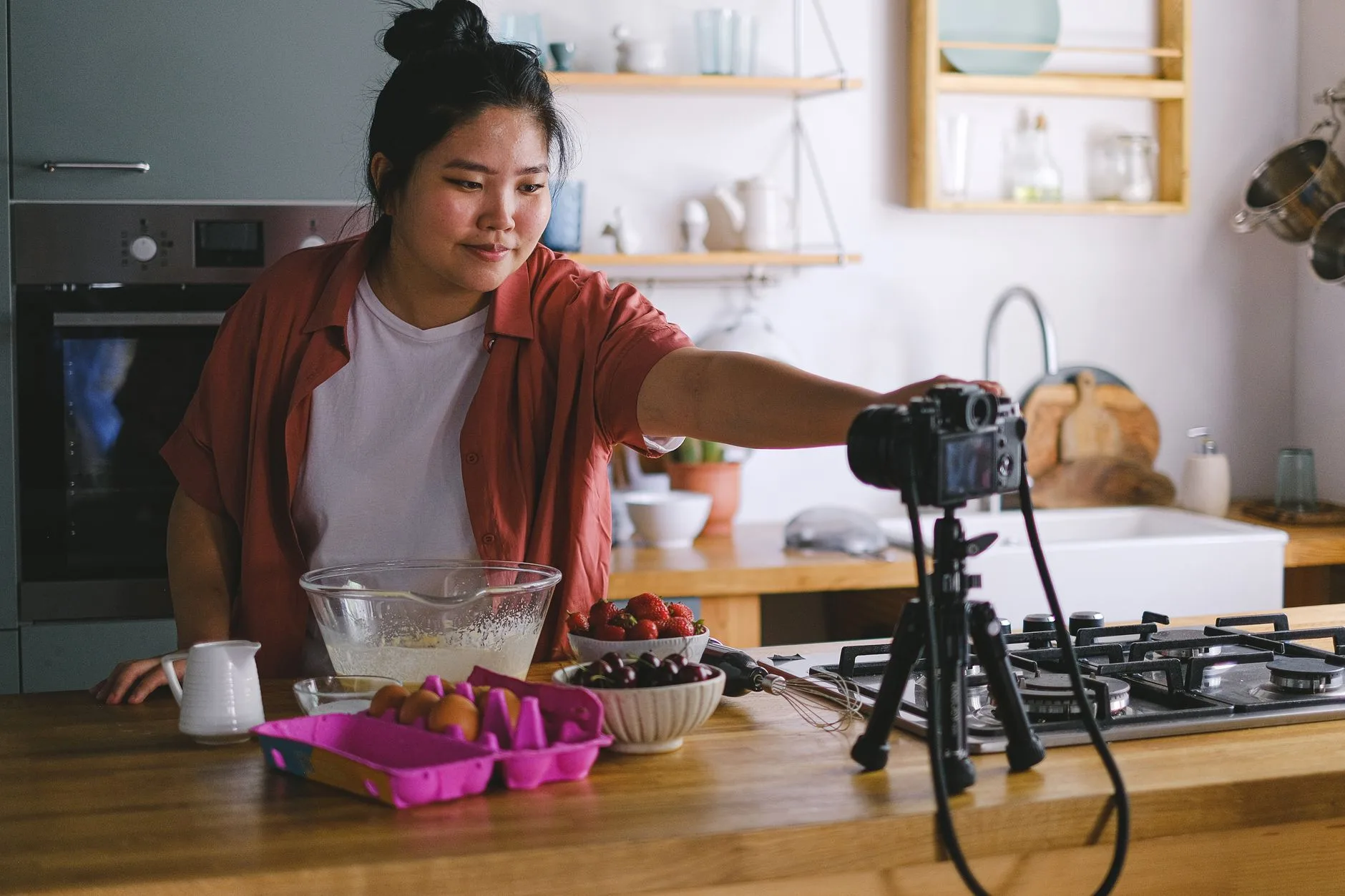
- A woman filming a cooking vlog in a modern kitchen — photo by Anna Shvets on Pexels
Use the free tools while you follow the guide.
Keep reading
2026-10-07
Background Remover Removes Part of Subject? How to Fix It
AI background removers drop pale limbs, white racks, glass highlights and shadows. I measured why on real photos and how to get the missing parts back.
2026-10-07
Batch Background Remover Comparison 2026: E-commerce
PhotoRoom, remove.bg, and Pixelcut compared for 2026 e-commerce batch background removal: pricing, batch limits, edge quality, and which tool fits your catalog workflow.
2026-10-07
remove.bg Is Shutting Down on December 1: What to Use Instead
remove.bg closes on 1 December 2026 and unused credits expire that day. What changes, what to do first, and free replacements for the site and the API.