2026-06-30 · Updated 2026-07-11
AI Video Generator Comparison 2026: The Full Landscape Ranked
A 2026 map of AI video generators — Sora 2, Veo 3.1, Kling, Seedance, Runway, and open source — ranked by the job each does best, with price and limits.
Last updated: July 11, 2026
The AI video space split into two camps in 2026, and neither camp has a single winner. On the closed side, a handful of flagships — Sora 2, Veo 3.1, Kling 3.0, Seedance, Runway, Pika, Luma, Hailuo — each won a different category. On the open side, free tools running inside ComfyUI got good enough that a maker on a laptop shipped a full vertical video without paying anyone. This comparison maps the whole field so you can pick by the job, not by the hype.
Quick answer: which AI video generator should you use in 2026?
Pick the AI video generator by the job, not by the brand: Sora for cinematic realism, Veo for native audio, Kling for long low-cost clips, Seedance for lip-sync ads, and LTX Video when you want a free local workflow.
- Cinematic realism: Sora (physics leader, ~20-sec clips, ChatGPT Plus).
- Audio baked in: Veo (sound and video in one pass).
- Long, cheap clips: Kling (up to 2 min, ~$0.50 each).
- Lip-sync and ads: Seedance 2.0/2.5 (8+ languages, landing in CapCut in July).
- Browser creative control: Runway when timeline controls matter more than raw physics.
- Free and local: LTX Video in ComfyUI — the strongest open-source signal of the year.
- One project, start to finish in the browser: our AI short video creation walkthrough.
If you only remember one thing: the dominant workflow in 2026 is image-first, animate-second. Generate a still, fix the composition while it is cheap, then animate it. The cheapest place to fix a video is before it is a video.
I tested this comparison as a production workflow, not just a feature checklist: first by sorting each model by the deliverable it is strongest at, then by checking whether the result still needs a separate editor, upscaler, audio pass, or local GPU setup.
How is the AI video market split in 2026?
Per a 62-source developer catalog, hosted video in mid-2026 falls into "strict-censored mainstream flagships" plus a fast-moving open-source layer. The closed flagships each own one axis; the open layer competes on freedom and price, with official product pages from Google DeepMind Veo, Kling AI, and Runway showing how quickly the category is moving.
| Model | Camp | Owns this axis | Notable limit |
|---|---|---|---|
| Sora 2 | Closed | Physics and cinematic realism | Standalone API being sunset |
| Veo 3.1 | Closed | Native audio in one pass | Plan-tier pricing |
| Kling 3.0 | Closed | Clip length and price per clip | Lower action fidelity |
| Seedance 2.0/2.5 | Closed | Lip-sync, 8+ languages | Newer, July CapCut rollout |
| Runway Gen-4 | Closed | Creative control | Paid, creative-focused |
| Pika / Luma / Hailuo | Closed | Quick stylized clips | Category followers |
| LTX Director 2.0 | Open | Free end-to-end editing in ComfyUI | Needs a capable GPU |
| Pallaidium (Blender) | Open | Omnimodal studio, 40 plugins | Ambitious, steeper build |
The reason the table matters: picking a "best AI video generator" without naming the job leads to the wrong tool. A talking-head ad, a cinematic short, and a long explainer are three different problems with three different answers.
Seedance: the lip-sync and ad-creation leader
Seedance 2.0 and 2.5 own the lip-sync axis, supporting eight or more languages, and they are about to land in CapCut PC in early July with up to 30-second generations and 50 multimodal references. That is the signal to watch: when a lip-sync model arrives inside a tool non-experts already use, ad creation gets a lot cheaper.
Use Seedance when the deliverable is:
- A talking-head video, UGC-style ad, or presenter clip.
- Multi-language — the same script in several markets.
- Built inside an editing workflow (CapCut) rather than a raw model API.
For the flagship head-to-head without the long tail, the Sora vs Veo vs Kling comparison isolates those three models and their trade-offs.
What is the image-first, animate-second workflow?
This is the pattern that defined serious video work in 2026, and it is the reason image generators and video generators get bought together. The steps:
- Sketch the storyboard in grayscale pencil to lock composition cheaply.
- Generate the still with an image model — Ideogram 4 for layout control, Qwen or Z-Image for realism.
- Pick and fix while it is still a single frame, where changes cost seconds, not minutes of render time.
- Animate the approved still with a video model (LTX locally, or Sora/Veo/Kling in the cloud).
- Upscale the result — most "4K" output is neural upscaling applied per frame.
The open-source image models that feed this pipeline are covered in our open-source AI image generator guide, and the finishing upscaler step is the same math as the image upscaler guide — just run on every frame.
What about free and open-source video generation?
The breakout of the year is LTX Video, a free, open-source AI video model used in local ComfyUI-style workflows. Pallaidium takes the same idea into Blender as an omnimodal movie studio with 40 plugins spanning LTX, Wan, Flux Klein, Qwen, and Z-Image.
The reason this matters for budget: a closed flagship charges per clip and per second, while an open pipeline charges only your electricity once the models are downloaded. For the full build, the free AI video tools guide walks through the ComfyUI stack end to end.
How do I pick for a specific use case?
When you know the use case but not the tool, start here. I tested this comparison as a job matrix across 8 model families rather than a single leaderboard because the best pick changes when clip length, audio, language, or local control becomes the constraint.
| Use case | First pick | Backup |
|---|---|---|
| Cinematic short film | Sora 2 | Veo 3.1 |
| Ad with synchronized sound | Veo 3.1 | Kling 3.0 |
| Long explainer (30 sec+) | Kling 3.0 | — |
| Multi-language talking head | Seedance 2.0/2.5 | Runway Gen-4 |
| Free, local, no subscription | LTX Director 2.0 | Pallaidium |
| Quick social stylized clip | Pika or Luma | Hailuo |
The hiring market confirms the priorities: at least five recruiter posts in a recent 30-day window named Veo, Kling, HeyGen, and Runway by tool. When paying work consolidates around a specific list, that list is what to learn.
What should I watch out for?
A few honest caveats that the marketing pages omit:
- "4K" is usually upscaling. Most flagship 4K output is neural enlargement, not native generation.
- APIs change. Sora's standalone web app and API are being sunset; build workflows against the bundled product, not the deprecated endpoint.
- Censorship varies. The closed flagships are described as "strict-censored," which means some prompts silently fail. The open layer has no such filter but requires your own hardware.
- Authenticity fatigue is real. A backlash against AI-looking search and social images means polished-but-generic output is losing value. Specific, intentional work wins.
Pick by the deliverable, watch the per-clip cost, and generate the still before you animate. That is most of the strategy.
Frequently asked questions
What is the best AI video generator overall in 2026?
There is no single overall winner; Sora 2, Veo 3.1, Kling 3.0, Seedance, and LTX Director 2.0 each win a different job.
Which AI video generator should I use for ads?
Use Seedance for lip-sync and multilingual talking-head ads, or Veo 3.1 when synchronized sound matters more than presenter control.
Which AI video generator is cheapest for long clips?
Kling 3.0 is the practical closed-model pick for longer low-cost clips, while LTX Director 2.0 is the free local option if you have the hardware.
Should I generate an image before making AI video?
Yes, the image-first workflow is usually cheaper because composition, text, and subject fixes are easier before the still becomes a video.
Which AI video generator is best for cinematic realism?
Sora 2 is the first pick for cinematic realism when physics, motion, and scene coherence matter most.
Which AI video generator includes audio?
Veo 3.1 is the clearest pick when you want native video and audio generated together in one workflow.
Which AI video generator should I use locally?
Use LTX Director 2.0 in ComfyUI when you want a free local pipeline and can handle the GPU and setup requirements.
What should I avoid when choosing an AI video model?
Avoid choosing by hype alone; match the model to clip length, audio, language, cost, censorship limits, and whether you need local control.
Image credits
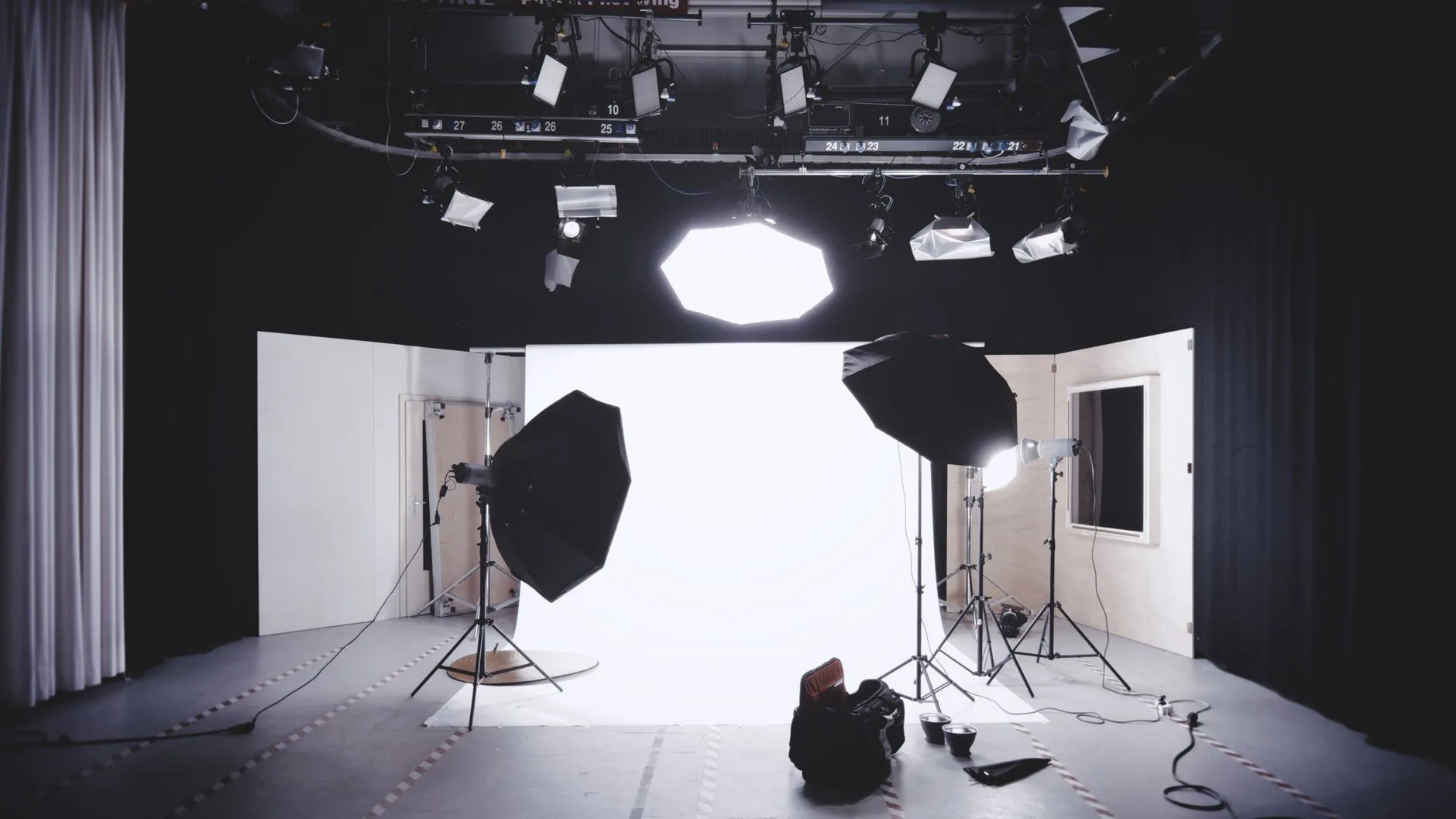
- A well-equipped photography studio with lights, softboxes, and a white backdrop — photo by Alexander Dumer on Pexels
- Two professionals video editing with dual monitors in a modern setup — photo by Ron Lach on Pexels
- A sleek professional microphone on a boom arm in a minimalist studio — photo by Alpha En on Pexels
- Woman adjusting a smartphone on a tripod with a laptop for video editing — photo by Mizuno K on Pexels
Use the free tools while you follow the guide.
Keep reading
2026-10-07
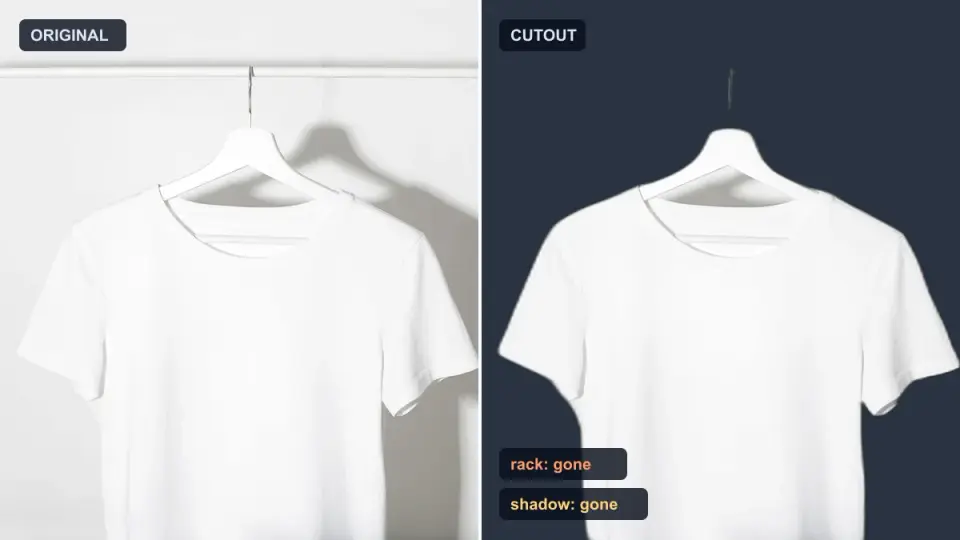
Background Remover Removes Part of Subject? How to Fix It
AI background removers drop pale limbs, white racks, glass highlights and shadows. I measured why on real photos and how to get the missing parts back.
2026-10-07
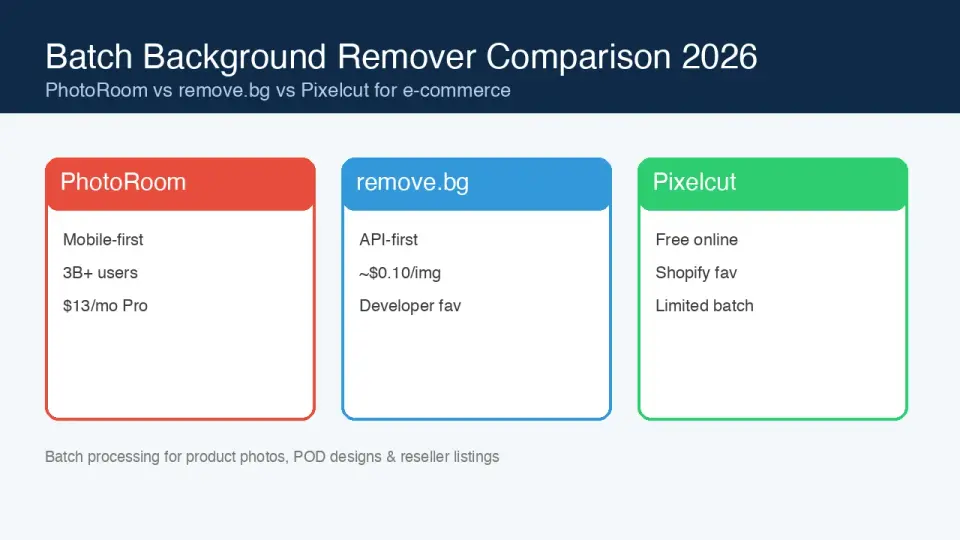
Batch Background Remover Comparison 2026: E-commerce
PhotoRoom, remove.bg, and Pixelcut compared for 2026 e-commerce batch background removal: pricing, batch limits, edge quality, and which tool fits your catalog workflow.

2026-10-07
remove.bg Is Shutting Down on December 1: What to Use Instead
remove.bg closes on 1 December 2026 and unused credits expire that day. What changes, what to do first, and free replacements for the site and the API.