2026-06-28 · Updated 2026-07-04
Free Photoshop Alternatives: Real Tools for Every Editing Job
Replace Photoshop with free tools that match your actual workflow. Honest comparison of GIMP, Photopea, Krita, and browser editors, with the strengths and limits of each.
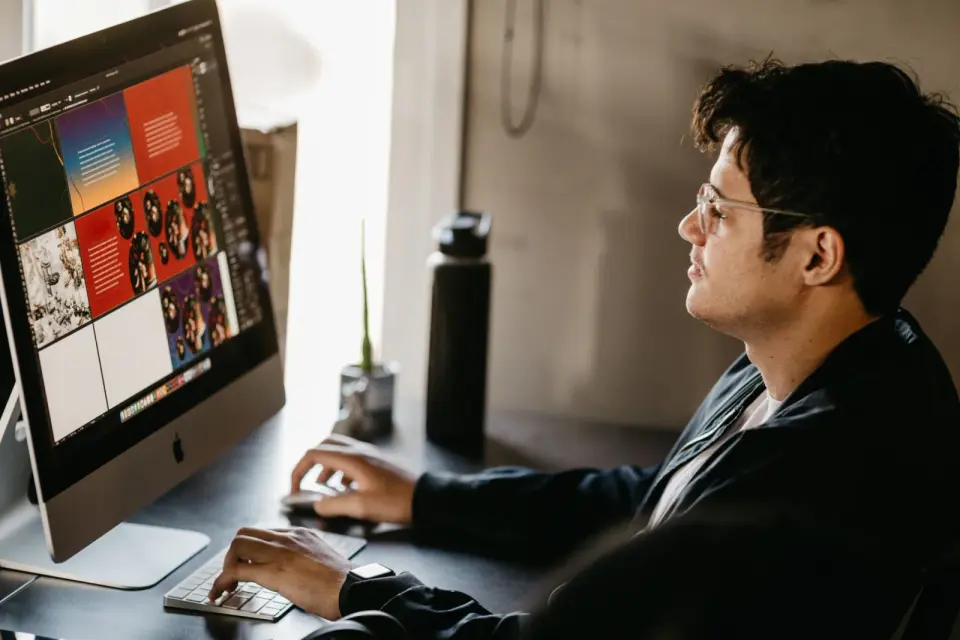
Last updated: July 4, 2026. This guide is kept current as the free tools evolve each year.
Photoshop is the default people reach for, but most image editing does not need a subscription. The free alternatives have matured to the point where the right question is not whether one exists, but which one fits the work you actually do. This guide compares the real free Photoshop alternatives honestly — including where each falls short — so you can choose by workflow rather than by a feature list.
Quick answer: what is the best free Photoshop alternative?
For Photoshop-style layer editing, GIMP on desktop and Photopea in a browser are the closest free matches, with layers, masks, and blend modes. For painting, Krita is stronger. For quick fixes and design, browser tools are faster. There is no single best — the right choice depends on whether you composite layers, paint, do quick edits, or process RAW files. Match the tool to the task, and the free option covers the vast majority of editing work without a subscription.
How do the free alternatives compare to Photoshop?
Each free tool replaces a different slice of what Photoshop does, and none replaces all of it perfectly. The comparison that matters is task-by-task, because a tool that excels at painting may be weak at photo retouching, and a tool built for quick edits cannot handle a 30-layer composite. Naming the specific job first — retouching, compositing, painting, design, RAW processing — points directly to the right free tool and away from the ones that would frustrate you.
| Tool | Best replaces Photoshop's | Limitation |
|---|---|---|
| GIMP | Layer editing, retouching | Dense UI, some CMYK gaps |
| Photopea | Layer editing, PSD files | Slower on very large files |
| Krita | Painting, brushes | Less photo-focused |
| Canva | Quick design, templates | Not a pixel editor |
| Browser tools | One-off edits | No deep compositing |
- GIMP and Photopea are the true Photoshop replacements for pixel editing.
- Krita wins for digital painting, where Photoshop's brush tools are the draw.
- Canva and browser tools serve quick, template-driven or one-off work.
When is GIMP the right choice?
GIMP is the deepest free editor and the closest functional match to Photoshop. It handles layers, masks, blend modes, filters, and plugins, and it runs natively on Windows, Mac, and Linux. The cost is a learning curve — the interface is dense and some Photoshop habits do not transfer directly.
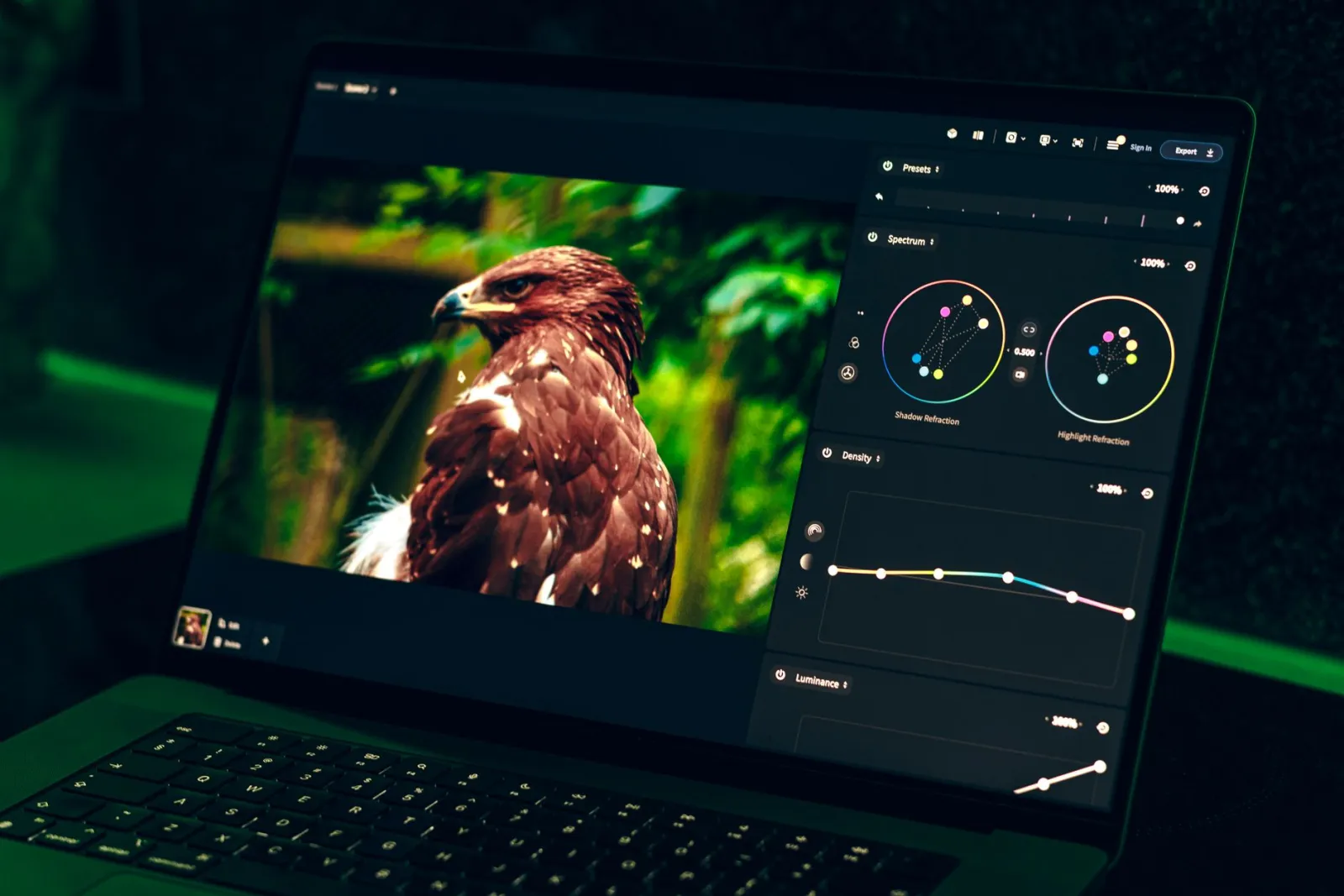
- Choose GIMP if you composite layers, retouch heavily, or need plugin extensibility.
- Accept the learning curve as the price of capability.
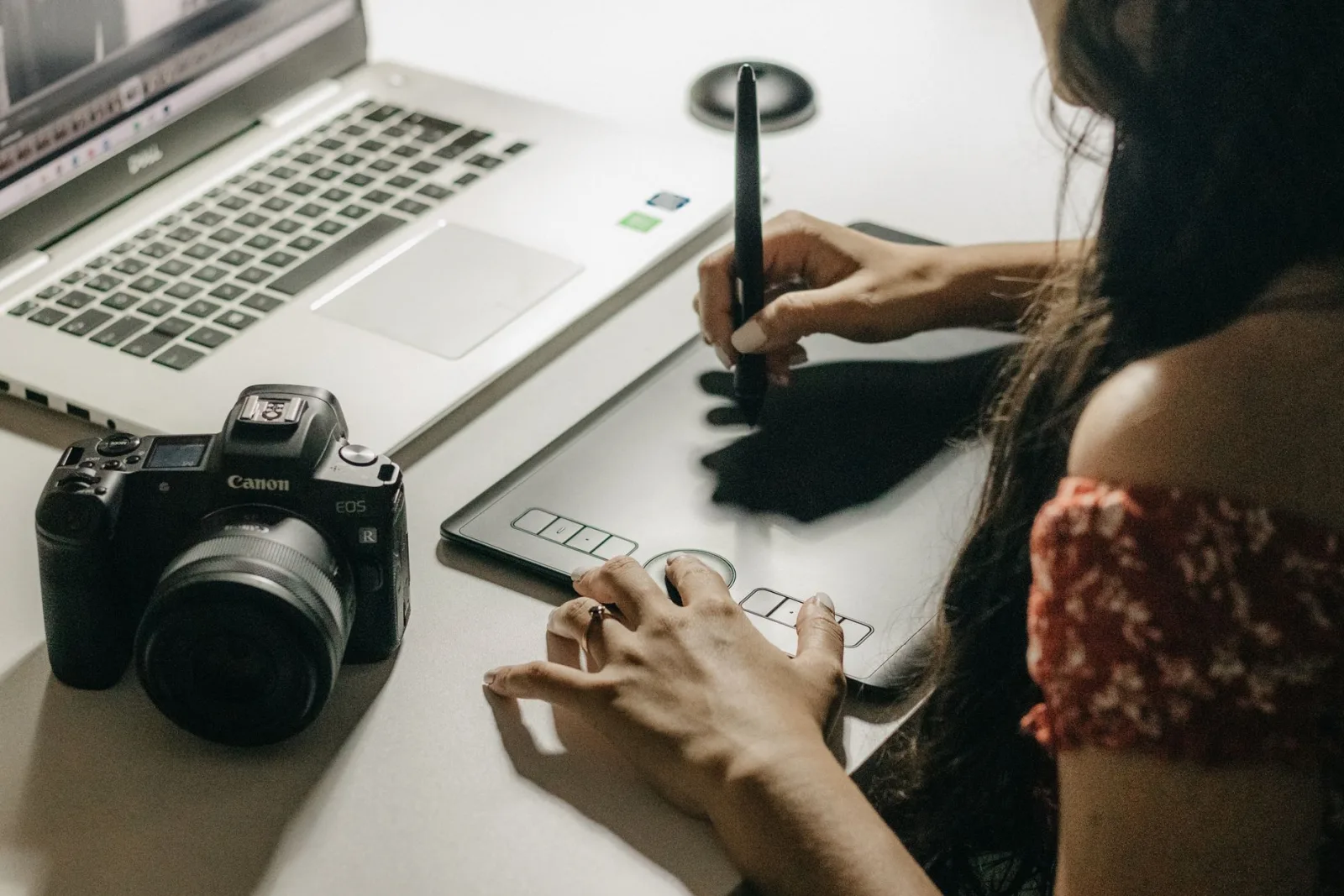
- Pair it with a tablet for retouching and selection work.
- It is weaker than Photoshop in CMYK and 16-bit workflows.
GIMP's reputation for difficulty is fair, but it reflects depth. Users who invest a week to learn its model find it handles professional compositing that no quick tool can match. The free image editing software guide puts GIMP in the broader context of free editors.
When is Photopea better than a desktop editor?
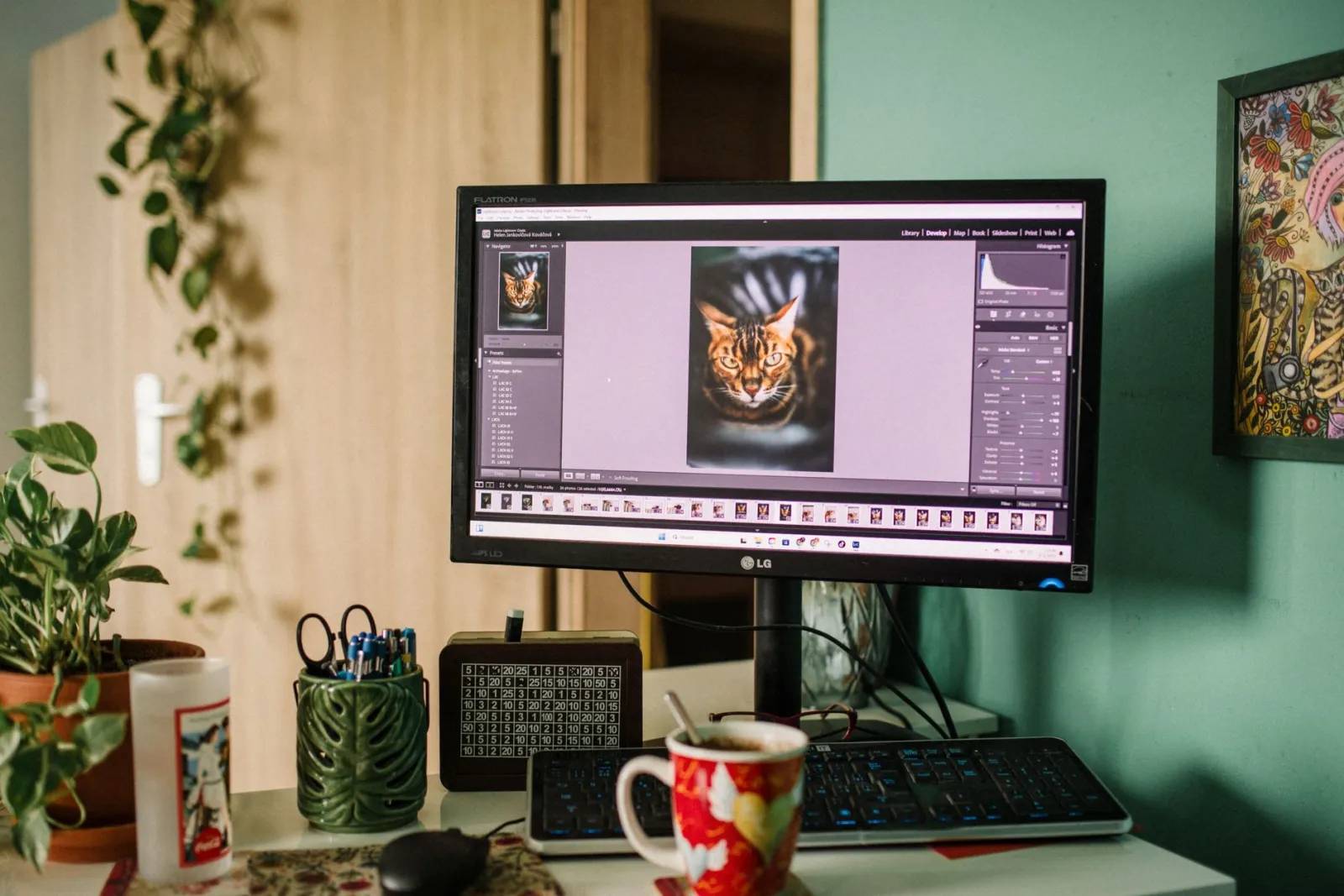
Photopea runs in a browser, looks like Photoshop, and opens PSD files directly. For users who edit on multiple machines, who cannot install software, or who are transitioning from Photoshop, it removes the friction that GIMP imposes.
- Choose Photopea if you need PSD compatibility or work across devices.
- Its Photoshop-like menus ease the transition from paid software.
- It is slower than GIMP on very large files because it runs in a browser.
- No install means it works on locked-down work machines.
The PSD compatibility is Photopea's killer feature — it opens layered Photoshop files that other free tools mangle, which makes it the natural choice for anyone collaborating with Photoshop users. For image format conversion and quick tasks, browser tools like ours complement it well.
Which alternative wins for painting and design?
Not every Photoshop user is a photo editor. For digital painting, Krita is the stronger free choice, with a brush engine that rivals paid painting software. For template-driven design — social graphics, posters, simple layouts — Canva and similar browser tools are faster than any pixel editor.
- Krita for illustration and painting, where brushes matter most.
- Canva for design from templates, where speed and assets matter.
- Neither replaces a pixel editor for photo retouching — use them alongside GIMP or Photopea.
The mistake is treating one tool as a universal replacement. A working setup often pairs a pixel editor (GIMP or Photopea) with a design tool (Canva) and a browser tool for quick fixes, each doing what it does best.
When do you actually still need Photoshop?
Free tools cover most work, but a few cases still justify Photoshop. Heavy CMYK print production, deep integration with other Adobe apps, and high-volume studio automation are areas where paid software retains an edge. For everyone else — hobbyists, freelancers, small teams, and most web work — the free alternatives are enough. The Photoshop alternatives comparison and the broader free image tools list cover more options, and the authoritative references for the main tools are the GIMP documentation and Photopea help. Honest assessment: try the free tool for your main task first, and only consider paid software when you hit a concrete wall the free tool cannot cross.
How to migrate off Photoshop smoothly
Switching tools is disruptive, and a phased migration prevents lost work and frustration. The approach that works is to run the free tool alongside Photoshop, moving tasks over as you confirm each one works.
- Install GIMP or Photopea and open a recent project in it.
- Identify which layers, fonts, and effects carry over cleanly.
- Move one workflow at a time — start with the simplest edits.
- Keep PSD originals until you trust the new tool fully.
- Build new projects in the free tool rather than porting old ones.
| Migration step | Risk | Mitigation |
|---|---|---|
| Opening old PSDs | Layer effects may shift | Check each layer |
| Font availability | Some fonts may be missing | Install equivalents |
| Adjustment layers | May not translate | Rebuild as needed |
| Habits and shortcuts | Slowdown at first | Remap or relearn |
The migration gets easier after the first week as muscle memory rebuilds, and most users find they never return to the subscription once the free tool handles their routine work. The cost saving compounds — a year of subscription fees buys a lot of other tools or training — and the skills you build transfer to any future editor because the underlying concepts of layers, masks, and blend modes are universal.
Frequently asked questions
What is the best free Photoshop alternative?
For Photoshop-like layer editing, Photopea (browser, mirrors Photoshop's interface) or GIMP (desktop, more powerful but steeper learning curve). For painting, Krita. For design, Figma or Canva. Pick by the specific job, not by a single "best".
Can GIMP really replace Photoshop?
For most editing — crop, resize, layers, masks, color correction, format conversion — yes. Where Photoshop still wins is specialized features: advanced RAW processing, heavy retouching plugins, and tight print/publish pipelines. For general work, GIMP is enough.
Is Photopea as good as a desktop editor?
For most edits, yes, and it needs no install. For very large files or heavy batch work, desktop editors handle memory better. Photopea's Photoshop-like interface makes it the easiest transition for Photoshop users.
When do you actually need Photoshop?
For deep, specialized workflows that rely on Photoshop-specific plugins, CMYK print pipelines, or advanced RAW processing. For general image editing, the free alternatives cover it. Pay for Photoshop only when a specific need the free tools cannot meet.
Which alternative is best for RAW processing?
darktable or RawTherapee — both are free, open-source RAW processors that rival paid tools for non-destructive photo development. For general editing, use GIMP or Photopea. Pick by the specific job.
Can free alternatives open PSD files?
Photopea opens PSD files directly, preserving layers and most effects, which is why it is the easiest transition from Photoshop. GIMP opens PSDs with some limitations on layer effects. For full PSD fidelity, Photopea is the closest free match; for general editing, either works.
Can free alternatives open RAW files?
Not directly in a general editor. RAW needs a dedicated processor — darktable and RawTherapee are the free options — which converts the RAW to an editable image you then open in GIMP or Photopea. The workflow is RAW processor (develop) then editor (retouch). RAW holds far more tonal range than JPEG, which is why the separate processing step is worth it.
Use the free tools while you follow the guide.
Keep reading
2026-09-13
How to Blur Faces and License Plates Before You Post
Blur or pixelate faces and license plates so they stay unreadable. Which method actually anonymizes, what fails, and how to avoid leaking EXIF location data.
2026-08-27
Invisible Watermarks: What Image Files Now Carry in 2026
Paint embeds a server-issued GUID in AI images, platforms strip C2PA manifests, and a plain WebP export drops all of it. What your files really carry, and how to check.
2026-07-28
Batch Image Processing: Pipeline Order, Settings, and Tools
Batch image processing runs resize, compress, and convert jobs across whole folders. The pipeline order, measured quality settings, tool choice, and automation.