2026-06-28 · Updated 2026-07-04
Free Image Editing Software: Real Options That Replace Paid Tools
Pick free image editing software that handles your workflow. Honest comparison of desktop editors, online tools, and mobile apps, and where each falls short.
Last updated: July 4, 2026
Free image editing software has closed the gap with paid tools to the point where most users never need to buy a subscription. The question is no longer whether a free editor exists, but which one fits a specific workflow — quick fixes, layer-based compositing, RAW processing, or browser-based convenience. This guide compares the real free options honestly, including where each one falls short, so you can pick by what you actually do rather than by a feature checklist.
Quick answer: which free image editor should you use?
For Photoshop-style layer editing on a budget, use GIMP on desktop or Photopea in a browser. For quick one-click fixes and organization, use a browser tool for individual edits. For RAW photo processing, use RawTherapee or Darktable. For mobile, your phone's built-in editor plus a free app covers most needs. The right choice depends on your workflow, not on which tool has the longest feature list — a browser tool wins for speed, GIMP wins for depth.
What do you actually need an editor to do?
Most image editing falls into a few categories, and matching the tool to the category prevents over- or under-buying.
| Task | You need | Example tools |
|---|---|---|
| Crop, resize, compress | Basic edits | Browser tools, phone apps |
| Layer compositing, masking | Full editor | GIMP, Photopea |
| RAW photo development | RAW processor | RawTherapee, Darktable |
| Retouching, clone, heal | Pixel editor | GIMP, Photopea |
| Batch processing | Automation | Browser batch tools |
- If you only crop and resize, a heavyweight editor is overkill.
- If you composite layers, you need a real layer-based editor, not a filter app.
- If you shoot RAW, a RAW processor matters more than a pixel editor.
Knowing your actual use before choosing saves the common mistake of adopting a heavyweight tool for lightweight work.
Desktop free editors
The desktop category has the most powerful free options, and two stand out for replacing paid software. Desktop editors run natively, which means they handle large files and complex layer stacks better than browser tools, at the cost of needing an install and tying you to one machine.
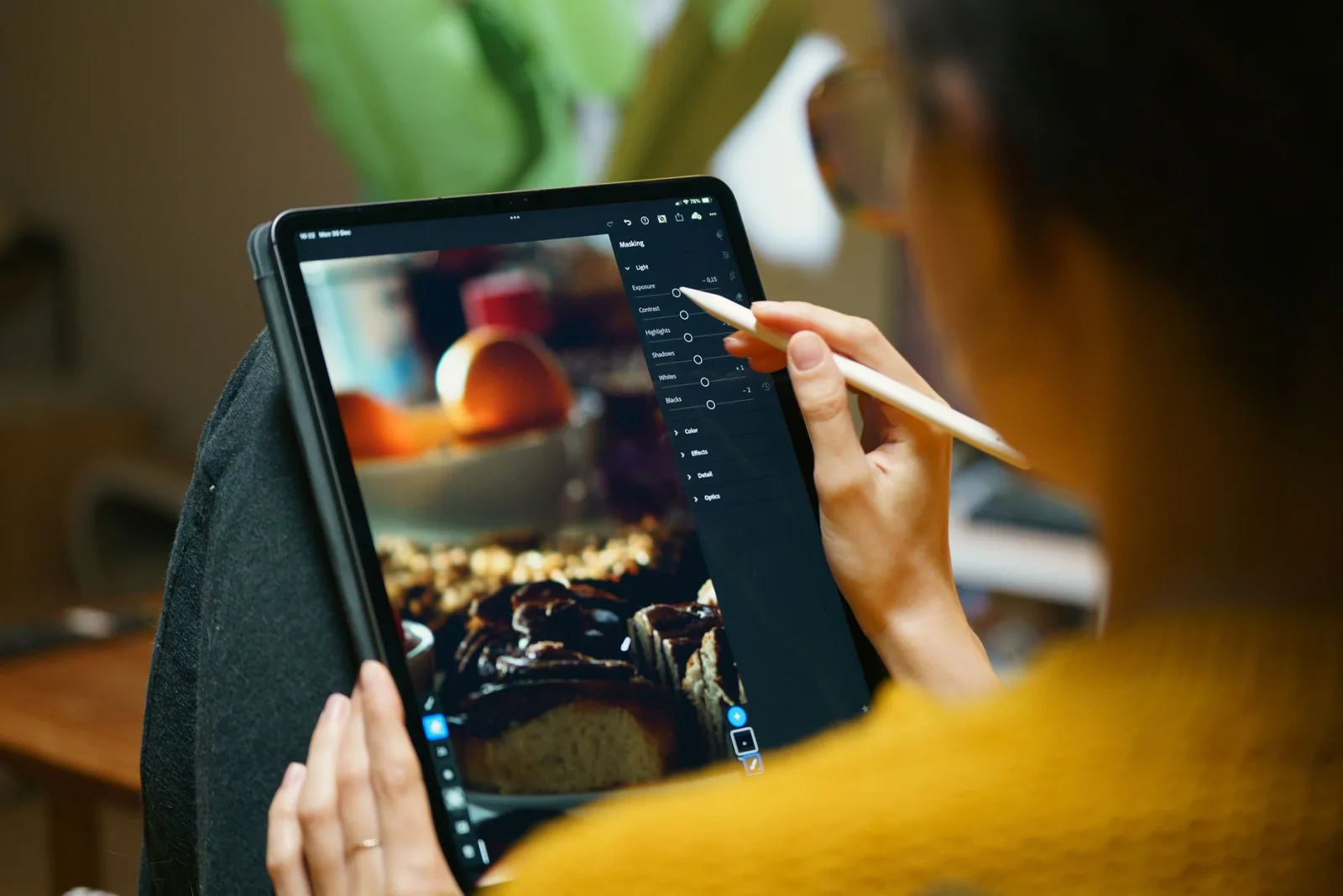
- GIMP — the closest free equivalent to Photoshop. Layers, masks, blend modes, plugins. The interface is dense and the learning curve is real, but the capability is there.
- Photopea — runs in a browser, looks and feels like Photoshop, opens PSD files. Surprisingly capable for a web app, with no install required.
- Paint.NET — Windows-only, lighter than GIMP, easier to learn. Good for users who find GIMP overwhelming.
- Krita — focused on digital painting, but handles photo editing too. Strong brush engine.
A note on GIMP specifically: its reputation for a steep learning curve is deserved, but that curve reflects real depth rather than poor design. Once you internalize its layer and selection model, it handles compositing and retouching that no quick tool can match. For users coming from Photoshop, Photopea eases the transition because its menus and shortcuts closely mirror Photoshop's, which reduces the relearning.
| Editor | Strength | Limitation |
|---|---|---|
| GIMP | Depth, plugins | Dense UI, slow on huge files |
| Photopea | Browser-based, PSD support | Slower than native on big files |
| Paint.NET | Simple, fast | Windows only, fewer features |
| Krita | Painting, brushes | Less photo-focused |
RAW processors
If you shoot in RAW, the editor you need is a RAW processor — software that develops the sensor data into a finished image with full tonal control. The free options here rival Adobe Lightroom.
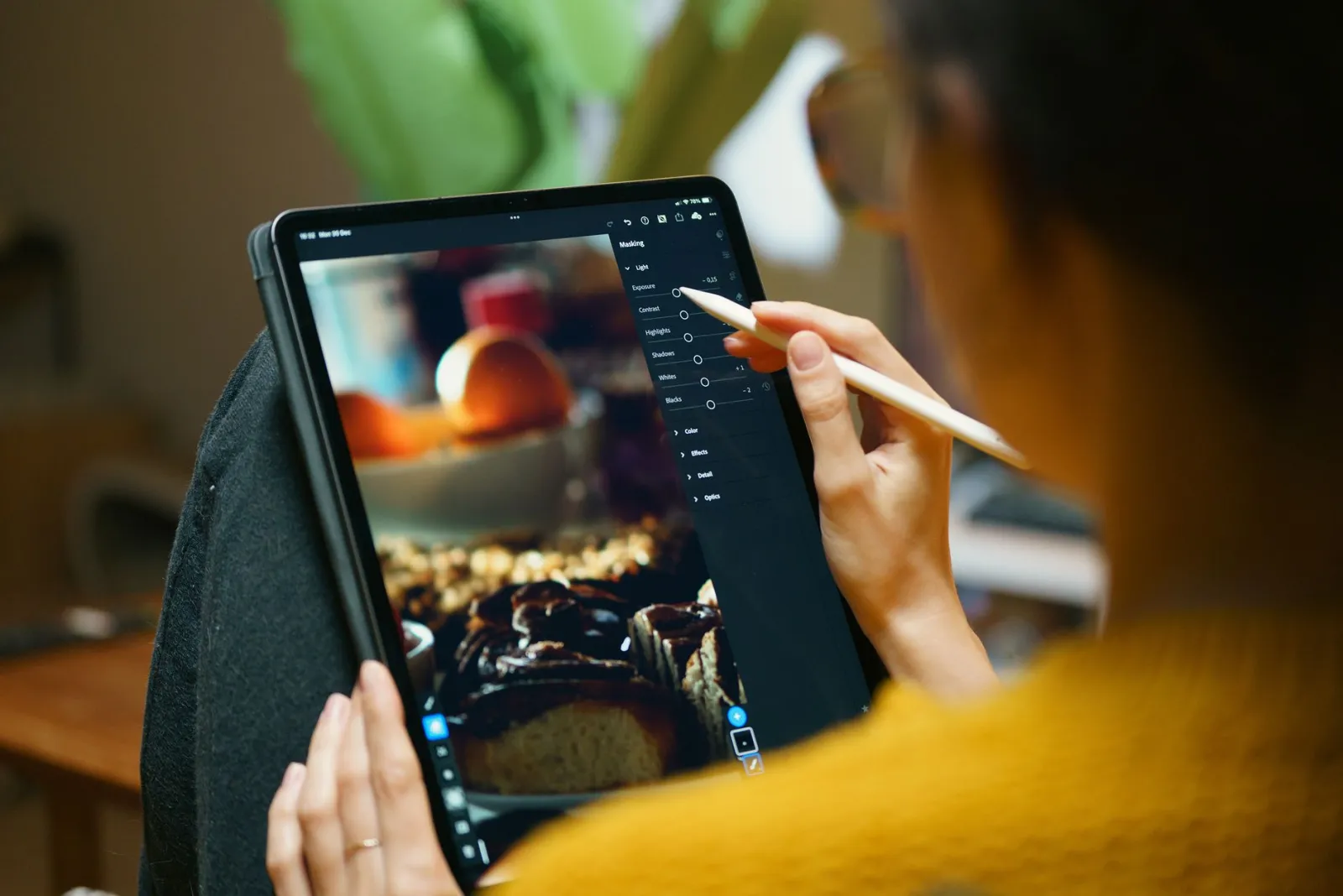
- RawTherapee — powerful RAW engine, deep detail and color control. The interface is technical.
- Darktable — Lightroom-style cataloging plus RAW processing. Strong for organizing large shoots.
- Both handle the same core job; the choice is largely interface preference.
RAW processing is where free software most clearly matches paid tools, because the underlying math of demosaicing and tone curves is well understood. For most photographers, RawTherapee or Darktable eliminates the need for a Lightroom subscription. The main trade-off is performance — free RAW processors can be slower on very large batches than the optimized paid engines, so a wedding photographer processing 2000 images may notice the difference where a hobbyist shooting 50 will not.
Browser and online tools
Browser tools trade depth for convenience and accessibility. They run anywhere, require no install, and are ideal for quick edits and users who edit infrequently. They also work identically across operating systems, which removes the friction of finding a Mac-only or Windows-only tool.
- Crop, resize, compress — one-off tasks done in seconds, no install.
- Format conversion — the image converter handles PNG, JPG, WebP.
- Background removal — the background remover automates masking.
- Batch operations — the batch tool applies one operation to many files.
The limitation of browser tools is depth — they are not built for 20-layer composites or RAW development. But for the edits most people actually do, they are faster and more convenient than launching a desktop application. The free image tools roundup covers more of these utilities.
When free software is not enough
Free editors cover the vast majority of image work, but a few professional workflows still benefit from paid software, and knowing the boundary saves frustration.
- Heavy retouching at volume — paid tools with better performance and automation can pay for themselves in a busy studio.
- Specific RAW lens corrections — some camera or lens combinations have better profiles in paid RAW processors.
- Team collaboration — paid cloud tools often have shared asset workflows free tools lack.
- Print production color management — high-end CMYK proofing is still stronger in paid software.
For most individuals and small teams, these limits never come up, and free software handles everything. The boundary is worth knowing only so you do not blame the tool when the real constraint is your workflow. The print-ready image guide covers the color-management case in detail.
How to choose without wasting time
The mistake most people make is installing several editors trying to find the best one. The right answer is to match the editor to the single task they do most. If 80 percent of your edits are crop-and-compress, a browser tool is the answer and GIMP will just slow you down. If you composite regularly, invest the week to learn GIMP or Photopea properly.
The free image editing tools guide and the Photoshop alternatives comparison go deeper on specific tools. For authoritative references, the GIMP documentation and the Photopea help are the primary sources. Pick one tool for your main task, learn it well, and reach for others only when that tool genuinely cannot do the job.
Frequently asked questions
Which free image editor should I use?
GIMP for deep desktop editing, Photopea for a browser editor that mirrors Photoshop, and a RAW processor (darktable, RawTherapee) for photos. Pick by what you need: depth (GIMP), convenience (browser), or photo fidelity (RAW).
Is GIMP really free?
Yes — GIMP is open-source under the GPL, with no watermark, no trial, and no paid tier. The catch is the learning curve and the interface, not the price. It does nearly everything a paid editor does for general image work.
Do free editors support layers and masks?
GIMP and Photopea do — full layer and mask support, which covers most non-destructive editing workflows. Some simpler browser editors do not, so check before you rely on layers for a project.
When is free software not enough?
For specialized work — heavy RAW processing with specific profiles, advanced retouching plugins, or tightly integrated print/publish pipelines. For general editing (crop, resize, layers, color, format), free software is enough.
Do free editors support RAW files?
Some do — darktable and RawTherapee are dedicated free RAW processors; GIMP handles RAW with a plugin. RAW processing is a specialized job; pick a tool built for it rather than a general editor.
Can free editors handle large files?
Yes, but with limits. GIMP and Photopea handle large images, but very high-resolution files (hundreds of megapixels) push memory hard, especially with many layers. For truly large files, a dedicated tool or a lower-resolution working copy is more stable. Save often, and work on a copy so a crash never costs the original.
Can free editors run on low-end machines?
Yes — Photopea in a browser is light, and GIMP runs on modest hardware if you keep layer counts and file sizes reasonable. Very large files and many layers push memory on any machine. For an older computer, a browser editor avoids the install and memory overhead of a desktop app, and handles most everyday edits fine.
Use the free tools while you follow the guide.
Keep reading
2026-09-13
How to Blur Faces and License Plates Before You Post
Blur or pixelate faces and license plates so they stay unreadable. Which method actually anonymizes, what fails, and how to avoid leaking EXIF location data.
2026-08-27
Invisible Watermarks: What Image Files Now Carry in 2026
Paint embeds a server-issued GUID in AI images, platforms strip C2PA manifests, and a plain WebP export drops all of it. What your files really carry, and how to check.
2026-07-28
Batch Image Processing: Pipeline Order, Settings, and Tools
Batch image processing runs resize, compress, and convert jobs across whole folders. The pipeline order, measured quality settings, tool choice, and automation.