2026-08-27
Invisible Watermarks: What Image Files Now Carry in 2026
Paint embeds a server-issued GUID in AI images, platforms strip C2PA manifests, and a plain WebP export drops all of it. What your files really carry, and how to check.
Last updated: August 27, 2026
On 24 August a developer published a teardown of Watermarker.dll, the library Microsoft Paint loads when you use its AI image features. The finding: every image Paint generates carries a 16-byte identifier you cannot see, issued by a Microsoft server, encoded into roughly three quarters of the pixels. The Hacker News thread hit 853 points and 433 comments inside a day. Most of the coverage that followed compressed one detail into a headline that the research does not actually support, and that correction matters more than the story.
Quick answer: what is hidden inside an image file in 2026?
An invisible watermark is a signal encoded into the pixel values themselves, readable by software and imperceptible to the eye.
Use a two-layer model to reason about it. An image can carry that pixel-domain watermark, which is spread through the image data and survives cropping, resizing and re-encoding. It can also carry a metadata manifest - C2PA Content Credentials, EXIF, IPTC, XMP - which is a small block of bytes bolted onto the file and destroyed by almost any export.
Paint writes both layers. Social platforms strip the second one on upload. So does an ordinary format conversion, with no warning: I ran this article's cover photo through cwebp -q 80 and all 749 bytes of its metadata vanished, leaving a single VP8 chunk and nothing else. The pixel watermark would have survived that same trip untouched.
| Layer | What it is | Survives re-encoding? | Survives social upload? |
|---|---|---|---|
| Pixel watermark | Signal encoded in the pixel values | Usually yes | Usually yes |
| C2PA manifest | Signed provenance record in the file | No | No |
| EXIF | Camera, lens, timestamp, sometimes GPS | Sometimes | Rarely |
| IPTC / XMP | Caption, credit, rights, editing history | Sometimes | Rarely |
What did Microsoft actually put inside a Paint image?
The mechanics are specific enough to be worth stating plainly. Paint asks a Microsoft moderation endpoint to approve your prompt. The server answers with several fields, one of which is watermarkId - a GUID. Paint takes those 16 bytes, prepends a marker byte and appends a checksum to make an 18-byte message, expands it to 144 bits, and writes it into the image with a content-adaptive block-domain algorithm. In a 512x512 image that touches about 193,376 of 262,144 pixels, or roughly 74% of them.
The same GUID is written a second time, as metadata. In PNG output it lands in the caBX chunk as a signed C2PA manifest, tagged as a soft binding with the algorithm name com.microsoft.invismark.1. That is why Paint will only save AI output to C2PA-compatible formats. BMP is excluded, because there is nowhere in a BMP to put the manifest.
Three behavioural details are easy to miss:
- In Paint, watermarking is mandatory. If it fails, the whole generation fails and you get no image.
- In Photos, the same GUID mechanism runs, but a failure is logged and the unmarked image is returned anyway.
- On a Copilot+ PC the diffusion model runs locally on the NPU, and the prompt still travels to Microsoft to fetch the GUID. Local inference is not a local operation.
Here is where the reporting went further than the evidence. Several outlets framed this as watermarks "linked to user IDs". What the original research shows is a GUID tied to a promptGenerationId, plus a lastPromptGenerationId field that lets consecutive prompts in a session be correlated. It does not demonstrate a mapping from GUID to a Microsoft account. Session correlation is not identification. The privacy question is real without the inflation, and getting it right is the difference between a useful warning and a scare.
Why did every image tool suddenly care about provenance?
Timing. The EU AI Act's transparency obligations under Article 50 became enforceable on 2 August 2026. Providers of generative systems must apply a machine-readable mark to synthetic content and make it detectable. Penalties run to €15 million or 3% of global annual turnover. Systems already on the market before that date have until 2 December 2026 to comply.
The law carves out tools that perform an assistive editing function and do not substantially alter the input. A background remover or a resizer sits in that carve-out. A generator does not.
Note the gap between what the rule asks for and what Paint ships. Article 50 asks for a detectable mark saying this was machine-made. A per-generation identifier issued by a server says considerably more than that, and nothing in the regulation required the extra specificity.
What survives an upload, and what gets stripped?
This is the part that undercuts the whole provenance project, and it is measurable rather than theoretical. Metadata stripping on major platforms is effectively total. When Instagram, X, LinkedIn, TikTok or Facebook re-encode your upload, the C2PA manifest goes with the EXIF.
| Where the file goes | EXIF / IPTC | C2PA manifest | Pixel watermark |
|---|---|---|---|
| Instagram, X, LinkedIn, TikTok, Facebook | Stripped | Stripped | Survives |
| WhatsApp / iMessage re-compression | Stripped | Stripped | Usually survives |
| JPEG to WebP conversion | Stripped | Stripped | Survives |
| Crop and resize in an editor | Often kept | Often broken | Survives |
| Screenshot of the image | Gone | Gone | Often survives |
My own numbers, for one file: the source JPEG was 349,276 bytes and carried three metadata segments - 190 bytes of EXIF, 470 bytes of XMP, 89 bytes of IPTC. After conversion the WebP was 127,818 bytes with a single VP8 chunk and no EXIF, XMP or ICC chunk at all. Nothing warned me. If that file had held a Content Credential, the conversion would have destroyed it just as quietly. Any image converter or image compressor behaves this way by default, which is good for privacy and fatal for provenance.
The industry answer is Durable Content Credentials: publish the manifest to a cloud record so the file can be matched back even after the embedded copy is gone. It works, and it also means verification now depends on a third party being online.
Where does image editing still break in 2026?
Provenance is the new argument. The old complaints have not moved.
Hair, fur and fine edges. An earlier batch comparison here put a 240-image product set through three removers, and the fastest path still needed manual edge fixes on roughly 8% of frames. Hair is where that cleanup concentrates, and the reason is structural rather than a lazy model. An edge pixel is a mixed pixel: one pixel can contain a strand, a shadow and a JPEG block at once, so a background remover outputs a probability and the threshold either keeps the strand or clips it. The visible symptom is a faint coloured halo that nobody notices until the cutout lands on a light slide.
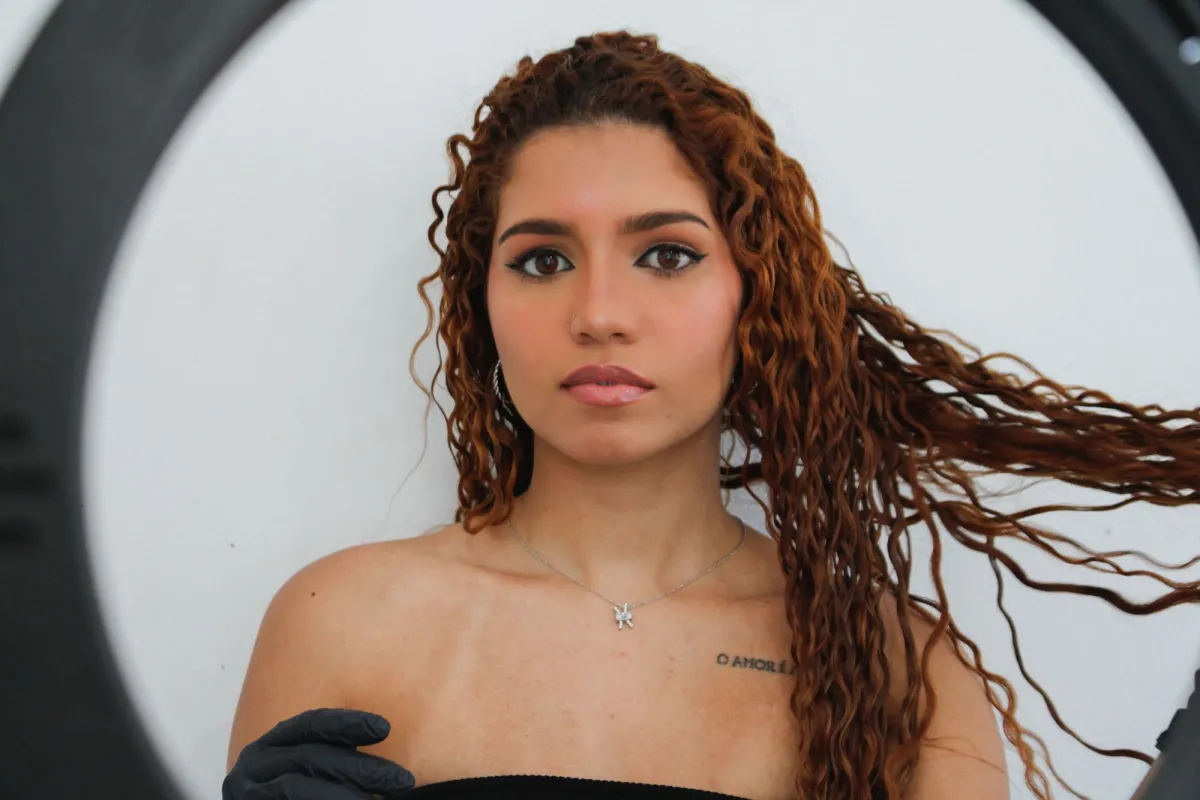
Upscalers that invent things. The failure mode is not blur, it is confidence. Point an image upscaler at a soft source and it will fabricate pores, eyelashes, fabric weave, wood grain and architectural edges that read as plausible at a glance. Faces get the worst of it, because facial priors are strong: eyes become more symmetrical, a nostril changes shape, a lip outline sharpens into a different mouth. For a family archive that is a nuisance. For anything that documents reality it is a problem.
| Symptom | Actual cause | What works |
|---|---|---|
| Coloured halo around hair | Mixed edge pixels, low-res alpha matte | Shoot on contrasting background; refine the matte by hand |
| Plastic or waxy skin after enhancing | Face prior overriding real texture | Lower the enhancement strength; upscale in two smaller steps |
| Invented text or grain | Model reconstructing from noise | Stop at 2x; never enhance evidence or documentation |
| Edit rejected halfway through | Content filter firing mid-workflow | Do destructive edits first, generative ones last |
| Batch job dies at image 300 | Session cap, not a crash | Chunk the queue; check the per-session limit before you start |
How do you check what your own images carry?
You do not need a lab. Five minutes with the files you are about to publish:
- Open the file in any EXIF viewer, or run
exiftool -G1 -a yourfile.jpg, and read what is actually there. - Look for GPS coordinates specifically. Phone photos carry them, and a screenshot of the map is not the only way that leaks.
- If the image came out of a generator, check whether it saved as PNG or JPEG rather than BMP. Format choice is a tell that a manifest is being written.
- Convert a copy and compare byte counts. A file that shrinks by more than the pixel data explains has lost metadata.
- Decide deliberately which layer you want to keep, then pick the export that matches.
A short policy that covers most cases:
- Publishing personal photos: strip everything. A convert-to-WebP pass does it for free.
- Publishing client or press work: keep IPTC credit and rights, drop GPS.
- Publishing AI-assisted work in the EU: keep the manifest, and do not re-export through a tool that silently drops it.
- Archiving originals: keep the untouched file, and do your stripping on the copy.
- Adding a visible mark instead: the watermark guide covers placement and opacity, and the watermark removal guide covers what is and is not recoverable from someone else's.
Frequently asked questions
Does Microsoft Paint watermark every image it creates?
Only the ones made with its AI features. A photo you open, crop and save in Paint is not marked. When Paint does generate, marking is mandatory: if the watermarking step fails, Paint throws the generation away rather than hand you an unmarked file. Windows Photos runs the same mechanism but returns the image even when marking fails.
Does resizing or converting a photo remove an invisible watermark?
It removes the metadata layer, not the pixel layer. Converting JPEG to WebP, or resizing for the web, drops EXIF, IPTC and any C2PA manifest, which is how provenance disappears silently. A pixel-domain watermark is spread through the image data itself and normally survives resizing, cropping and re-encoding.
How can I tell whether a photo was generated by AI?
Not reliably, and no single check settles it. A C2PA manifest is strong evidence when it is present, but it is missing from almost everything published on social platforms because uploads strip it, so absence proves nothing either way. Detector tools infer from artefacts and are wrong often enough that they do not count as proof.
Is it legal to strip metadata from a photo before publishing?
For your own photos it is generally fine, and it is the sensible default before publishing personal images, since EXIF can carry GPS coordinates. The real constraint is contractual rather than criminal: press, stock and client agreements often require IPTC credit and rights fields to stay intact, and the EU AI Act expects AI-generated content to keep its machine-readable mark.
What to change in your workflow this month
Three things, in order of how much they cost you.
Assume your metadata is already gone. If provenance matters for a piece of work, the embedded manifest is not the copy you rely on. Keep the original and the cloud record.
Separate the two stripping decisions. "Remove personal data before publishing" and "preserve credit and provenance" pull in opposite directions, and a single default export setting cannot serve both. Pick per job.
Stop trusting invisible marks as proof of anything, in either direction. A missing watermark does not mean an image is real, and a present one only proves which tool wrote it. If you want to understand what a segmentation model is genuinely doing to your pixels before you argue about what it stamped on them, the U2-Net explainer is the honest version.
The Paint story is not really about Paint. It is the first widely-read example of image tools writing data into your files that you did not ask for, cannot see, and were not told about. That pattern is going to repeat, and the only durable defence is knowing how to look.
Use the free tools while you follow the guide.
Keep reading
2026-09-13
How to Blur Faces and License Plates Before You Post
Blur or pixelate faces and license plates so they stay unreadable. Which method actually anonymizes, what fails, and how to avoid leaking EXIF location data.
2026-07-28
Batch Image Processing: Pipeline Order, Settings, and Tools
Batch image processing runs resize, compress, and convert jobs across whole folders. The pipeline order, measured quality settings, tool choice, and automation.

2026-07-28
Batch Image Processing: 12 Tips and Mistakes to Avoid
Batch processing saves hours, until one bad setting ruins 200 files. I share 12 practical tips plus the mistakes I made batching thousands of images, so you skip them.