2026-07-12
Photo Editing Fundamentals: The Core Adjustments Every Photo Needs
Photo editing fundamentals for beginners: exposure, contrast, white balance, color, cropping, layers, and non-destructive editing, with real values to apply today.
The everyday editing work — color correction, batch processing, watermarking, removing an object, straightening a horizon — is where most time goes. These guides cover photo editing fundamentals, free Photoshop alternatives, batch workflows, color theory and correction, adding text and watermarks, and the practical removal tasks (objects, watermarks, faces for privacy).
2026-07-12
Photo editing fundamentals for beginners: exposure, contrast, white balance, color, cropping, layers, and non-destructive editing, with real values to apply today.
2026-06-30
Honest 2026 comparison of free image editors: GIMP, Photopea, Paint.NET and browser tools, with real limits and pick-by-task advice.
2026-07-28
Batch image processing runs resize, compress, and convert jobs across whole folders. The pipeline order, measured quality settings, tool choice, and automation.

2026-07-18
Add clean text overlays to photos for social posts, product images, banners, and watermarks. Includes contrast checks, layout rules, tools, and batch options.
2026-07-13
Chain background removal, resize, and compression into one reusable pipeline. Compared against BatchTool, chaiNNer, and Photoshop Actions.
Free and no signup — apply what these guides cover.
2026-09-13
Blur or pixelate faces and license plates so they stay unreadable. Which method actually anonymizes, what fails, and how to avoid leaking EXIF location data.
2026-08-27
Paint embeds a server-issued GUID in AI images, platforms strip C2PA manifests, and a plain WebP export drops all of it. What your files really carry, and how to check.
2026-07-28
Batch processing saves hours, until one bad setting ruins 200 files. I share 12 practical tips plus the mistakes I made batching thousands of images, so you skip them.
2026-07-26
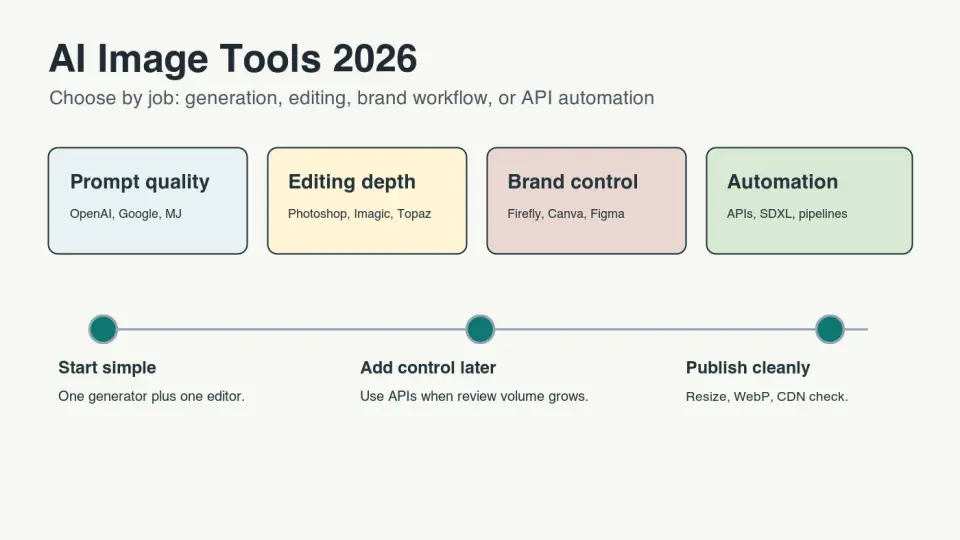
Compare AI image generators, editors, upscalers, and API tools for real 2026 workflows, with selection tables and publishing checks.

2026-07-26
Imagic AI's 2026 batch update ships multi-file queues, keyboard shortcuts, and a zip download. I tested it on 50 images — what shipped and how to use it.

2026-07-26
Remove a watermark from a photo you own: crop, clone stamp, content-aware fill, and AI inpainting ranked by difficulty, plus when removal is and isn't allowed.
2026-07-26
Add a watermark to photos to protect copyright: corner vs tiled vs center-faint placement, how to batch-watermark, and the trade-off between protection and image quality.
2026-07-25
Make a meme that stays readable everywhere. Why Impact works, when captions belong outside the image, and which export settings survive social platforms.

2026-07-25
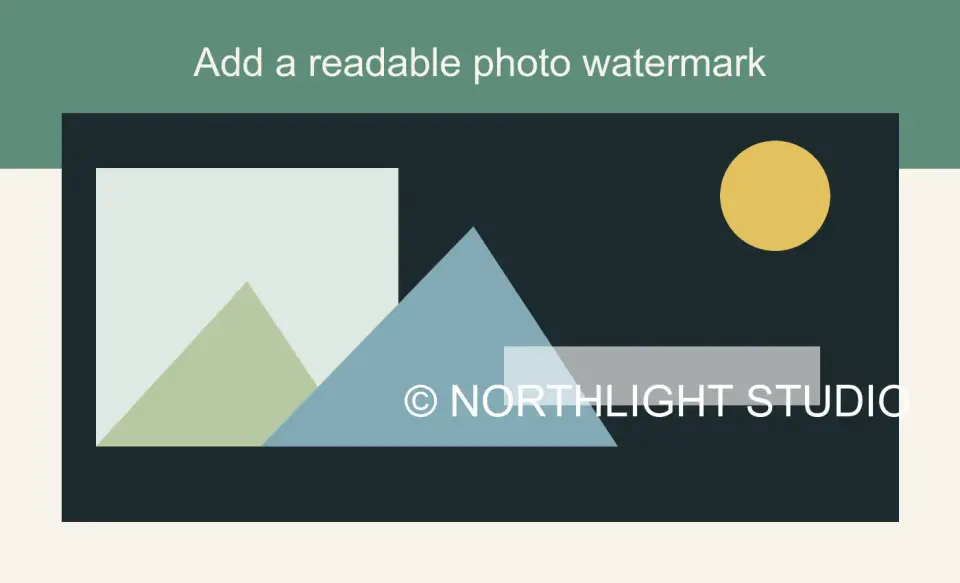
Rotate a sideways photo, level a crooked horizon, and un-mirror a selfie. Why EXIF rotation breaks in some apps and how to bake the fix into the pixels.
2026-07-18
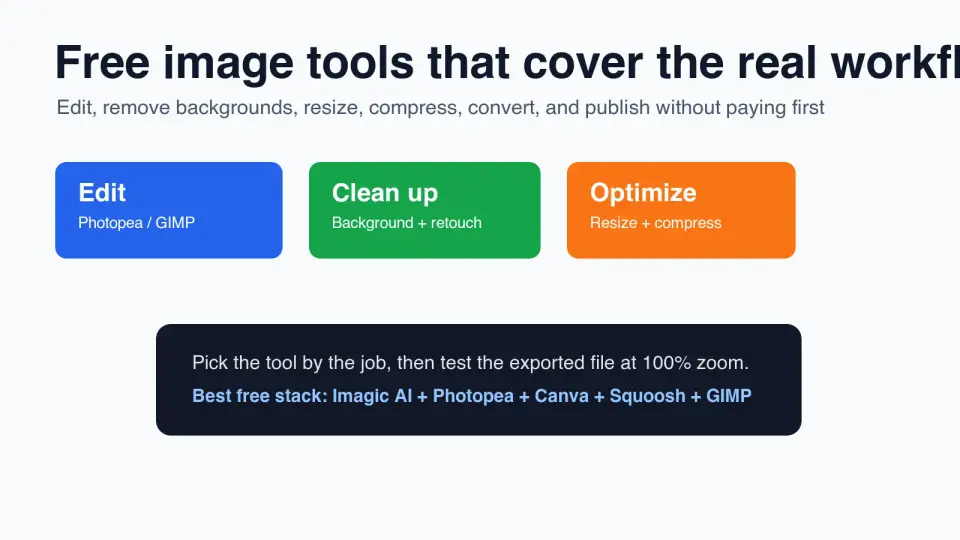
Add a readable text or logo watermark to photos for free. Pick placement, opacity, export size, and batch settings without ruining the image.
2026-07-12
Compare 10 free image tools for editing, resizing, compression, background removal, design, and exports, with a practical workflow.
2026-07-12
A no-budget roundup of the best free image tools in 2026, grouped by job, with honest free-tier limits and a quick pick-by-task table for your website.
2026-07-12
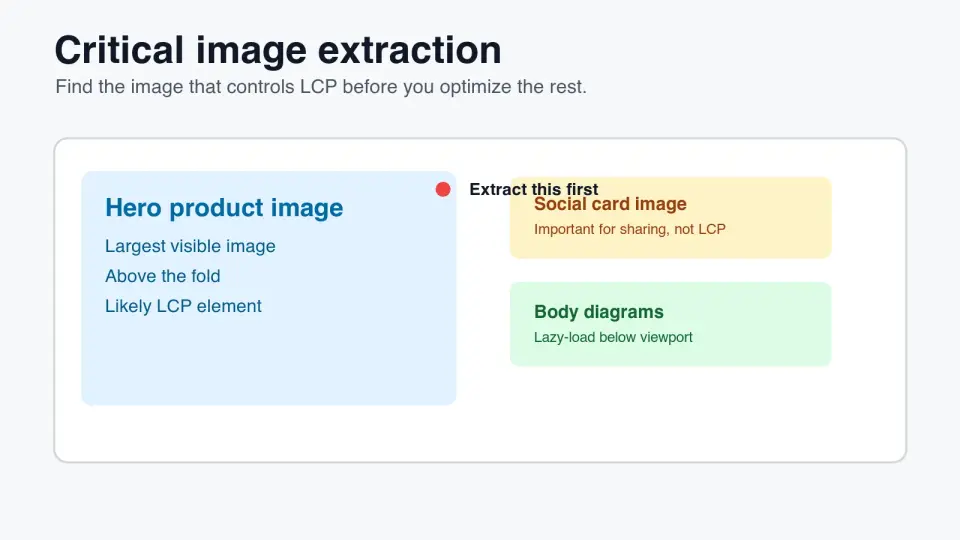
Find the critical image that drives LCP, preload only the right asset, avoid lazy-loading mistakes, and verify image priority in SEO tools.
2026-07-12
Consolidate compress, resize, convert, upscale, background removal, and 32 more image tasks into one free browser suite with a job-based decision table and workflow.
2026-07-12
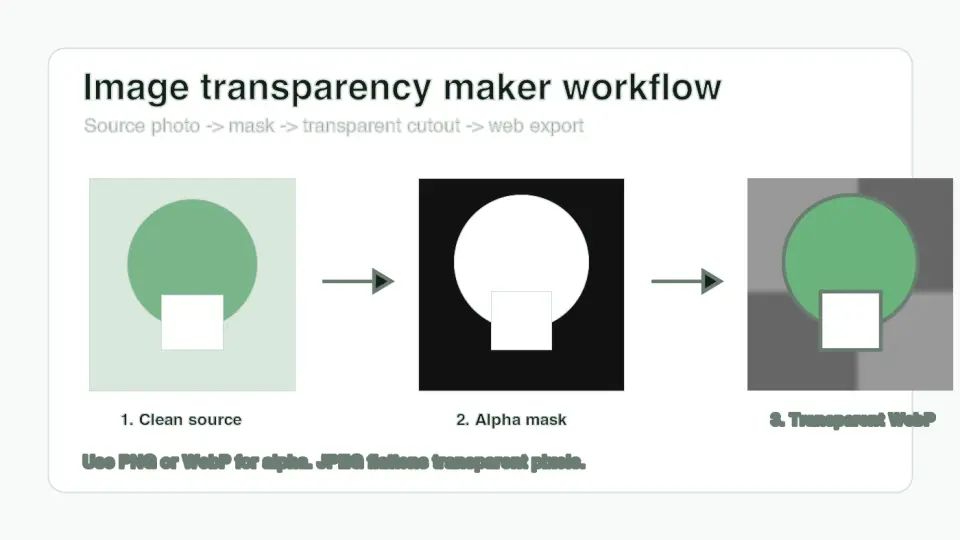
Learn how to make an image transparent, choose PNG or WebP, inspect alpha edges, and publish clean cutouts for shops, ads, and websites.