2026-06-28 · Updated 2026-07-10
Kaleidoscope Photo Effect: Turn Images Into Symmetric Patterns
Create kaleidoscope art from photos: mirror slices, rotational symmetry, and the segment counts that change the pattern. Real steps and the source images that work best.
Last updated: July 10, 2026
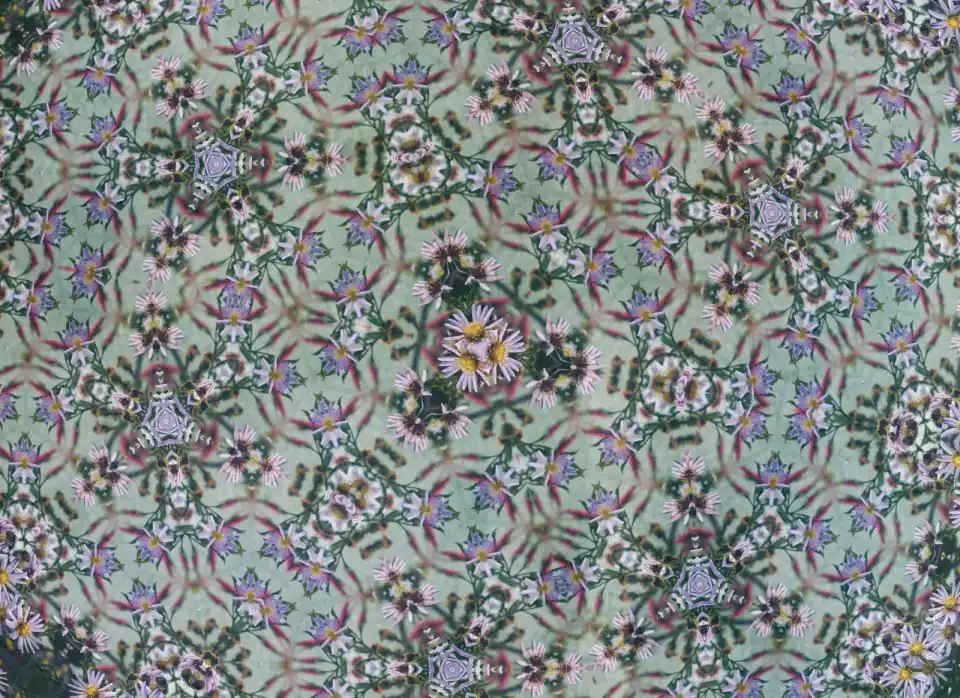
A kaleidoscope effect mirrors and rotates a slice of an image to produce a radially symmetric pattern — the same mesmerizing, repeating shapes you see through the toy. Applied to a photo, it turns ordinary content into abstract, mandala-like art. This guide covers how the effect works, the segment counts that change the pattern, and which source images produce the best results.
Quick answer: how do you create a kaleidoscope effect?
Our Kaleidoscope Effect tool automates this: it takes a triangular slice of the source image, mirrors it, and rotates copies around a center point to build a full circular pattern. The number of segments (usually 6, 8, or 12) sets the symmetry — more segments mean more repetition and a busier pattern. Apply the effect to a photo with strong colors and varied textures, then adjust the slice angle and rotation until the pattern balances. Export at high resolution because the symmetry rewards detail, then resize and compress for the destination.
How does the kaleidoscope effect work?
The effect is geometric: it takes a wedge of the source image and replicates it around a center point, with alternating wedges mirrored so the seams line up. The result is a pattern with rotational and mirror symmetry.
| Component | What it does |
|---|---|
| Source slice | The wedge taken from the original image |
| Mirror | Flips every other wedge so seams match |
| Rotation | Repeats the wedge around the center |
| Segment count | Sets the symmetry order |
- The slice angle is 360 degrees divided by the segment count.
- Mirroring adjacent wedges is what makes the seams disappear.
- The center point is the focal point of the final pattern.
Which source images work best?
Not every photo produces a good kaleidoscope. The effect rewards images with strong color variation, interesting textures, and a mix of light and dark regions — those qualities create the visual interest that symmetry then repeats.

- Strong colors — vivid, varied colors produce vibrant patterns.
- Texture and detail — fabric, nature, urban scenes give the pattern richness.
- Contrast variation — a mix of light and dark creates rhythm in the symmetry.
- Avoid flat regions — large empty areas become boring repeated blocks.
A macro photo of a flower, a busy street scene, or a textured fabric all make excellent kaleidoscope sources. A plain blue sky produces a boring, uniform pattern. The rule is that the source must be interesting on its own; symmetry amplifies whatever is there, so a dull source becomes a dull pattern repeated.
How many segments should you use?
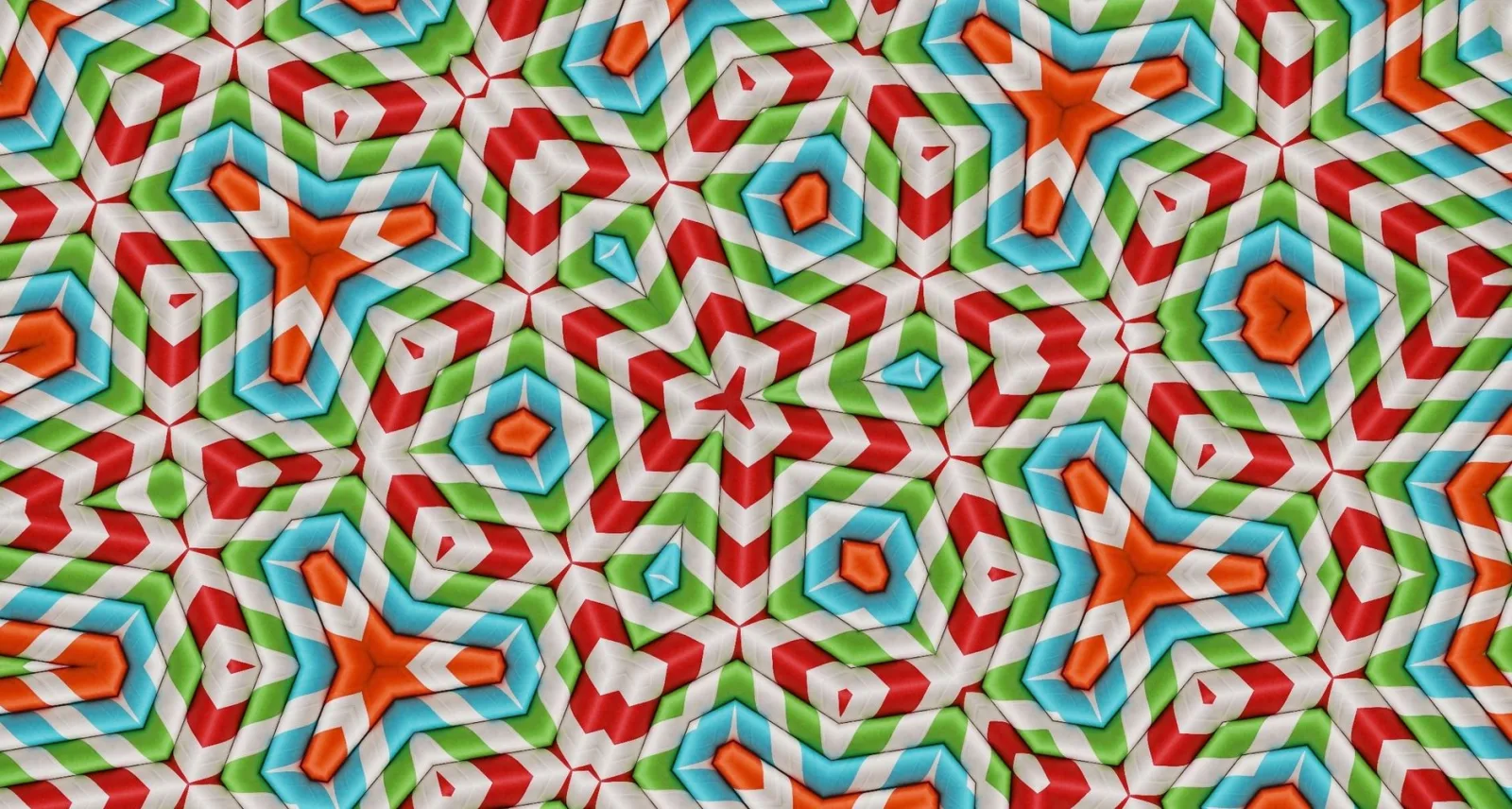
The segment count is the main creative control. It changes the character of the pattern significantly.
| Segments | Look |
|---|---|
| 4 | Bold, cross-like |
| 6 | Classic snowflake |
| 8 | Busy mandala |
| 12 | Dense, fine pattern |
| 16+ | Highly intricate, almost fractal |
- Fewer segments (4-6) produce bolder, more graphic patterns.
- More segments (12+) produce finer, more intricate patterns.
- Even segment counts mirror cleanly; odd counts produce a different feel.
- Experiment — the same source looks entirely different at different counts.
How do you control the slice and rotation?
Beyond the segment count, the slice position and rotation angle within the source image change which part of the photo becomes the pattern. Small adjustments here produce dramatically different results.
- Choose the center point — this becomes the pattern's focal point.
- Choose the slice angle — which wedge of the source to use.
- Rotate the slice within the source to select different content.
- Adjust until the pattern's features (lines, colors) radiate pleasingly.
- Moving the center point changes what sits at the middle of the mandala.
- Rotating the slice selects different source content for the pattern.
- Tiny shifts produce big changes because of the symmetry multiplication.
A practical kaleidoscope workflow
The effect rewards iteration. Rather than expecting the first result to be final, treat it as a search through a space of possible patterns, adjusting the controls until something pleasing emerges. A practical workflow makes that search efficient.
| Step | Control to adjust |
|---|---|
| 1. Pick a source | Choose a colorful, textured image |
| 2. Set segment count | Start at 6, then try 8 and 12 |
| 3. Move the center | Find an interesting focal point |
| 4. Rotate the slice | Cycle through source content |
| 5. Iterate | Repeat 2-4 until balanced |
The interaction between segment count and slice rotation is what makes the search productive. A pattern that looks flat at 6 segments with one slice angle can become striking at 8 segments with a slightly different angle, because the symmetry multiplies small source differences into large pattern differences. Saving several variants as you iterate is worthwhile, because the "best" result is often not the first one that looks acceptable but a later one you reach by continuing to adjust.
Exporting kaleidoscope art
Because the kaleidoscope multiplies detail through symmetry, the final image rewards high resolution. A source photo at moderate resolution becomes a dense, detailed pattern when replicated 8 or 12 times, so export at a generous size and let the destination scale it down. The image resizer handles the downscale for web use.
- Export at high resolution to preserve the symmetric detail.
- WebP or PNG preserves the sharp geometric edges; JPEG can introduce artifacts along the symmetry lines.
- For print, the symmetric patterns scale up cleanly because the geometry is regular.
- Compress carefully — the repetition can confuse some compressors into bloating the file.
For the deeper mathematics of what makes these patterns work, the dihedral group reference documents the symmetry groups that govern kaleidoscope output, and the Mozilla canvas transformations guide covers the programmatic rotation and mirroring that a browser-based kaleidoscope uses. The effect is one of the most rewarding creative transforms available — it turns any photo into generative art, and the only limit is how far you are willing to iterate on the controls.
When does the kaleidoscope effect suit an image?
The kaleidoscope is a total transformation — the source photo becomes unrecognizable abstract art. That makes it a creative effect for specific uses, not a general enhancement.
- Abstract art and backgrounds.
- Album covers and music graphics.
- Decorative patterns and textile design.
- Social media graphics that want visual impact.
It does not suit documentary photography, product images, or anything where the original subject must remain identifiable. The mirror effect guide covers a related but milder symmetry, and the spiral effect guide covers another rotational transform.
Treat the kaleidoscope as a generative tool — you are creating new art from a photo, not enhancing the photo itself, and the best results come from iterating on segment count, slice, and source until the pattern finds its balance.
Frequently asked questions
How does the kaleidoscope effect work?
It takes a wedge (slice) of the source image and rotates and mirrors copies of that wedge around a center point, producing radial symmetry. The segment count and the slice angle decide the pattern. It is geometry — rotation and mirroring — not a filter.
Which source images work best?
Images with strong colors, clear shapes, and a recognizable central element. Busy, low-contrast photos turn to noise when repeated, because the kaleidoscope needs recognizable shapes to mirror into a pattern.
How many segments should I use?
Six to twelve is the readable range. Fewer segments (4–6) read as bold symmetry; more (12+) turn into dense radial patterns that lose the original subject. Start at eight and adjust until the center still reads.
Is a kaleidoscope the same as a spiral?
Related but different. A kaleidoscope uses straight mirrored slices; a spiral warps along a curve. Both use rotation and mirroring. See the spiral effect guide for the curved version.
Can I animate a kaleidoscope?
Yes — rotate the source wedge slowly and re-render each frame, producing an animated radial pattern. It is a video-generation job, not a single image. Keep the rotation slow so the pattern reads as evolving, not spinning.
How do I choose the slice angle?
The slice angle and the segment count are linked: a full circle divided by the segment count gives the slice angle. More segments mean a narrower slice and a denser pattern; fewer mean a wider slice and bolder symmetry. Start with eight segments (a 45-degree slice) and adjust until the center still reads as the source subject.
Use the free tools while you follow the guide.
Keep reading

2026-07-28
AI Action Figure Trend: How to Prep Your Photo Right
Turn a photo into a collectible toy portrait: what makes the prompt work, and the crop, background, and resolution steps that avoid an obvious fake.
2026-07-26
AI Anime Generator Guide: Prompts, Styles, and Safe Exports
A practical AI anime generator workflow for portraits, avatars, banners, and social posts, with prompt templates, style checks, and export rules.

2026-07-26
Text-to-Image AI in 2026: How Prompt Generation Actually Works
Text-to-image AI turns a written prompt into a finished picture. Here is how the models, prompts, and settings behind image generation fit together in 2026.