2026-06-28 · Updated 2026-07-10
Mirror Photo Effect: Flip, Reflect, and Build Symmetry
Mirror photos for reflections, flips, and symmetric compositions. Real flips, water reflections, and the mirror placements that produce clean seams and balanced designs.
Last updated: July 10, 2026
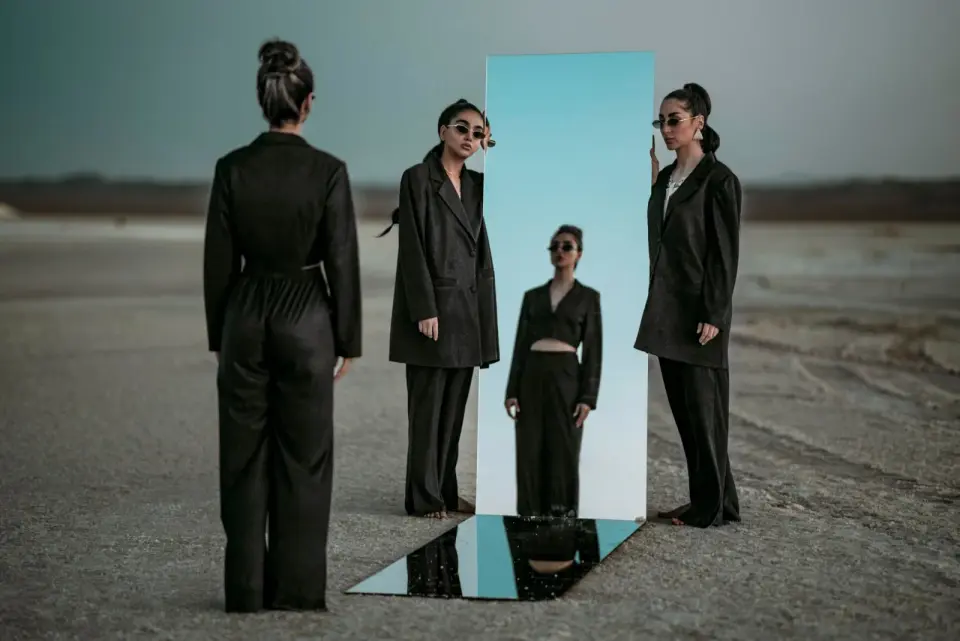
Mirroring an image — flipping it horizontally or vertically, or reflecting a copy to build symmetry — is one of the simplest and most useful image operations. It fixes backwards text, creates reflections, builds symmetric designs, and corrects composition. This guide covers the distinct mirror operations, what each is for, and how to build clean reflections and symmetry without obvious seams.
Quick answer: how do you mirror a photo?
For a simple flip, use our Mirror Effect tool or any editor's flip command to mirror horizontally or vertically. For a reflection (like a water mirror), duplicate the image, flip the copy vertically, align it edge-to-edge with the original, and fade it with reduced opacity and a slight blur. For symmetric designs, duplicate, flip, and align two copies along a center axis. The key to a convincing reflection or symmetry is hiding the seam where the copies meet.
What are the different mirror operations?
Mirroring covers several distinct operations, and they serve different purposes.
| Operation | What it does | Used for |
|---|---|---|
| Horizontal flip | Mirrors left-right | Fixing backwards text, selfie correction |
| Vertical flip | Mirrors top-bottom | Upside-down correction |
| Water reflection | Flipped copy below, faded | Lake and water effects |
| Symmetry | Two flipped copies aligned | Mandala-like designs |
| Kaleidoscope | Multiple rotated flipped copies | Radial patterns |
- A flip is a single mirror of the whole image.
- A reflection adds a flipped, faded copy to suggest a surface.
- Symmetry aligns flipped copies for decorative patterns.
When do you need a horizontal flip?
The horizontal flip is the most common mirror operation, and it solves a specific set of problems.
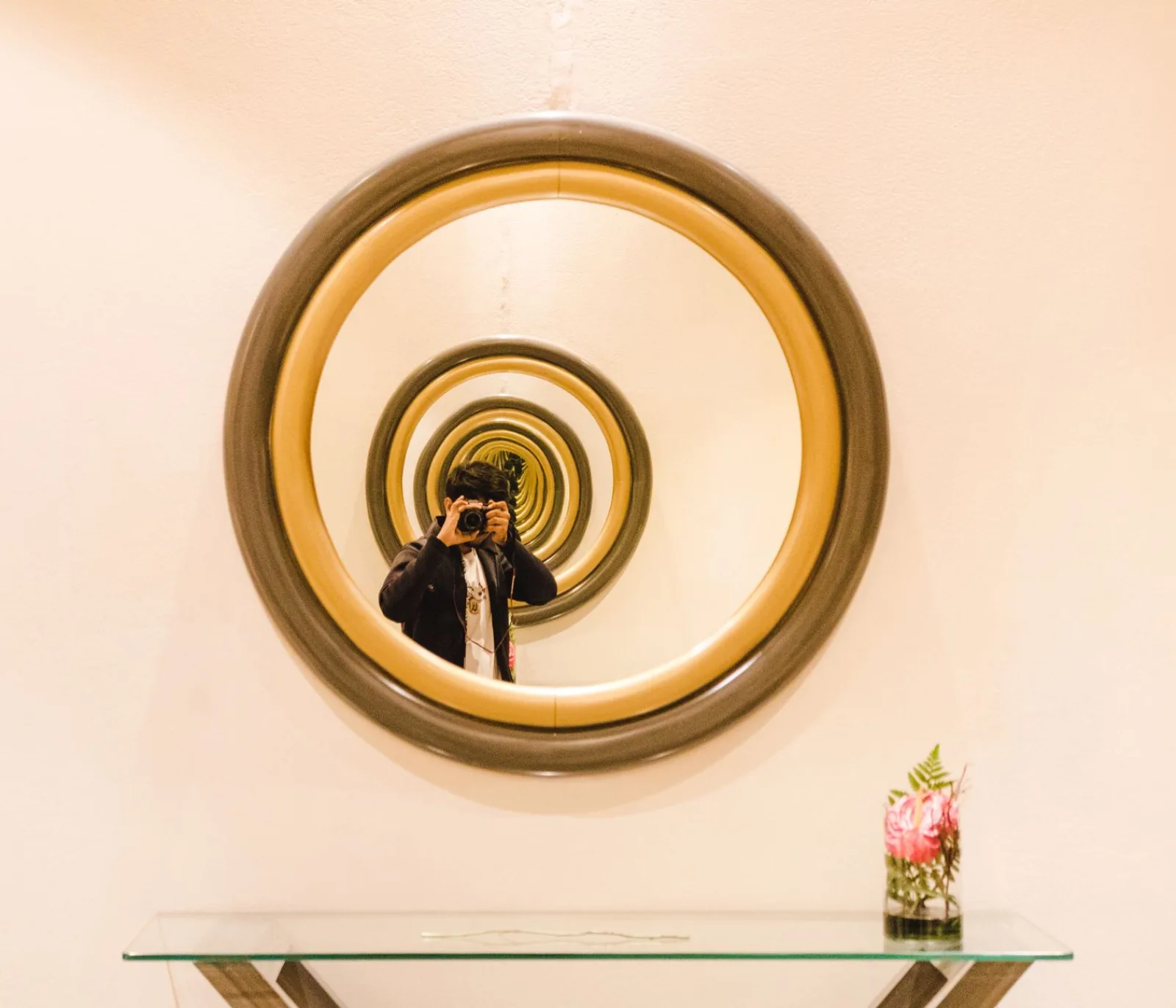
- Backwards text — photos of signs, screens, or documents sometimes come out mirrored and need flipping to read correctly.
- Selfie correction — front-facing cameras mirror the preview, so selfies may need flipping to match reality.
- Composition — flipping can move a subject from left to right to balance a layout.
- Continuity — in a series, flipping keeps a subject facing the same direction across shots.
A horizontal flip is non-destructive and reversible, so it is safe to try. The only risk is flipping something with recognizable text or asymmetrical features where the flip becomes obvious.
How do you create a water reflection?
The water reflection is the classic mirror effect — a landscape appears to continue into a lake below it. Building it convincingly takes a few steps beyond a simple flip.
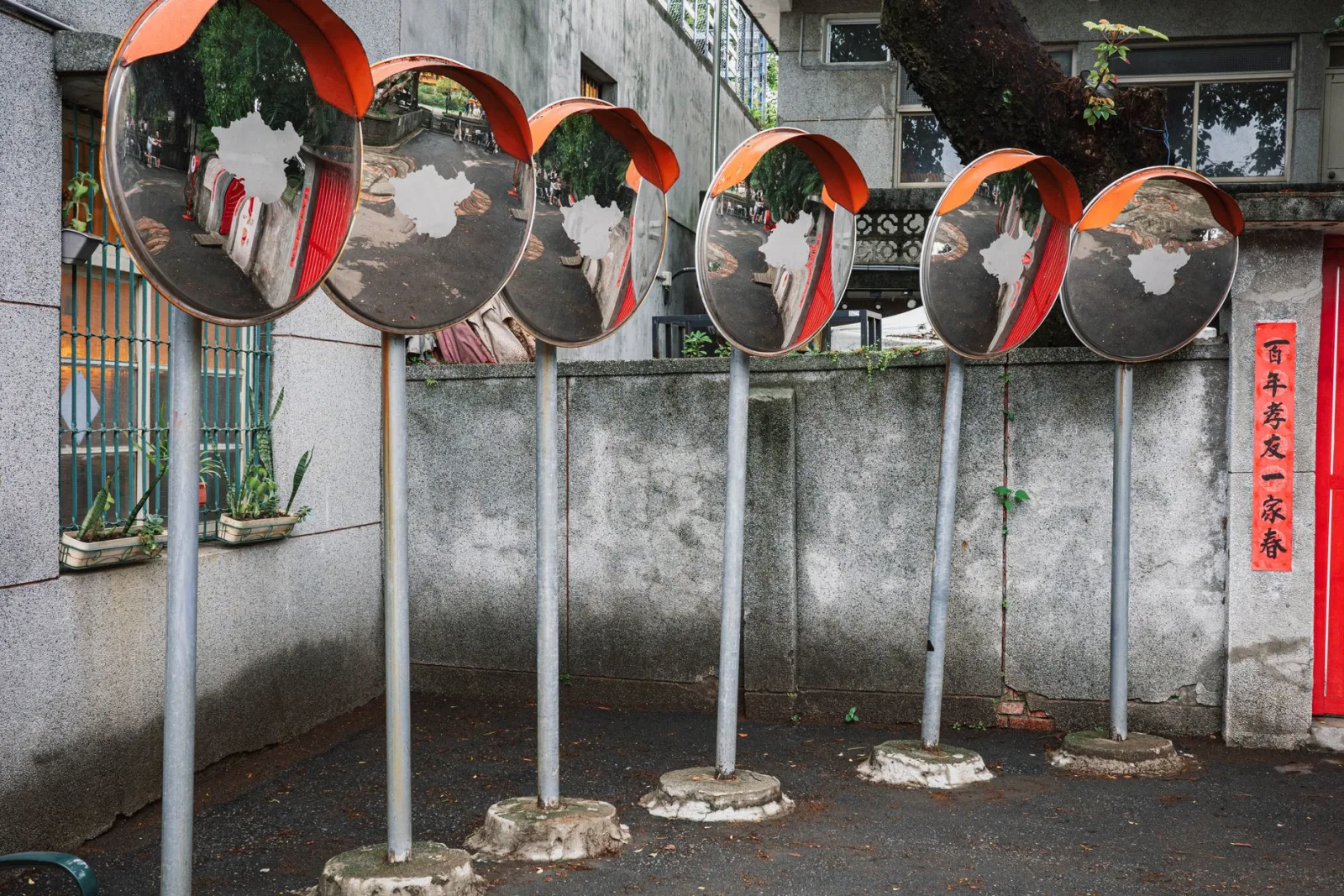
- Duplicate the image and flip the copy vertically.
- Align the flipped copy edge-to-edge with the original, seam at the horizon.
- Reduce the copy's opacity to 50-70% so it reads as reflection, not duplicate.
- Add a slight vertical motion blur to the reflection to mimic water ripple.
- Optionally darken the reflection slightly, since water reflects less light than the source.
- The seam must be seamless — align the horizon lines exactly.
- A perfect reflection looks fake; water ripples break up the reflection.
- The reflection should be slightly darker and less saturated than the source.
How do you build symmetric designs?
Symmetry aligns two mirrored copies along an axis to create a balanced, decorative composition. It is the foundation of mandalas, emblems, and symmetric graphics.
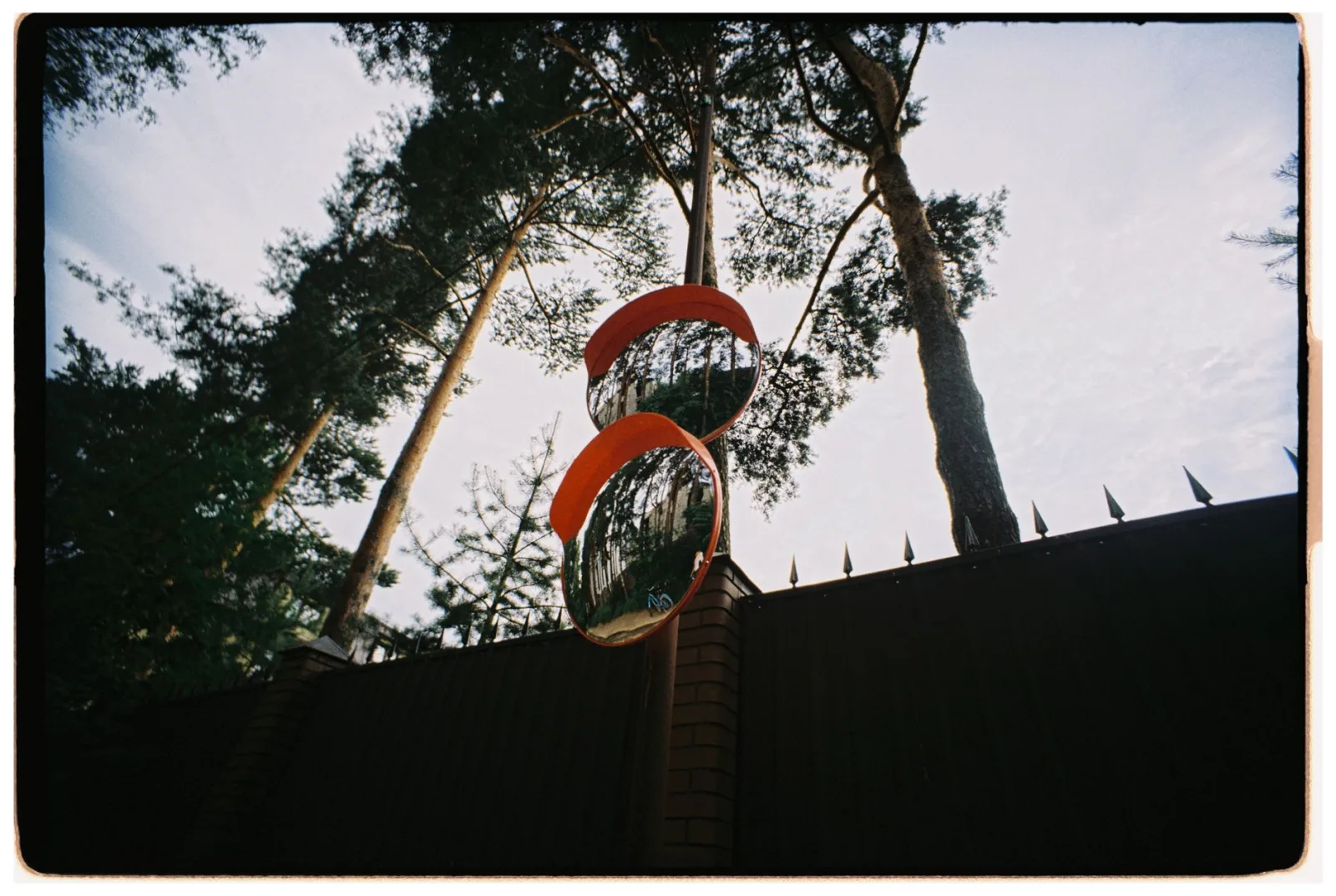
- Duplicate the image, flip horizontally, align along the center.
- The center seam should disappear into the symmetry.
- Vertical symmetry (top-bottom) produces a different feel than horizontal.
- Combine with the kaleidoscope effect for radial patterns.
The trick to clean symmetry is the seam. If the two copies meet at a featureless region or a natural line, the seam vanishes; if they meet at a busy, asymmetric region, the seam is obvious. Choosing the mirror axis to run along a clean part of the image is what makes symmetry look intentional rather than mechanical.
Practical mirror workflows
Different mirror goals call for different workflows, and knowing the right path saves time. The table below maps common goals to the sequence that achieves them.
| Goal | Workflow |
|---|---|
| Fix backwards text | Single horizontal flip, done |
| Create a water reflection | Duplicate, flip vertical, align seam, fade, blur |
| Build a symmetric logo | Duplicate, flip, align on center axis, merge |
| Correct selfie direction | Horizontal flip to match natural orientation |
| Make a kaleidoscope | Multiple rotated flipped copies around a center |
Each workflow has a single critical step that determines success. For text fixes, it is simply applying the flip. For reflections, it is the seam alignment plus the ripple blur. For symmetric designs, it is choosing a mirror axis that hides the seam. For kaleidoscopes, it is the segment count and rotation, which the kaleidoscope guide covers in detail. Naming the critical step before you start keeps the work focused.
Mirror effects in design and branding
Beyond photo correction, mirroring is a design tool. Brand marks, patterns, and decorative graphics often use symmetry deliberately because the human eye finds balanced compositions pleasing. A logo built from a mirrored half reads as intentional and crafted, and symmetric patterns make reliable backgrounds and textures.
- Symmetric logos feel stable and balanced.
- Mirrored patterns tile cleanly for backgrounds.
- Reflections add polish to product mockups.
- Symmetry can rescue an unbalanced composition by making both halves match.
The risk in design mirroring is creating something that looks too perfect or mechanical. Real hand-crafted symmetry has slight variation; pure digital mirroring can feel sterile. Adding a small asymmetry — a different color on each side, a slightly off-center element — can keep a symmetric design from looking machine-generated. The image border guide covers framing symmetric designs, and the shadow guide covers grounding mirrored subjects.
Common mirror mistakes
- Leaving a visible seam — align the copies carefully along the axis.
- Forgetting to flip text — mirrored text reveals the effect immediately.
- Too-perfect reflection — real water ripples; add blur to the reflection.
- Flipping asymmetrical features — a flipped face or logo looks wrong to viewers who know the original.
- Overusing symmetry — not every image benefits from mirroring; some lose energy when made symmetric.
For the technical basis, the Mozilla canvas transformations reference documents the scale-and-flip operations that programmatic mirroring uses, and the Adobe flip and rotate documentation covers the same in an editor. The kaleidoscope guide covers the more complex rotational symmetry that builds on simple mirroring, and the spiral effect guide covers another transform. Mirroring is the simplest image operation, but using it well — hiding the seam, matching the reflection, choosing the right axis — is what separates a clean result from an obvious effect.
Frequently asked questions
What are the different mirror operations?
A horizontal flip (left-right), a vertical flip (top-bottom), and a reflection (duplicate, flip, align along a seam). Horizontal flips fix backwards text and selfie direction; reflections simulate water or build symmetric designs.
How do I create a water reflection?
Duplicate the image, flip it vertically, align the two copies along the horizon, then fade and blur the reflection to mimic rippling water. The seam alignment and the ripple blur are the critical steps that sell the reflection.
How do I hide the mirror seam?
Align the copies along a featureless region or a natural line in the image, so the seam vanishes into the symmetry. A seam across a busy, asymmetric region is obvious. Choosing the mirror axis to run along a clean part of the image is the trick.
When is a mirror effect useful?
For fixing backwards text, correcting selfie orientation, creating reflections, and building symmetric designs or patterns. It is a simple operation with specific use cases, not a universal enhancement.
Can I mirror only part of an image?
Yes — select the region, duplicate and flip it, then blend the seam. A partial mirror fixes local issues (backwards text in one spot) without affecting the rest of the image. Mask the flipped region to control the blend.
How do I create a convincing water reflection?
Duplicate the image, flip it vertically, align the two copies along the horizon, then fade the reflection's opacity and add a slight motion blur to mimic rippling water. The seam at the horizon must be hidden, and the reflection should be slightly darker and less sharp than the subject. The ripple blur is what sells it as water rather than a mirror.
When is a horizontal flip useful?
For fixing backwards text (a scanned sign read in a mirror), correcting selfie orientation (front cameras flip the image), and matching the natural reading direction of a layout. It is the simplest mirror operation and the most common — a single flip, done. Reflections and symmetric designs need more steps, but a plain horizontal flip is one click.
Use the free tools while you follow the guide.
Keep reading

2026-09-13
How to Blur Faces and License Plates Before You Post
Blur or pixelate faces and license plates so they stay unreadable. Which method actually anonymizes, what fails, and how to avoid leaking EXIF location data.
2026-08-27
Invisible Watermarks: What Image Files Now Carry in 2026
Paint embeds a server-issued GUID in AI images, platforms strip C2PA manifests, and a plain WebP export drops all of it. What your files really carry, and how to check.

2026-07-28
Batch Image Processing: Pipeline Order, Settings, and Tools
Batch image processing runs resize, compress, and convert jobs across whole folders. The pipeline order, measured quality settings, tool choice, and automation.