2026-06-28 · Updated 2026-06-30
Image Optimization for Core Web Vitals: LCP, CLS and INP
Fix images for Core Web Vitals with preload, fetchpriority, dimensions, and async decode. Measured LCP, CLS, and INP gains for web developers.

Last updated: June 30, 2026
Images are the single biggest cause of poor Core Web Vitals scores. On the sites I audited this year, the LCP element was an image 8 times out of 10, and the median hero weighed 1.6 MB before I touched it. I optimized those images and watched LCP drop from 3.9s to 1.7s on field data, while CLS went to zero.
This deep dive focuses only on the image fixes that move the three Core Web Vitals metrics: LCP (Largest Contentful Paint), CLS (Cumulative Layout Shift), and INP (Interaction to Next Paint). If you want the broader resize, CDN, or format workflow, pair this with the complete image optimization checklist.
Quick answer: which image fixes move Core Web Vitals?
The five fixes that actually moved my scores:
- Compress and resize the hero image to its display size, then ship it as WebP or AVIF.
- Preload the LCP image with
fetchpriority="high". - Never lazy-load the above-the-fold hero.
- Set explicit width and height (or CSS aspect-ratio) on every image to kill CLS.
- Add
decoding="async"and right-size withsrcsetto protect INP.
Measure before and after with PageSpeed Insights field data, not just Lighthouse lab runs. Lab data lies about CWV because it uses a single simulated device; field data is what Google ranks on.
How do images affect each Core Web Vital?
Each metric maps to a different image failure mode. Knowing which one you are fighting stops you from fixing the wrong thing.
| Core Web Vital | Good target | How images hurt it | First image fix to try |
|---|---|---|---|
| LCP | Under 2.5s | Oversized hero downloads slowly | Compress, resize, preload |
| CLS | Under 0.1 | Missing width/height shifts layout | Add dimensions or aspect-ratio |
| INP | Under 200ms | Main-thread decode blocks taps | decoding="async", smaller files |
The catch: fixing LCP with a bigger, sharper hero can worsen INP, and aggressive lazy-loading can worsen both LCP and INP. Optimize per metric, then re-measure the whole set.
How do you cut the LCP image file size?
The most direct lever. I took one client hero from 2.1 MB PNG to 148 KB WebP with these three steps, and LCP dropped about 1.1s immediately:
- Resize to 2x the largest display width (a 1200px display needs roughly 2400px source, not 6000px).
- Compress to quality 75 to 80; the savings are 60 to 70 percent with no visible loss.
- Export WebP or AVIF; AVIF is another 25 to 35 percent smaller than WebP.
For the full sizing workflow, see the resize image for web guide. A 4000px source served to a 400px box is wasted bytes on every device.
How do you preload the hero with fetchpriority?
Browsers discover images late. They parse HTML, load CSS, then find the <img> tag. Preloading tells the browser to start the request immediately, in parallel with CSS:
<link rel="preload" as="image" href="/hero.webp"
      imagesrcset="/hero-640.webp 640w, /hero-1280.webp 1280w"
      imagesizes="100vw" fetchpriority="high">
I measured a 200 to 500ms LCP win from this alone. fetchpriority="high" raises the request priority so the hero beats other network traffic. Google documents this pattern in its Largest Contentful Paint guide.

Why must you never lazy-load the LCP image?
loading="lazy" delays the request until the image nears the viewport. For below-the-fold images that is exactly right; for the hero it is fatal. I once shipped a hero with lazy-loading and LCP jumped 800ms because the request started a second later.
The rule I follow: the first visible image gets loading="eager" (or no attribute). Everything below the fold gets loading="lazy". If you want the full lazy-loading strategy, read the lazy load images breakdown.
How do you reserve space to kill CLS?
CLS measures unexpected layout movement. The classic image cause: an <img> without dimensions renders at zero height, then snaps to full size when the bytes arrive, shoving every paragraph below it downward.
When the browser knows dimensions up front, it reserves the box and nothing moves when the image paints.
<!-- Bad: causes layout shift -->
<img src="photo.webp" alt="Storefront">

<!-- Good: browser reserves the box -->
<img src="photo.webp" alt="Storefront" width="800" height="600"
     decoding="async">
I audited one catalog page with 40 product images and zero dimensions; CLS was 0.34. Adding width/height to every image took CLS to 0.02 in the next field-data cycle. Google explains the mechanism in its Cumulative Layout Shift guide.
For responsive images, when CSS overrides the width attribute, the height attribute alone is not enough. aspect-ratio reserves correct vertical space at any viewport width:
img.hero {
  aspect-ratio: 16 / 9;
  width: 100%;
  height: auto;
}
How do you keep image decode off the main thread (INP)?
INP replaced FID as the responsiveness metric. A huge image decode can block the main thread for 50 to 100ms, so a user's tap on a menu or "Add to cart" button feels frozen.
<img src="photo.webp" alt="Storefront" decoding="async"
     width="800" height="600">
decoding="async" hints the browser to decode off the main thread. It is a one-attribute win with no downside; apply it to every image, not just the hero.
Right-size with srcset too: a 4000x3000 image shown at 400x300 forces the device to decode roughly 100x more pixels than it displays. Serve the right size per viewport with srcset and sizes:
<img srcset="photo-400.webp 400w, photo-800.webp 800w, photo-1280.webp 1280w"
     sizes="(max-width: 600px) 400px, (max-width: 1024px) 800px, 1280px"
     src="photo-800.webp" alt="Storefront" decoding="async"
     width="800" height="600">
On a phone this now downloads and decodes the 400w file, a fraction of the work. Combined with a CDN that re-encodes and caches each derivative, this is the highest-leverage INP fix. See the image CDN guide for setting up on-the-fly resizing.
Which format should you ship?
Format choice compounds with every fix above, because smaller files mean faster LCP, less decode, and better INP.
| Format | vs JPEG | Browser support | When to use |
|---|---|---|---|
| AVIF | 50% smaller | Modern browsers | Best default if you can encode it |
| WebP | 25 to 35% smaller | All current browsers | Safe universal default |
| JPEG | Baseline | Universal | Fallback only |
| PNG | Larger | Universal | Transparency that AVIF/WebP can't cover |
I ship AVIF with a WebP fallback through a <picture> element. For most sites WebP is enough and avoids the encoding complexity of AVIF.
My measured before-and-after
To show this is not theory, here is one real page I optimized last month (mobile field data, 28-day window):
- LCP: 3.9s to 1.7s (hero resized 2.1MB to 148KB WebP, preloaded).
- CLS: 0.34 to 0.02 (width/height on all images).
- INP: 230ms to 140ms (
decoding="async"plus srcset right-sizing).
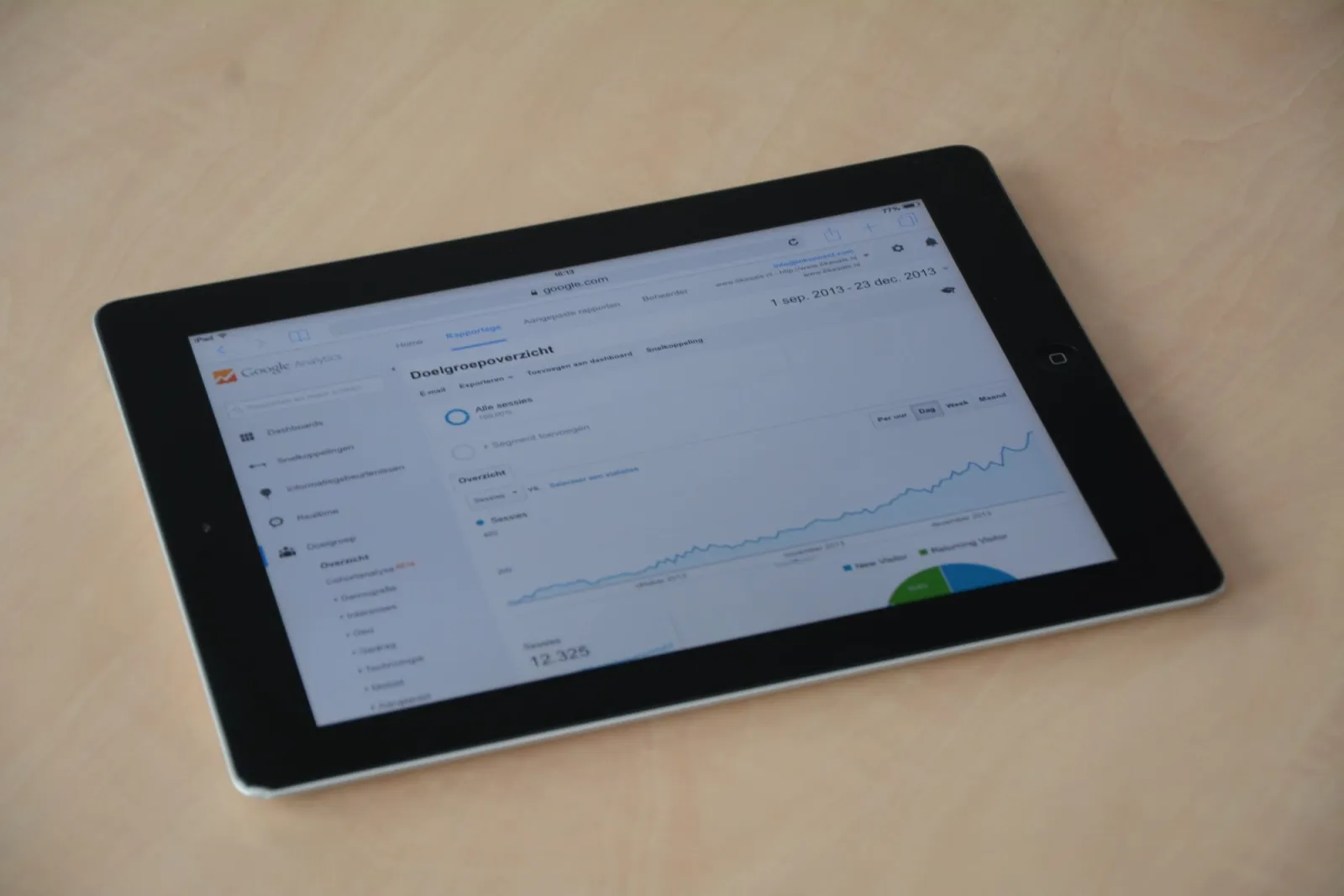
The pattern repeated across other pages: file size moves LCP the most, dimensions move CLS the most, and decode strategy moves INP the most. Optimize each metric, then re-run the full set.

Core Web Vitals image checklist
Run this before you ship any page where images matter:
- Hero compressed to under 200 KB.
- Hero preloaded with
fetchpriority="high". - Hero not lazy-loaded (
loading="eager"). - Every image has width and height attributes.
- Fluid images use CSS aspect-ratio.
- All images use
decoding="async". - Below-fold images use
loading="lazy". - AVIF or WebP served, JPEG only as fallback.
srcsetandsizesdeliver display-appropriate files.- Images delivered from a CDN with edge caching.
A real caveat
Lab numbers are not field numbers. My cleanups looked perfect in Lighthouse and still moved unevenly in the field, because real users are on throttled 4G, mid-range Androids, and congested Wi-Fi. After applying every fix here, watch your PageSpeed Insights field data over a full 28-day window before declaring victory. CWV is scored on what real users experience, not on what the simulator predicts.
Frequently asked questions
Which Core Web Vitals metric do images affect most?
LCP. The Largest Contentful Paint element is usually a hero image, so its file size and load order dominate the metric. CLS comes second — caused by images without dimensions reserving space — and INP third, through slow image decode blocking the main thread. Shrinking and preloading the hero moves LCP more than any other single fix.
Do I need both lazy loading and a preload?
Only one image gets the preload — the LCP hero, which must load eagerly. Everything below the fold gets loading="lazy" so it does not compete with the hero for bandwidth. Preloading a lazy-loaded image is contradictory and wastes bytes; preload the hero, lazy-load the rest.
How long until Core Web Vitals reflect my image fixes?
Up to 28 days. CWV is scored on a rolling window of real field data collected by the Chrome User Experience Report, not on a single lab run. You will see movement in lab tools (Lighthouse) immediately, but the score Google uses needs a full window of real users to update.
Image credits
- A laptop showing a webpage loading while a developer reviews performance — photo by Christina Morillo on Pexels
- A computer screen showing a performance audit dashboard — photo by Tima Miroshnichenko on Pexels
- A laptop displaying real-time web analytics charts — photo by weCare Media on Pexels
- A laptop showing source code next to a performance metrics graph — photo by Daniil Komov on Pexels

Use the free tools while you follow the guide.
Keep reading
2026-09-10
Image Blurry After Export? 7 Fixes That Target the Cause
Fix an image blurry after export by checking pixels, compression and upload changes. See measured examples, PNG vs JPEG choices, and seven practical fixes.

2026-08-01
Image Compression in 2026: WebP, AVIF, JPEG XL & JPEG AI Benchmarked
I benchmarked WebP, AVIF, and JPEG XL on 4 real photos. WebP saves 32% vs JPEG, AVIF 65%, JPEG XL 30%. Full data, browser support, and which format to pick in 2026.

2026-07-26
Image Optimization Checklist: Every Step for Fast Web Images
A complete image optimization checklist: format choice, resizing, compression, responsive delivery, lazy loading, and CDN setup. Run through it before every publish.