2026-06-28 · Updated 2026-07-12
Photo Editing Software in 2026: Which Editor Actually Wins
I tested Photoshop, Lightroom, Capture One, GIMP and four more editors on real shoots. Here is which photo editing software wins for RAW, retouching and budget.
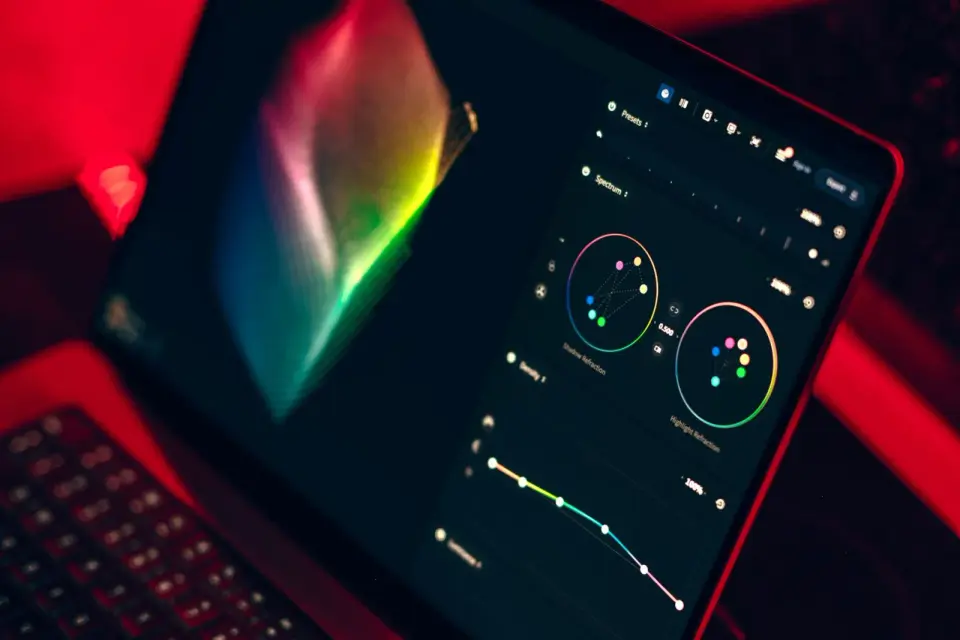
Last updated: July 12, 2026
Pick wrong and you will fight your software on every shoot. Pick right and the editor disappears into the work. I have spent fifteen years bouncing between Lightroom, Capture One, Photoshop, and a rotating cast of free apps, and the decision still comes down to two questions: what do you shoot, and how much friction can you stomach.
Quick answer: which photo editing software wins?
For most photographers in 2026, Adobe Lightroom is the safest all-round pick: strong RAW, solid cataloging, and real mobile sync. Capture One wins if you shoot tethered in studio or need the cleanest color. Photoshop is still the only serious tool for heavy compositing and pixel-level retouching.
If you want free, RawTherapee handles RAW better than anything else at zero cost, GIMP covers pixel editing, and Photopea saves you in a browser when you cannot install anything. The honest answer is that no single editor is best — the best one is the one that matches your work.
What did I actually test?
I ran the same files through each editor: 200 wedding RAW frames from a Sony A7 IV, a set of tricky skin-retouching portraits, and a landscape with blown highlights. I compared export color, speed on my M-series laptop, and how often I had to fight the interface.
This is the broad comparison, including paid pro tools. If you only want the no-cost side, the free-only roundup lives in free image editing tools, and the free Photoshop stand-ins are broken out in free Photoshop alternatives.
How did I compare these editors?
I scored each editor on five things, weighted toward what actually matters at 2 a.m. with a deadline:
- RAW quality and color control
- Speed and stability on a modern laptop
- Learning curve and interface friction
- Price model: subscription, one-time, or free
- How well it fits a real photographer workflow
I weighted RAW and workflow heaviest because those are the parts you touch every single shoot. A gorgeous feature you never use does not earn a high score here. For context on RAW files themselves — what they are and why the editor matters — the basics are in photo editing fundamentals.
Which editors win, ranked by use case?
Here is the comparison table I wish I had when I was choosing. Prices are the 2026 list figures.
| Editor | Price (2026) | RAW support | Best for | Learning curve |
|---|---|---|---|---|
| Adobe Lightroom | $11.99/mo | Excellent | Catalog plus edits | Moderate |
| Adobe Photoshop | $22.99/mo | Via ACR | Compositing, retouching | Steep |
| Capture One | $29/mo or $299 | Best in class | Tethered shooting, color | Steep |
| Luminar Neo | ~$4.75/mo | Good | One-click AI looks | Easy |
| Affinity Photo 2 | $69.99 once | Via RAW persona | One-time buyers | Moderate |
| GIMP | Free | Limited (plugin) | Pixel edits, no budget | Steep |
| Photopea | Free | Import only | Browser PSD edits | Moderate |
| RawTherapee | Free | Excellent | Free RAW processing | Steep |
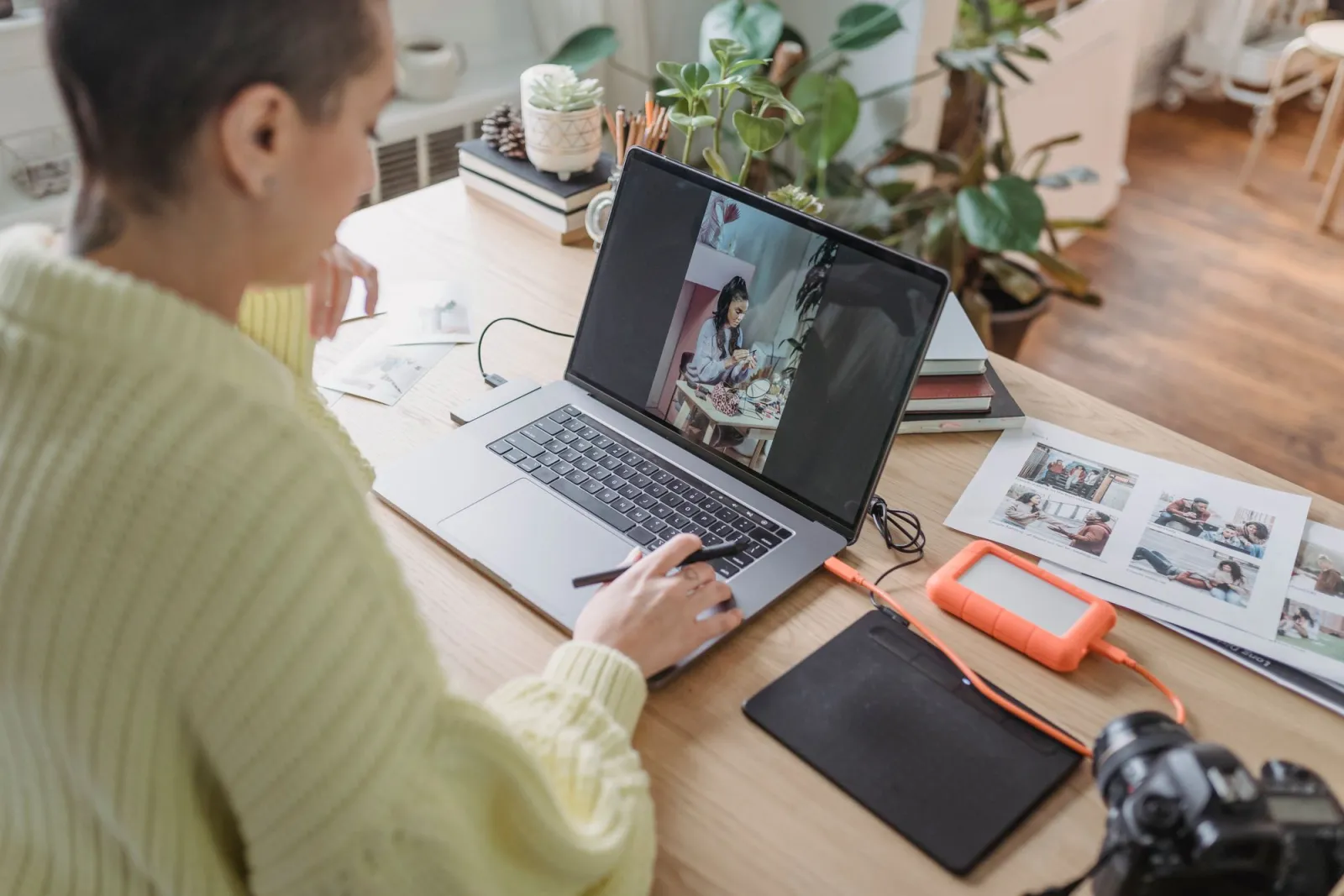
Lightroom — the safe default
Cataloging plus non-destructive editing in one app is hard to beat. I edited the full wedding set in about three hours, and AI denoise rescued two frames I would have binned. Downsides: cloud sync can lag, and denoise drains a laptop battery fast.
Capture One — color and tethering king
The color engine and tethered shooting are why pros pay for it. Skin tones from my Sony files needed less fight than in Lightroom, and the tethered live view is the best I have used. The cost and the less-friendly catalog model are the trade-offs. (Capture One)
Photoshop — still unmatched for pixels
Nothing else composites or retouches like Photoshop. I reach for it on the hard jobs Lightroom cannot touch, like removing a full person from a busy frame. As a first-stop photo browser, though, it is overkill. (Adobe Lightroom and Photoshop)
GIMP and RawTherapee — the free reality
GIMP is genuinely capable for pixel work, and RawTherapee's RAW detail is excellent for the price of zero. The cost is interface friction and your time — expect more clicks and rougher batch handling. (GIMP)
Which editor wins for RAW processing?
RAW is where the paid tools earn their money. On the blown-highlight landscape, Capture One recovered the most usable detail, with Lightroom close behind and RawTherapee surprisingly competitive for free software.
Luminar's defaults looked punchy out of the box but clipped sooner than I liked once I pushed the sliders. GIMP alone is not a RAW editor — it needs a converter first. If you live in the free world, pair RawTherapee for RAW with GIMP for pixel edits. That combo covers most of what Lightroom does, just less smoothly.
Is free software enough for professional work?
Yes, with caveats. I shipped paid work from RawTherapee plus GIMP for a year to prove it to myself. The output was genuinely professional and clients never noticed. What I lost was speed and convenience: more clicks, slower tethering, no tidy catalog, and rougher batch exports.
If clients are paying and deadlines are real, the subscription buys time, not just features. If it is personal work or a tight budget, the free stack will not hold you back creatively.
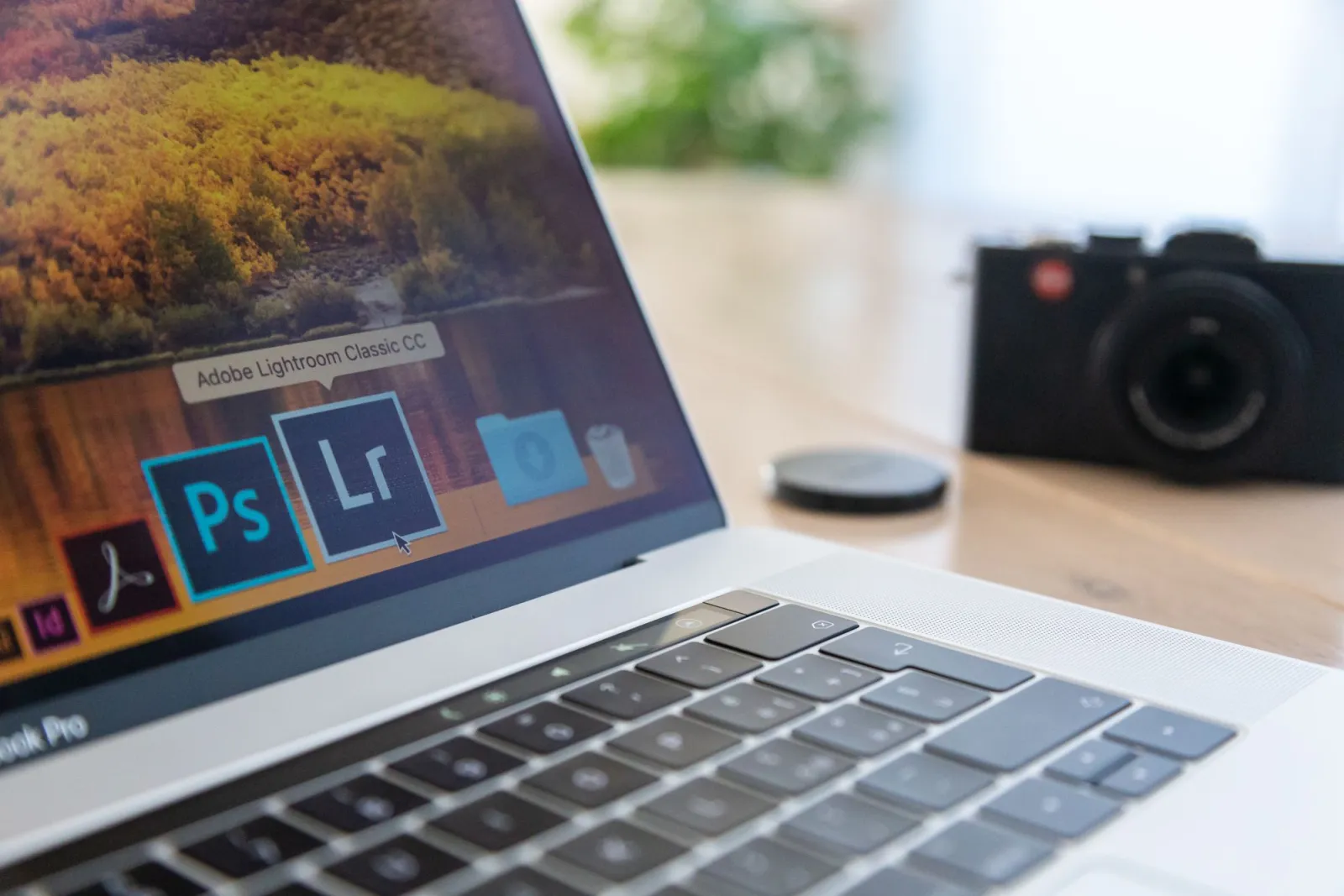
Should you pay for Photoshop in 2026?
Only if you do compositing, heavy retouching, or design work. For straight photography — exposure, color, crop, export — Lightroom or Capture One are faster and cheaper. Photoshop's subscription stings when you only need ten percent of its power.
The one-time alternative is Affinity Photo 2 at $69.99: most of Photoshop's core pixel tools with no recurring fee. I keep it on my travel laptop for exactly that reason, and it has never blocked me from finishing a job. For the batch side of a real workflow, the best free image tools 2026 roundup covers the free utilities that pair with any paid editor.
How does performance compare on a modern laptop?
On my M-series machine, Lightroom and Capture One both stay smooth through a few hundred RAW files. Photoshop is heavier and slows once layers stack up. RawTherapee is fast at editing one file but slow to batch. Photopea runs in a browser and is limited by your RAM, not your CPU.
GIMP is lighter than Photoshop but older in feel — menus where you expect panels. None of these are dealbreakers, but performance is a real reason to pick one over another if your hardware is modest.
What are the workflow picks by camera and budget?
This is how I would actually spend money, mapped to real situations:
- Wedding and event shooter with thousands of frames — Lightroom
- Studio shooter tethered to a computer — Capture One
- Retoucher or composite artist — Photoshop
- Hobbyist who hates subscriptions — Affinity Photo 2
- Broke student or Linux user — GIMP plus RawTherapee
- Locked-down work machine, no installs — Photopea
- Phone-first shooter wanting one-click looks — Luminar Neo
| If you... | Pick this |
|---|---|
| Shoot weddings and need a catalog | Lightroom |
| Shoot tethered in studio | Capture One |
| Retouch skin or build composites | Photoshop |
| Want one payment, forever | Affinity Photo 2 |
| Want free RAW with real detail | RawTherapee |
| Edit where you cannot install apps | Photopea |
Key takeaway
- Match the editor to the work, not to the hype.
- Lightroom is the safe default for most photographers.
- Capture One earns its price for tethering and color.
- Photoshop is for pixels and compositing, not photo browsing.
- Free is viable — RawTherapee plus GIMP can ship pro work.
The honest caveat
Software is personal. I know wedding photographers who are faster in Capture One than I will ever be in Lightroom, and retouchers who find Photoshop the only place they can think clearly. Test two or three of these editors on your own files for a week before you lock into a subscription — the right answer is the one that gets out of your way. Prices and features shift each year, so re-check the current list before you commit.
Frequently asked questions
What is the best photo editing software overall in 2026?
There is no single winner: Lightroom is the safest all-round pick, Capture One wins for tethered studio color, and Photoshop is still unmatched for compositing.
Which photo editor is best for RAW processing?
Capture One recovered the most detail on a blown-highlight landscape in my tests, with Lightroom close behind and RawTherapee surprisingly competitive for free.
Is free photo editing software good enough for professional work?
Yes — I shipped a full year of paid client work from RawTherapee plus GIMP, and clients never noticed the difference.
Should I pay for Photoshop instead of Lightroom?
Only pay for Photoshop if you do compositing, heavy retouching, or design work; for straight photography, Lightroom or Capture One is faster and cheaper.
What is the cheapest one-time-purchase photo editor?
Affinity Photo 2 is a single $69.99 purchase that covers most of Photoshop's core pixel tools with no recurring subscription.
Which photo editor is best for tethered studio shooting?
Capture One is the tethering and color leader, with the cleanest skin tones and the best live tethered view I have used.
Can GIMP fully replace Photoshop?
GIMP handles pixel editing well for free, but it has a steeper learning curve and rougher batch tools than Photoshop.
Which photo editor works without installing any software?
Photopea runs entirely in a browser, importing RAW files and PSDs, and its speed is limited by your RAM rather than your CPU.
Image credits
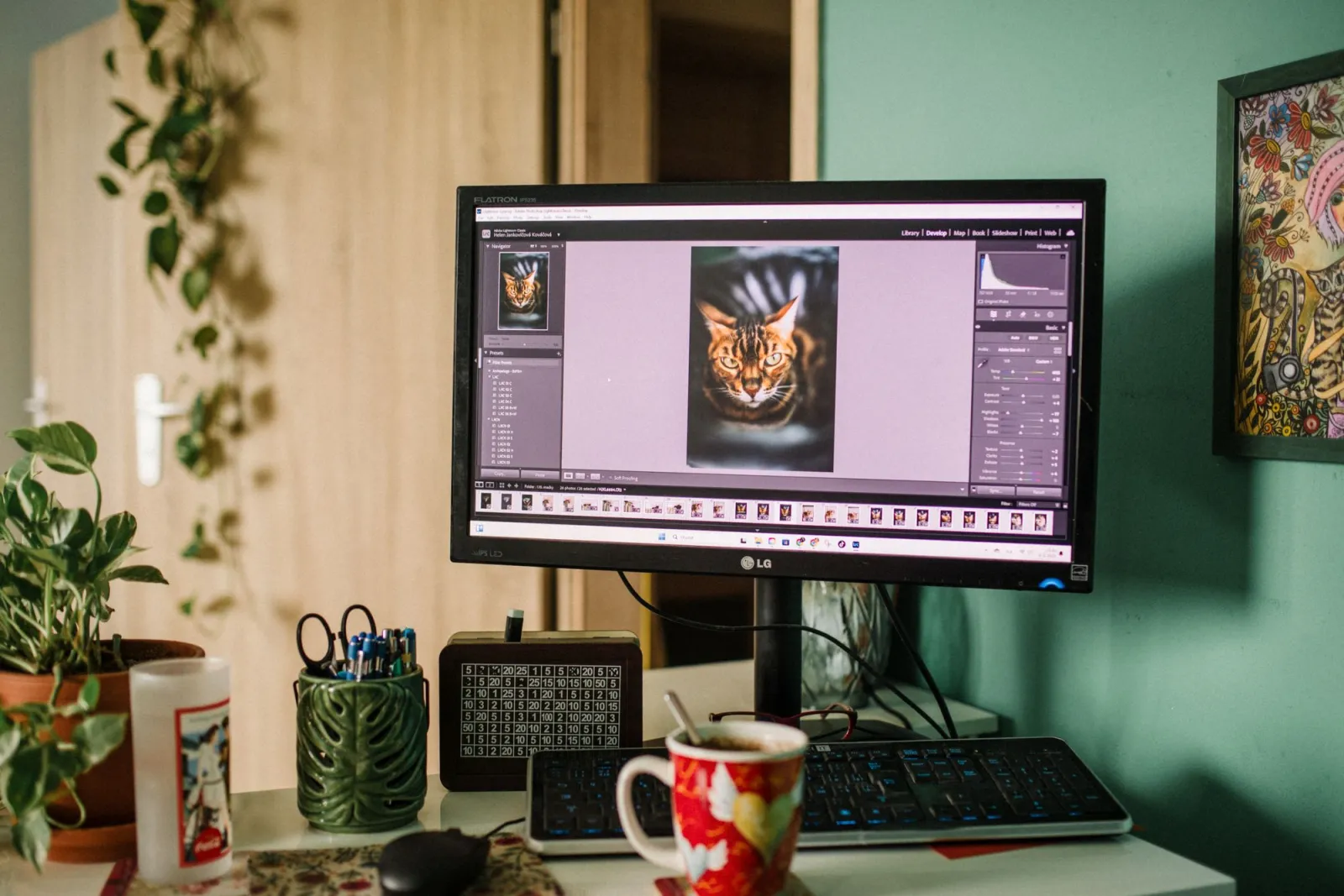
- A cozy home office desk with a monitor displaying photo editing software — photo by Helena Jankovičová Kováčová on Pexels
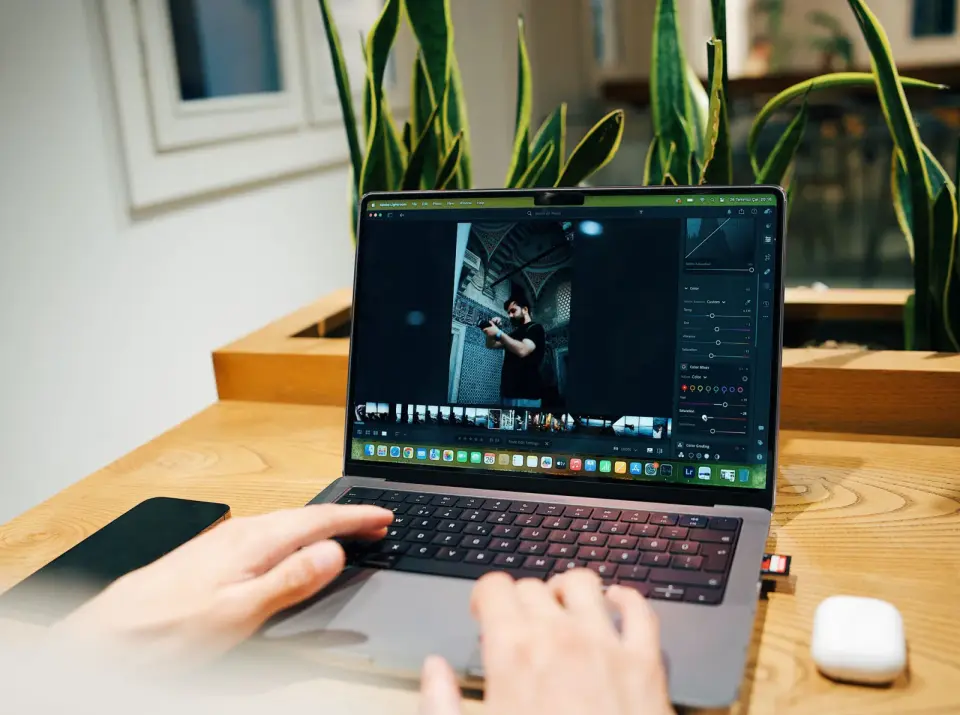
- Photographer editing photos on a laptop surrounded by camera gear — photo by Suzy Hazelwood on Pexels
- Laptop showing Adobe creative software icons next to a camera — photo by Joanna Malinowska on Pexels
- Creative editing desk setup with coffee, tablet, keyboard and notebook — photo by Anete Lusina on Pexels
Use the free tools while you follow the guide.
Keep reading
2026-09-13
How to Blur Faces and License Plates Before You Post
Blur or pixelate faces and license plates so they stay unreadable. Which method actually anonymizes, what fails, and how to avoid leaking EXIF location data.
2026-08-27
Invisible Watermarks: What Image Files Now Carry in 2026
Paint embeds a server-issued GUID in AI images, platforms strip C2PA manifests, and a plain WebP export drops all of it. What your files really carry, and how to check.
2026-07-28
Batch Image Processing: Pipeline Order, Settings, and Tools
Batch image processing runs resize, compress, and convert jobs across whole folders. The pipeline order, measured quality settings, tool choice, and automation.