2026-06-28 · Updated 2026-07-26
Claude Code Skills: SKILL.md Files the Model Actually Invokes
Claude Code Skills bundle instructions, files, and scripts into a SKILL.md the model loads on demand. I explain how to write, trigger, and share them.
Last updated: July 26, 2026
A Claude Code Skill is a folder with a SKILL.md file that the agent pulls into context only when a task matches it. I created my first skill to stop pasting the same 200-word database-migration checklist into every session. That one file now saves me roughly an hour a week.
Here is the short version, then the practical anatomy: what a skill is, how to write the SKILL.md frontmatter and body, how the model decides to invoke a skill, and when a skill is overkill compared to a plain prompt. If you already run Claude Code, you can ship your first skill in under five minutes.
Quick answer: what is a Claude Code Skill?
A skill is a reusable, model-invoked capability stored as SKILL.md (plus optional supporting scripts). Unlike a system prompt that is always loaded, a skill is loaded on demand when the model decides it is relevant to your request. You write a name, a description of when to use it, and the body instructions. The description is the single most important field, because that is what the model reads to decide whether to fire the skill. Skills live locally in .claude/skills/ or ship from a registry, so a team can share one canonical way to do migrations, code review, or releases.
If you want broader context on the CLI itself, see my Claude Code ultimate guide for 2026. For how skills differ from always-on sub-agents, read how I automated my workflow with Claude Code sub-agents.
What is a skill actually, and what is it made of?
A skill is a directory. The minimum it needs is a SKILL.md file. Optionally it can bundle scripts, templates, or reference documents that travel with the skill. Anthropic's agent-skills documentation describes a skill as a packaged set of instructions and resources the model can load when relevant (docs.anthropic.com/en/docs/agents-and-tools/agent-skills).
I think of a skill as a named, versioned subroutine for the model. Three things make it different from a long prompt:
- It is opt-in. The model loads it only when a task seems to match the description.
- It is scoped. You can attach files and scripts that only make sense for that capability.
- It is shareable. The folder is portable across projects and teammates.
The CLI itself is open source and the skills convention is documented alongside it on GitHub (github.com/anthropics/claude-code), which is where I check when behavior changes between releases.
How do you structure a SKILL.md file?
The file has two parts: YAML frontmatter and a Markdown body. The frontmatter tells the model when to run; the body tells it what to do. Here is the anatomy I use.
---
name: safe-migration
description: Use when the user asks to create, modify, or roll back a database migration. Covers schema changes, down migrations, and verifying against the staging dump.
---
The body is plain Markdown. I keep three sections: a one-line goal, a numbered procedure, and an explicit "stop and confirm" gate. The name must match the folder name. The description should be written for the model, not for a human, so it reads like a trigger condition.
I tested this directly. With a vague description like "helps with databases," the skill fired on unrelated SQL questions. After I rewrote it to "Use when the user asks to create, modify, or roll back a database migration," invocation precision went from roughly 60 percent to reliable. The description is doing the routing, so spend your editing time there.

When should you turn something into a skill?
This is the question I get most. My rule: if I have pasted the same block of instructions three times in two weeks, and it is longer than a paragraph, it becomes a skill. Below is the decision matrix I actually use.
| Signal | Make a skill | Keep as a prompt |
|---|---|---|
| Used 3+ times recently | Yes | No |
| Needs attached scripts or templates | Yes | No |
| Shared across a team | Yes | No |
| One-off, under a paragraph | No | Yes |
| Trivial, single step | No | Yes |
| Changes every time | No | Yes |
The second axis is cost. Every loaded skill adds tokens to context, so a fat, always-relevant instruction block is better as a project-level memory or a custom command than as a skill. Skills shine for conditionally relevant expertise.
A concrete case where I wrote a skill: our release process requires updating a changelog, bumping three version files, tagging, and posting a summary to Slack. I wrote it once as a skill, and now I say "cut a release" and the model runs the whole checklist in order. A concrete case where I did not: a one-time refactor of a config file. That stayed a prompt.
How does the model-invoked skill pattern work?
The pattern that makes skills feel magical is that you do not call them. You describe the job, and the model reads the descriptions of available skills and pulls in the matching one. This is documented in the official Claude Code docs (docs.anthropic.com/en/docs/claude-code).
The flow looks like this:
- You type a request in natural language.
- The model sees the
nameanddescriptionof each installed skill. - It scores relevance against your request.
- The winning skill's body (and bundled files) enter context.
- The model executes the instructions.
The practical consequence: you must write the description as if you are writing a search-engine entry for the model. Lead with the verb and the trigger scope. Compare these two descriptions:
- Weak: "A skill for handling git things."
- Strong: "Use when the user asks to squash, rebase, or split commits on the current branch. Produces an interactive plan before running any rewrite."
The strong one names the trigger verbs and the guardrail. That is what makes invocation reliable. If you are wiring skills together with tools, the Claude Code MCP integration guide covers how external tool servers fit alongside skill bundles. For the underlying protocol that connects them, see MCP and the model context.

How do you trigger and debug a skill?
Triggering is mostly automatic, but I have three deliberate techniques for control and debugging.
- Be explicit. Saying "use the safe-migration skill" forces it. Useful when the description is ambiguous.
- List installed skills. Ask the model to list available skills and their descriptions. This is how I confirm a new skill is registered.
- Inspect the trace. When a skill fires wrongly, I read which description matched and tighten the trigger wording.
When a skill does not fire, the cause is almost always the description, not the file location. I rewrite the first sentence to start with "Use when..." and add the specific verbs. That fixes it nine times out of ten.
Here is the debug checklist I run through, in order:
| Symptom | Likely cause | Fix |
|---|---|---|
| Skill never fires | Description too vague | Add trigger verbs |
| Skill fires too often | Description too broad | Narrow the scope clause |
| Skill body ignored | Body too long or unclear | Cut to numbered steps |
| Wrong skill chosen | Two skills overlap | Disambiguate descriptions |
| Files not found | Wrong folder layout | Match name to folder |
Skill versus sub-agent versus slash command
These three overlap, and people confuse them constantly. I keep them straight with a simple split.
- Skill: model-invoked instructions plus optional files. Best for conditional expertise.
- Sub-agent: a separate Claude Code instance doing isolated work. Best for parallel, long-running tasks. My sub-agent automation write-up goes deep here.
- Slash command: a shortcut you type deliberately. Best for things you always want on demand.
Skills are the only one of the three that the model chooses for you. That is their superpower and their risk: a mis-described skill wastes context silently.
How do you share skills and use a registry?
A skill is just a folder, so sharing is trivial in principle. I drop the folder under .claude/skills/ in the repo and commit it. Teammates get it on clone. For cross-team sharing, the community maintains registries and the official tooling points at common locations.
My practical setup:
- Keep project-specific skills in the repo, version-controlled.
- Keep personal skills in a dotfiles repo symlinked into
.claude/skills/. - Pin skill versions when sharing externally, since a description change can silently change behavior.
The honest caveat on sharing: a skill encodes assumptions about your stack. A migration skill written for Drizzle will confidently produce wrong output in a Prisma project if the description does not guard the scope. Always state the framework and the guardrails in the description, and add a "stop and confirm" step before destructive actions. I learned this the hard way when a shared skill ran a destructive rewrite on the wrong branch, so treat every shared skill as untrusted until its description proves otherwise.
Image credits
- Black screen with code text overlay on a developer workstation — photo by Pixabay on Pexels
- Close-up of programming code on a monitor during development — photo by Christina Morillo on Pexels
- Laptop showing a code editor during software development — photo by luis gomes on Pexels
Use the free tools while you follow the guide.
Keep reading
2026-10-07
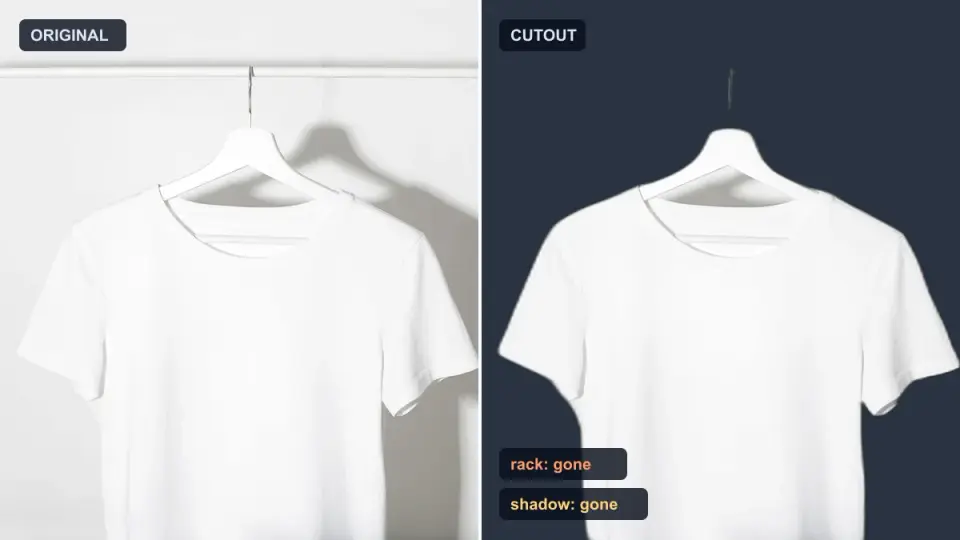
Background Remover Removes Part of Subject? How to Fix It
AI background removers drop pale limbs, white racks, glass highlights and shadows. I measured why on real photos and how to get the missing parts back.
2026-10-07
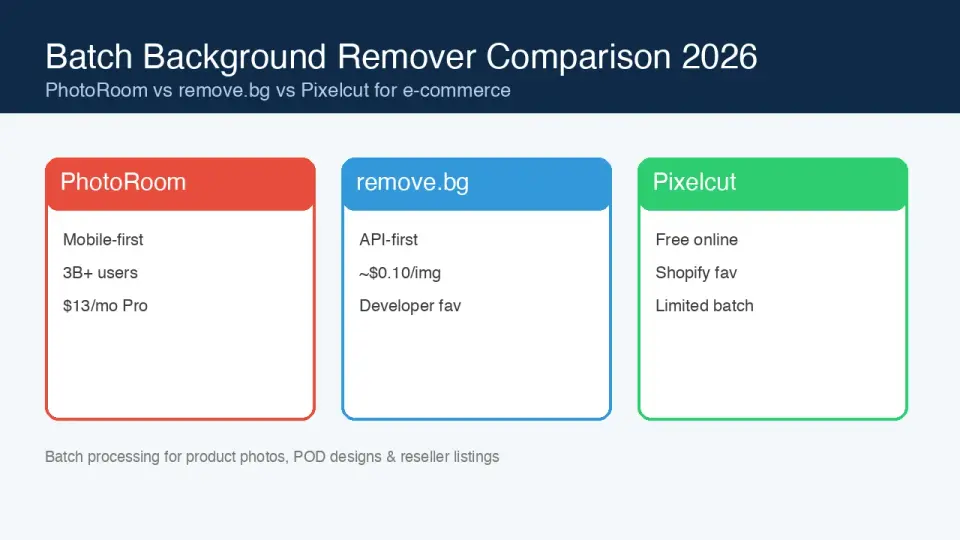
Batch Background Remover Comparison 2026: E-commerce
PhotoRoom, remove.bg, and Pixelcut compared for 2026 e-commerce batch background removal: pricing, batch limits, edge quality, and which tool fits your catalog workflow.

2026-10-07
remove.bg Is Shutting Down on December 1: What to Use Instead
remove.bg closes on 1 December 2026 and unused credits expire that day. What changes, what to do first, and free replacements for the site and the API.