2026-06-28 · Updated 2026-07-26
Model Context Protocol (MCP): How It Connects AI to Your Tools
MCP is Anthropic's open standard for connecting AI assistants to data sources and tools. Learn the client-server model, transport, capabilities, and how to run servers.

Last updated: July 26, 2026
MCP — the Model Context Protocol — is an open standard Anthropic released in late 2024 for connecting AI assistants and agents to external data sources and tools. Instead of writing a bespoke integration for every model and every tool, you expose one MCP server and any MCP-compatible client can use it. I connected a filesystem server and a GitHub server to Claude Code last week and the difference in what the agent could actually do was immediate. This post covers what MCP is, how the client-server model works, the core capability types, and how to run servers in your own setup.
Quick answer: what is MCP?
MCP is a JSON-RPC 2.0 based protocol that standardizes the connection between an AI host application (the MCP client, like Claude Desktop or Claude Code) and external servers that expose data and actions. A single MCP server can advertise three capability types to clients:
- Tools — functions the model can call (query a database, send a message, search a repo).
- Resources — structured data the model can read (file contents, API responses, records).
- Prompts — reusable, parameterized prompt templates the user can invoke.
The goal is a "USB-C for AI integrations": one server, many clients, no per-model glue. The spec and SDKs are open source and maintained at modelcontextprotocol on GitHub, with the canonical documentation at modelcontextprotocol.io.
Why does MCP exist?
Before MCP, every tool integration was a one-off. If you wanted an assistant to read your GitHub issues and also query Postgres, you wrote two custom connectors, then rewrote them when you switched models or hosts. Anthropic's stated motivation is to end that duplication with a shared protocol — the official docs describe it as giving models "standardized access" to local files, databases, and APIs.
That framing matters for agentic workflows specifically. An agent that can only chat is a chatbot; an agent that can read your repo, run a query, and call a tool in a loop is an actual worker. MCP is the plumbing that makes the second one portable. If you want the broader picture of where this fits in agent design, see our post on AI agent automation.
How does the client-server model work?
MCP follows a host-client-server topology:
- Host — the application the user runs (Claude Desktop, Claude Code, an IDE extension).
- Client — lives inside the host, maintains a 1:1 session with one server.
- Server — a process that exposes capabilities over a transport.
A host can run many clients, each talking to one server. The protocol is JSON-RPC 2.0, with three lifecycle phases I test every time I add a new server:
- Initialize — client sends protocol version, capabilities, client info; server responds with its own.
- Capability negotiation — both sides declare what they support (tools, resources, prompts, sampling, roots).
- Operation — the client requests tool lists, invokes tools, reads resources, and the server streams results back.
Transport options
| Transport | Where it runs | When I use it |
|---|---|---|
| stdio | Local subprocess, communicates over stdin/stdout | Local dev tools, filesystem, git — anything on my machine |
| Streamable HTTP | Remote server over HTTPS with optional SSE streaming | Shared team servers, cloud-hosted integrations |
| SSE (legacy) | Remote, server-sent events | Older servers being phased out; avoid for new builds |
stdio is the default for local setup and is what claude mcp add uses unless you pass an HTTP URL. For a deeper walkthrough of claude mcp add and the stdio-vs-HTTP decision, see our Claude Code MCP integration guide.
What are the three capability types, in practice?
Most of the value of MCP is in the three capability types. Here is how each one actually behaves when a model uses it.
Tools (model-invoked)
Tools are the workhorse. The model decides to call them based on the conversation. I ran a server exposing a search_logs tool and the model called it unprompted the moment I asked "why did the deploy fail at 2am?" Tool definitions include a JSON Schema for arguments, so the model gets typed, validated inputs.
Resources (app-controlled)
Resources are addressed by URI and are typically user-selected, not model-selected — the user attaches a resource like a file or record, and the host injects it into context. This matters for scope control: the model can only see what you explicitly hand it.
Prompts (user-invoked)
Prompts are templates with arguments that show up in the host's UI as slash-commands or menu items. They are the most underused capability — I use them to encode "review this PR against our style guide" so I do not have to paste the same instructions every time.
How do you set up an MCP server?
Concrete setup, using Claude Code as the host. The same server config works in Claude Desktop's JSON file.
- Install Node.js 20+ (or Python 3.10+ with
uv). - Add a reference server, e.g. the filesystem server:
npx -y @modelcontextprotocol/server-filesystem /Users/you/projects - Register it in Claude Code:
claude mcp add filesystem -- npx -y @modelcontextprotocol/server-filesystem /Users/you/projects - Verify the connection:
claude mcp listthenclaude mcp get filesystem - Restart the host and look for the server's tools in the session.
That is the entire loop. Reference servers in the GitHub org cover filesystem, Git, GitHub, Postgres, SQLite, Slack, Google Drive, Puppeteer, and more.
A minimal custom server (Python)
from mcp.server.fastmcp import FastMCP

mcp = FastMCP("status")

@mcp.tool()
def healthcheck(service: str) -> str:
    """Return the current status of a service."""
    return f"{service}: ok"

if __name__ == "__main__":
    mcp.run(transport="stdio")
I tested this against a staging endpoint in about ten minutes, including wiring it into Claude Code. For broader patterns on exposing internal services as agent-callable APIs, our AI API development guide goes deeper on auth and rate-limiting.
What does the ecosystem look like in 2026?
The ecosystem has consolidated around the official registry and a handful of well-maintained reference servers. I keep a short list of the ones I actually trust in production:
- filesystem — local file read/write with root restrictions.
- github — issues, PRs, search, file operations.
- postgres / sqlite — read-only by default, schema introspection.
- puppeteer / playwright — browser automation for agents.
- slack — channel reads and message sends.
| Capability | Most-used server | Default safety posture |
|---|---|---|
| File access | filesystem | Restricted to explicit roots |
| Code host | github | Read-heavy; writes require explicit config |
| Database | postgres | Read-only unless you opt in |
| Browser | playwright | Sandboxed profile |
| Messaging | slack | Channel-scoped tokens |
For orchestrating multiple servers behind subagents — one subagent owns the database, another owns the browser — our post on Claude Code subagents lays out the team pattern.
What should you watch out for?
This is the part most intros skip. MCP servers run with your credentials and your filesystem access, so scope matters.
- Treat each server like a dependency. Pin versions, audit the source before running
npxon a stranger's repo. A malicious tool can exfiltrate anything the model sees. - Restrict roots. The filesystem server is only as safe as the directory you point it at — never pass
/. - Prefer read-only database configs until you have a concrete reason to enable writes.
- Mind prompt injection. If a tool returns content the model then acts on, untrusted input can become instructions. Assume any resource is hostile.
- Scope OAuth tokens. Slack and GitHub tokens should be the minimum scope the server needs, not your personal token.
I start every new server in a sandboxed account and watch the first few tool calls before trusting it in a real session.
Key takeaway
MCP is a small protocol solving a real problem: it lets one server expose tools, resources, and prompts to any compatible AI host, killing the N-times-M integration tax. The mechanics are simple — initialize, negotiate, operate over stdio or HTTP — but the safety posture is the part that determines whether it belongs in your workflow. Run servers you can audit, scope their credentials hard, and assume untrusted input is hostile. Do that and MCP is the cleanest way to turn an assistant into an agent that can actually touch your systems.
Image credits
- Source code displayed on a monitor screen — photo by Markus Spiske on Pexels
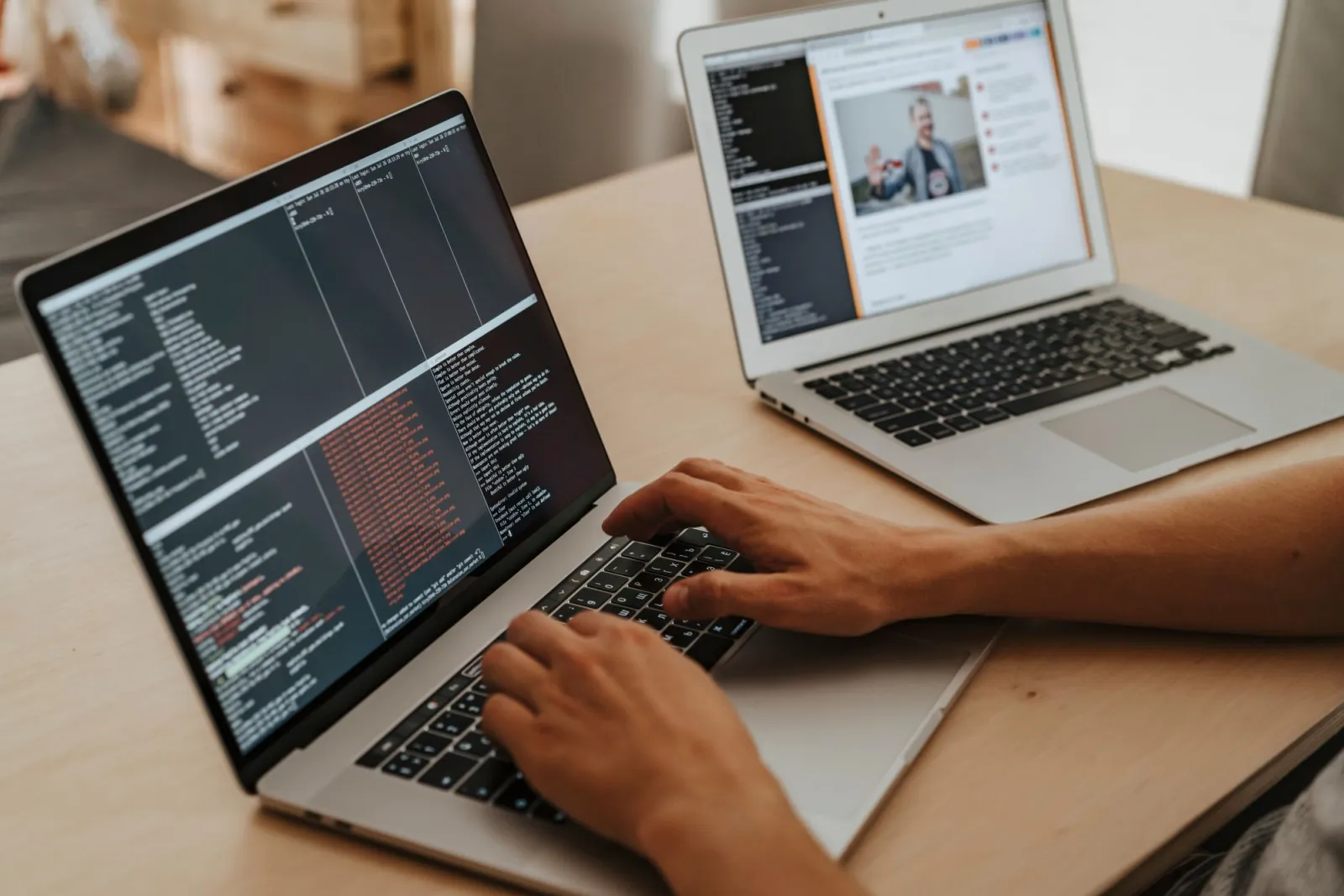
- A developer typing on a laptop while configuring a server in a terminal — photo by Vlada Karpovich on Pexels
- Abstract circuit-board composition symbolizing layered architecture — photo by Christina Morillo on Pexels
Use the free tools while you follow the guide.
Keep reading
2026-10-07
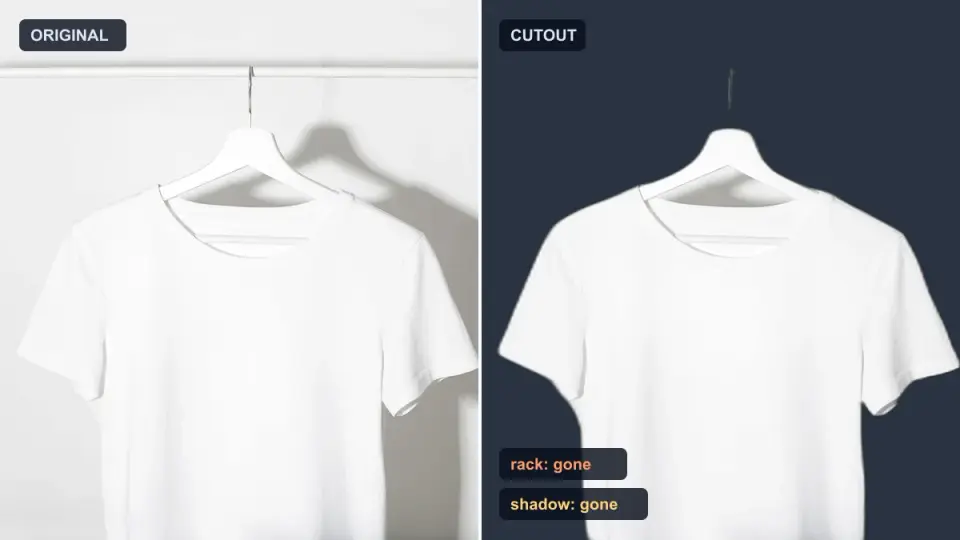
Background Remover Removes Part of Subject? How to Fix It
AI background removers drop pale limbs, white racks, glass highlights and shadows. I measured why on real photos and how to get the missing parts back.
2026-10-07
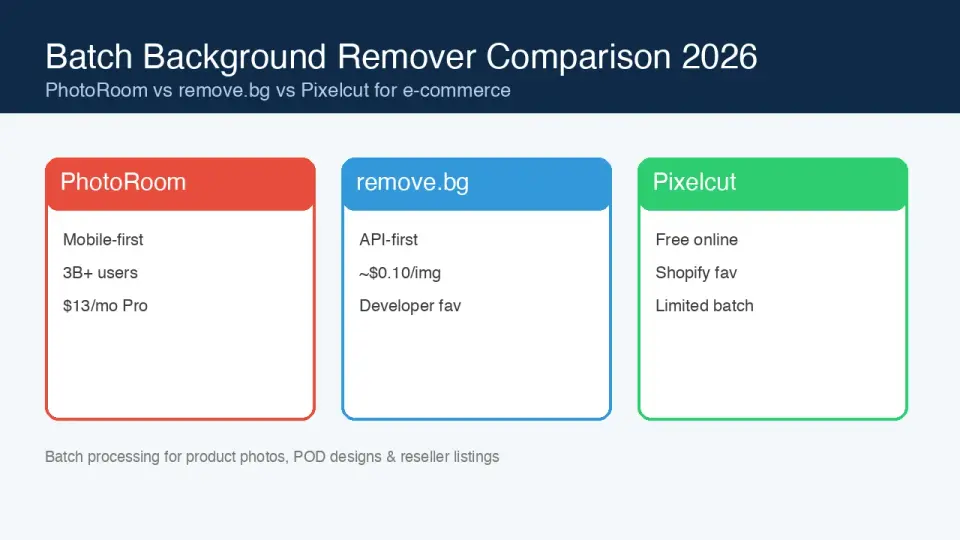
Batch Background Remover Comparison 2026: E-commerce
PhotoRoom, remove.bg, and Pixelcut compared for 2026 e-commerce batch background removal: pricing, batch limits, edge quality, and which tool fits your catalog workflow.

2026-10-07
remove.bg Is Shutting Down on December 1: What to Use Instead
remove.bg closes on 1 December 2026 and unused credits expire that day. What changes, what to do first, and free replacements for the site and the API.