2026-02-28 · Updated 2026-07-26
AI Video Colorization: Why It Is Harder Than Photos
Why AI video colorization is harder than photos (per-frame flicker), how temporal consistency models fix it, the tools, and the honest limits of guessed color.
Last updated: July 26, 2026
Colorizing a black-and-white video is the same idea as colorizing a photo, but harder: if you colorize each frame independently, the colors flicker frame to frame because the model makes slightly different guesses each time. Good video colorization uses temporal consistency so colors stay stable across frames. This guide explains why video is harder, how the consistency problem is solved, and the honest limits.
Quick answer: how do you colorize a video?
Use a tool designed for video that applies temporal consistency — not a photo colorizer run on each frame. The options:
| Method | Result |
|---|---|
| Photo colorizer per frame | Flickers; colors jump between frames |
| Video colorizer with temporal consistency | Stable colors across frames |
| Manual grading | Best quality, slowest |
For photos, see the AI image colorization guide; the limit (colors are guessed, not recovered) applies equally to video. If the clip also needs cleanup, pair colorization with the AI video editing guide and use the AI image colorizer guide for still-frame tests before you process the full timeline.
Why is video colorization harder than photo colorization?
A video is a sequence of frames. If you colorize each frame with a photo model, the model independently guesses the color of every object in every frame — and those guesses vary slightly from frame to frame even when the underlying scene is unchanged. The result is flicker: a shirt that is blue in one frame, slightly purple in the next, blue again in the third. The human eye is extremely sensitive to this instability, so even small per-frame variation reads as a distracting shimmer.
This sensitivity is not a minor aesthetic quibble; it is a well-documented property of human vision, which treats temporal instability as a signal that something is wrong with the image. A photo with a slightly wrong color looks fine because there is no adjacent frame to compare it to. A video with the same per-frame variance looks broken, because the eye catches the change between frames even when each frame individually looks acceptable. That is why the naive approach — batching a photo colorizer across frames — produces output that looks worse than the sum of its parts, and why dedicated video colorization tools exist at all.
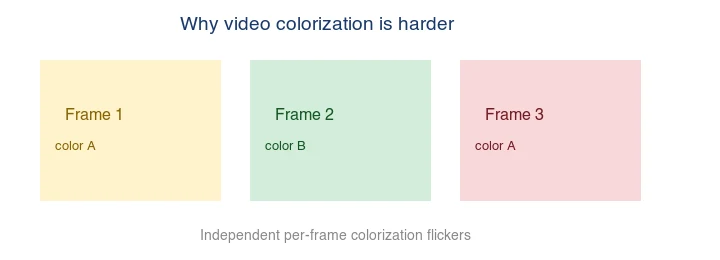
The fix is temporal consistency: the colorizer tracks each object across frames and keeps its color stable, so a shirt that is blue in frame 1 stays blue in frame 100. This requires the model to "see" the whole sequence, not one frame at a time.
How does temporal consistency work?
A video colorizer combines two things: a colorization model (like the photo version) and a tracking/propagation step. It colorizes a reference frame, then propagates those colors to subsequent frames by tracking where each pixel (and each object) moves. When the scene changes significantly — a cut, a new shot — it re-initializes. This keeps colors stable within a shot, eliminating the flicker that per-frame colorization produces.
The trade-off is compute: processing a whole video with temporal consistency is far slower than running a photo model on each frame, and errors in tracking can cause color to smear across a moving boundary. The DeOldify video mode and academic temporal-consistency methods document these trade-offs.
What tools colorize video?
| Tool | Type | Note |
|---|---|---|
| DeOldify (video mode) | Open source | Temporal consistency, local |
| Commercial services | Cloud | Easier, paid |
| DaVinci Resolve / manual grading | Pro editor | Best quality, manual effort |
DeOldify's video mode is the leading free option; it is slower than photo colorization but produces stable results. Commercial services are faster to use but paid.
What can video colorization do — and not do?
The photo limits apply, plus video-specific ones:
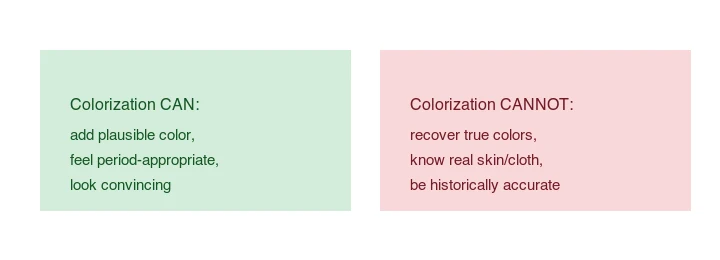
- Can: add convincing, stable color across a shot; make old footage feel alive.
- Cannot: recover true colors; know real costume/prop colors; be historically accurate.
- Video-specific: can struggle at shot cuts and with fast motion (tracking breaks down).
A colorized historical film is an interpretation, not a factual color record.
How do you run it?
DeOldify's video mode colorizes a clip with temporal consistency. The setup runs in a Python environment; see the project README. The practical tips:
- Restore the source first — clean, stable footage colors better.
- Process shot-by-shot if there are hard cuts, so the tracker re-initializes cleanly.
- Expect long render times — video colorization is much slower than photo.
- Check at cuts and in fast motion — that is where tracking artifacts appear.
How do you prepare footage for colorization?
The quality of video colorization depends heavily on the source. Old film often has grain, scratches, exposure flicker, and gate weave (frame-to-frame jitter), and every one of those degrades the colorization model's tracking.
The recommended order is to restore the footage first: stabilize it to reduce gate weave, remove dust and scratches, and smooth exposure jumps between frames. A clean, stable source gives the temporal tracker far less to get confused by, which means steadier color and fewer smears at object boundaries. Restoration tools range from DaVinci Resolve's built-in stabilization and noise reduction to AI restoration models; pick what fits your footage and budget.
The payoff is real — colorizing unrestored footage wastes the model's capacity on chasing artifacts instead of producing stable color. This restoration-first principle is the same one behind how to upscale images: clean up the source before you transform it.
When is video colorization the wrong choice?
- Archival or documentary accuracy matters. The colors are invented; label colorized footage as an interpretation.
- The source is degraded. Heavy grain and damage make tracking unreliable and produce smeared color.
- You need it fast. Video colorization is slow; for a quick result, a photo colorizer on key frames plus a voiceover may communicate better.
Common problems
- Flicker — you used a per-frame photo colorizer; switch to a temporal-consistency video tool.
- Color smear at motion — tracking broke across a moving boundary; process that shot with more conservative settings.
- Wrong object colors — same as photos; manually grade the objects whose real color you know.
- Slow rendering — inherent to video; plan for it or use a paid service.
Frequently asked questions
Can I colorize a video with a photo colorizer?
Technically yes (run it on each frame), but it flickers badly. Use a video colorizer with temporal consistency instead.
Is AI video colorization accurate?
No — like photos, the colors are guessed, not recovered. It is an interpretation.
What is the best free video colorizer?
DeOldify's video mode — open source, with temporal consistency. It is slower than photo colorization but stable.
How long does it take?
Far longer than photo colorization — minutes to hours depending on clip length and resolution, because every frame must be processed with consistency tracking.
How long does AI video colorization take?
Much longer than photos — minutes to hours per minute of footage, because every frame is processed and a temporal pass keeps colors stable across frames. It is not a real-time operation. Budget the compute time, or use a hosted service that handles the queue. The temporal consistency pass (tracking features across frames so colors do not flicker) is what makes video colorization slow where a single photo is instant.
Can I colorize just one object in a video?
It is harder than full colorization because you must isolate the object across frames and keep the boundary stable over time. The practical workflow is to colorize the full video, then desaturate everything except the masked object — often simpler than masking first. Either way, expect manual tracking work on top of the colorization pass, which adds to the processing time.
Can I colorize a black-and-white movie?
Yes, but it is a large compute job — every frame is processed, plus a temporal pass to keep colors stable, so expect minutes to hours per minute of footage. It is not real-time. The result is a plausible, watchable interpretation, not a recovery of the original colors, so keep the source as the authoritative version for anything with documentary or archival value.
How does temporal consistency work?
The model tracks features (edges, objects) across frames and propagates color from a key frame forward, rather than recoloring each frame from scratch. This keeps a shirt the same color from shot to shot. Without it, the model guesses per frame and the shirt flickers as the guess varies. Temporal tracking is the extra layer that makes video colorization hard where photo colorization is a single shot.
Image credits
- Colorize before/after, frame-flicker-problem, how-colorization-works, and colorization-limits diagrams — generated by the author from a landscape photograph (Pexels #1287145, photo by eberhard grossgasteiger) to illustrate the video colorization flicker problem and limits.
Use the free tools while you follow the guide.
Keep reading
2026-10-07
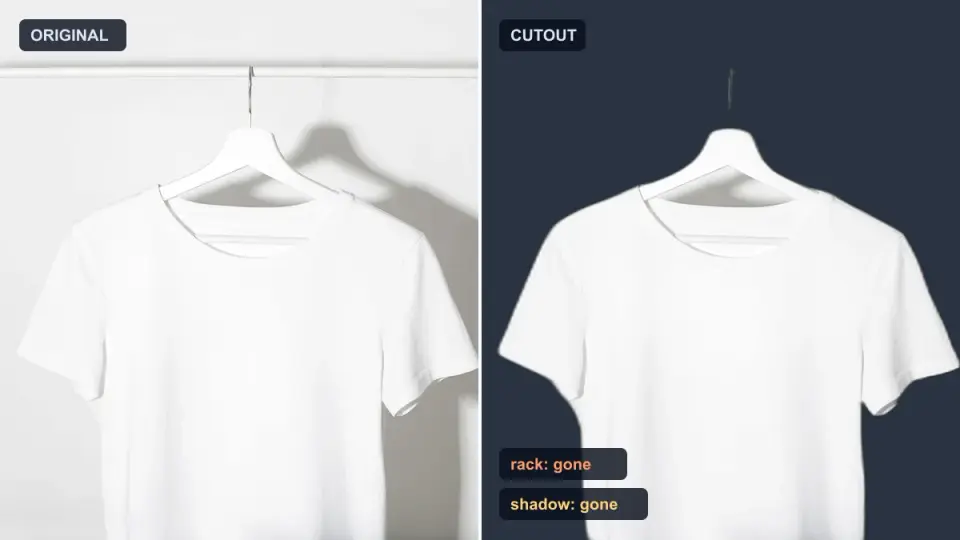
Background Remover Removes Part of Subject? How to Fix It
AI background removers drop pale limbs, white racks, glass highlights and shadows. I measured why on real photos and how to get the missing parts back.
2026-10-07
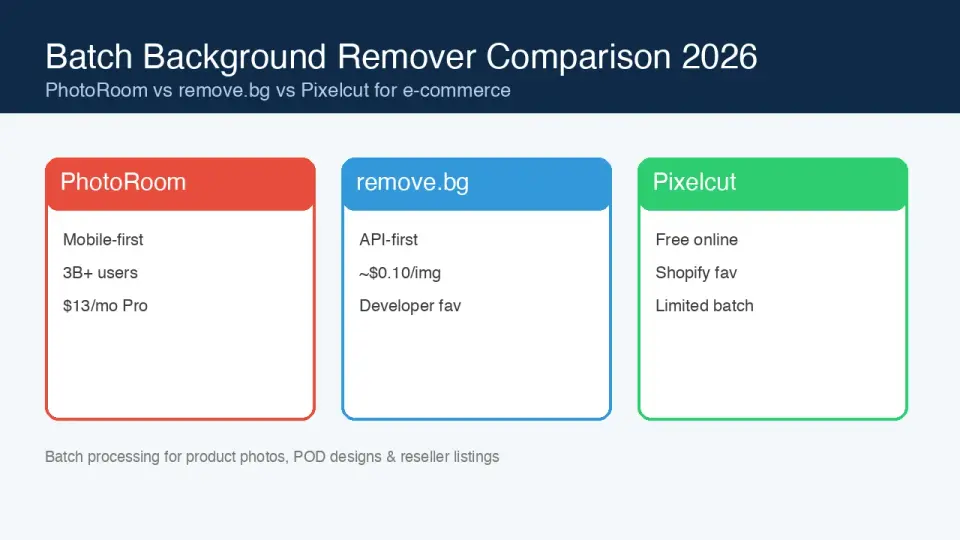
Batch Background Remover Comparison 2026: E-commerce
PhotoRoom, remove.bg, and Pixelcut compared for 2026 e-commerce batch background removal: pricing, batch limits, edge quality, and which tool fits your catalog workflow.
2026-10-07
remove.bg Is Shutting Down on December 1: What to Use Instead
remove.bg closes on 1 December 2026 and unused credits expire that day. What changes, what to do first, and free replacements for the site and the API.