2026-07-12
Photo Editing Fundamentals: The Core Adjustments Every Photo Needs
Photo editing fundamentals for beginners: exposure, contrast, white balance, color, cropping, layers, and non-destructive editing, with real values to apply today.
2026-07-12
Photo editing fundamentals for beginners: exposure, contrast, white balance, color, cropping, layers, and non-destructive editing, with real values to apply today.
2026-07-12
I tested Photoshop, Lightroom, Capture One, GIMP and four more editors on real shoots. Here is which photo editing software wins for RAW, retouching and budget.
2026-07-11
Compare GIMP, Photopea, Paint.NET, Pixlr, and browser image editors by platform, workflow, file support, and the editing jobs each tool handles best.
2026-07-10
Add borders and frames to photos for Instagram, prints, and product shots. Real border styles, exact width settings, and the tools that produce clean, consistent frames.
2026-07-10
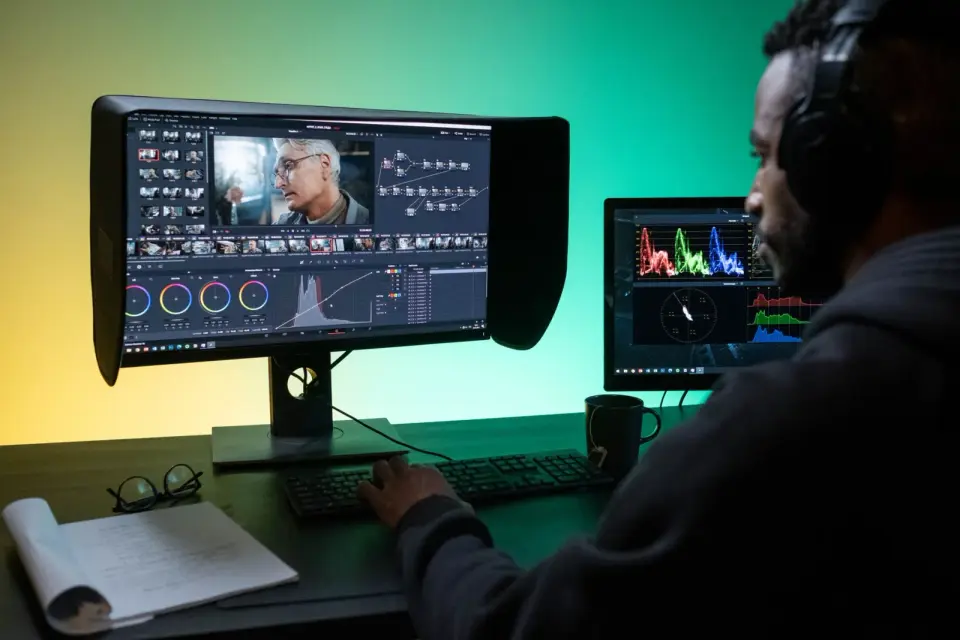
Correct photo colors online: fix white balance, remove color casts, and adjust saturation and contrast. Real steps, the gray-point method, and how to match skin tones.
2026-07-10
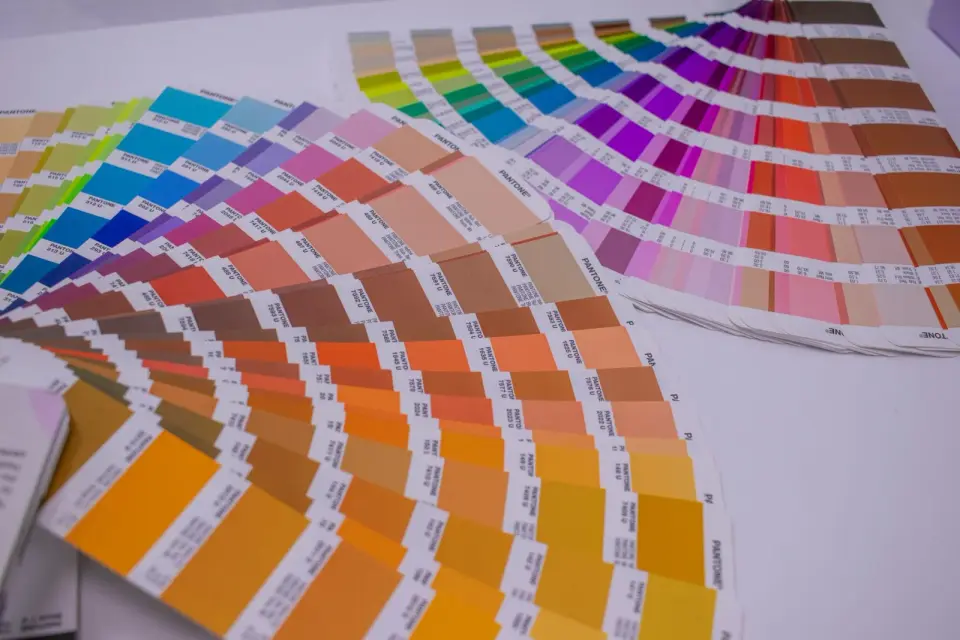
Convert images between color spaces and profiles: sRGB, Adobe RGB, CMYK. Real steps for accurate conversion, why profiles matter, and how to avoid muddy printed colors.
2026-07-10
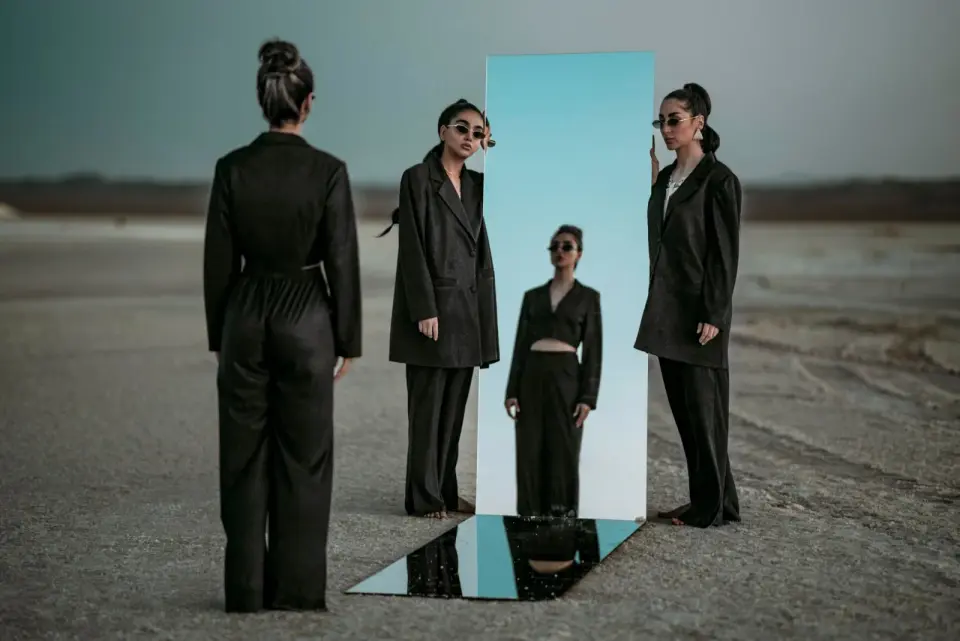
Mirror photos for reflections, flips, and symmetric compositions. Real flips, water reflections, and the mirror placements that produce clean seams and balanced designs.
2026-07-10
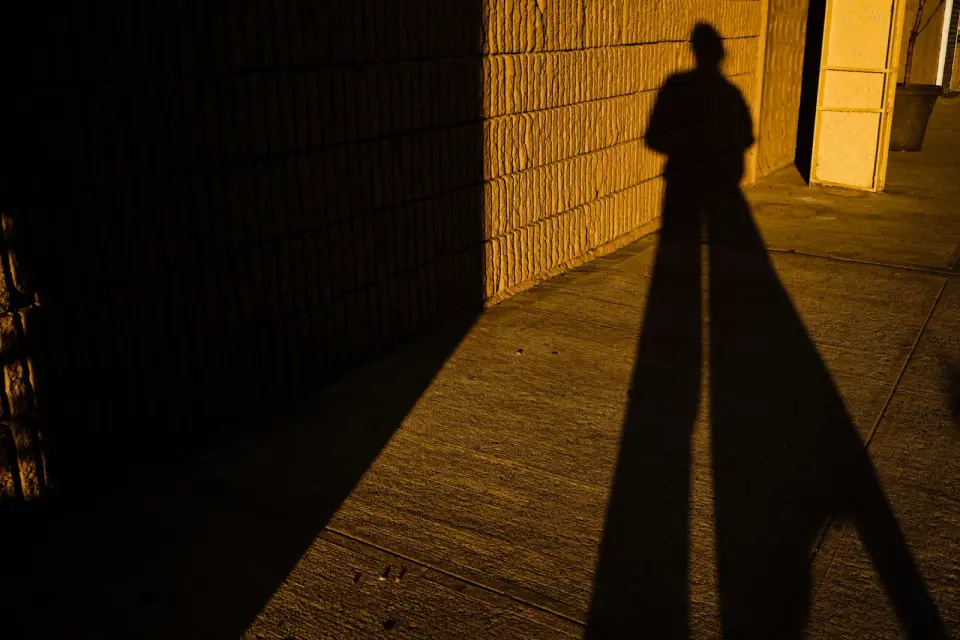
Add shadows to product and object photos: drop shadow, contact shadow, and cast shadow. Real settings for believable light direction, softness, and grounding a subject.
2026-07-04
An honest comparison of free image tools: where each one wins on speed, quality, and price. Real differences between Imagic AI, TinyPNG, Squoosh, Remove.bg, and Topaz.
2026-07-04
Pick free image editing software that handles your workflow. Honest comparison of desktop editors, online tools, and mobile apps, and where each falls short.
2026-07-04
Replace Photoshop with free tools that match your actual workflow. Honest comparison of GIMP, Photopea, Krita, and browser editors, with the strengths and limits of each.
2026-07-04
Erase people, power lines, text, and clutter from photos with free AI tools. Real steps, when object removal works, and how to fix the smudges it leaves behind.
2026-06-30
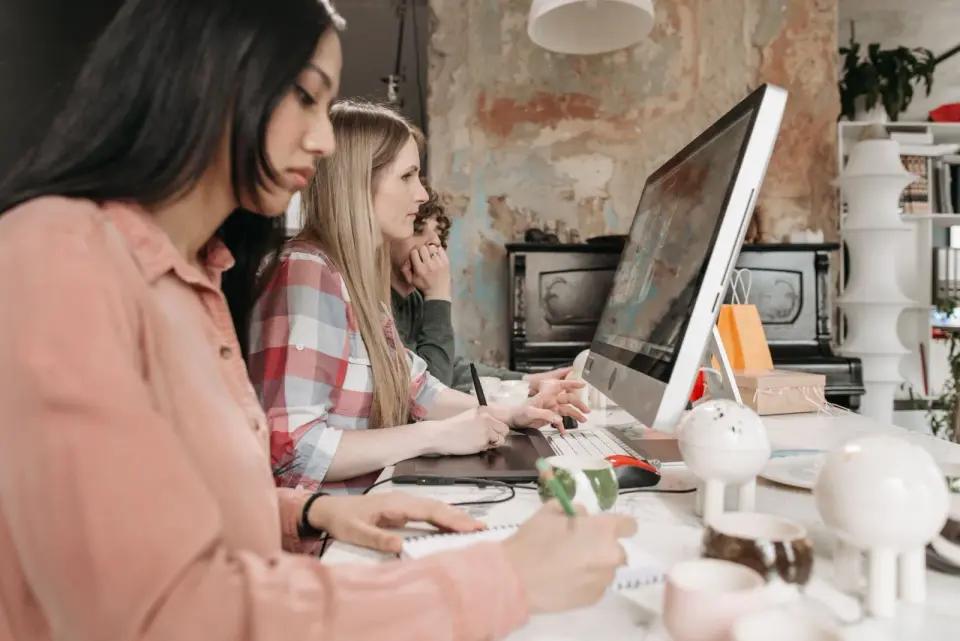
An honest overview of our free image tools: compressor, converter, resizer, cropper, upscaler, and background remover. What each is for, how it works, and the limits.
2026-06-30
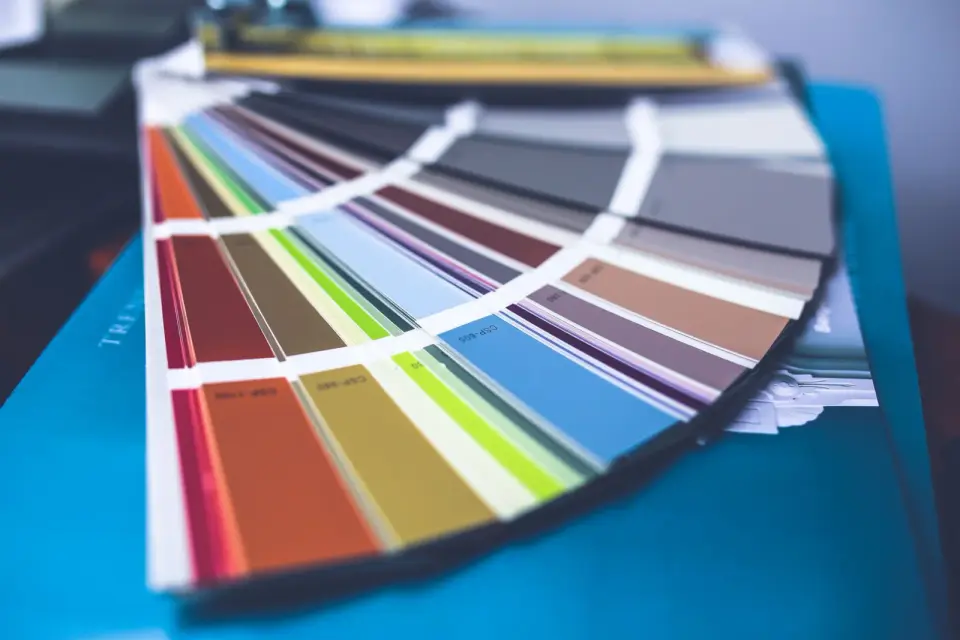
Extract dominant colors from any image and turn them into a usable design palette. Real methods, the 60-30-10 rule, contrast checks, and tools that speed it up.
2026-06-30
Answers to the most common questions about free image tools: file formats, compression quality, privacy, batch processing, and the problems that come up most often.
2026-06-30
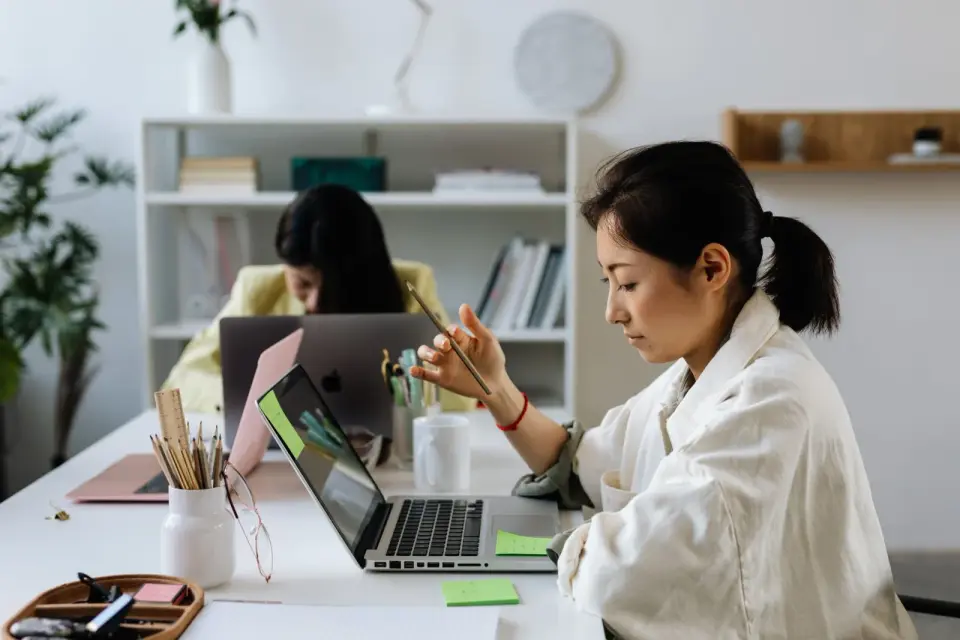
Honest 2026 comparison of free image editors: GIMP, Photopea, Paint.NET and browser tools, with real limits and pick-by-task advice.
2026-06-30
Use blend modes to combine image layers for compositing, double exposure, and texture effects. Real explanations of multiply, screen, and overlay, and when each works.
2026-06-30
Choose the right color mode for every image: RGB for screens, CMYK for print, grayscale for tone. Real guidance on when each mode wins and how to convert safely.