2026-07-26
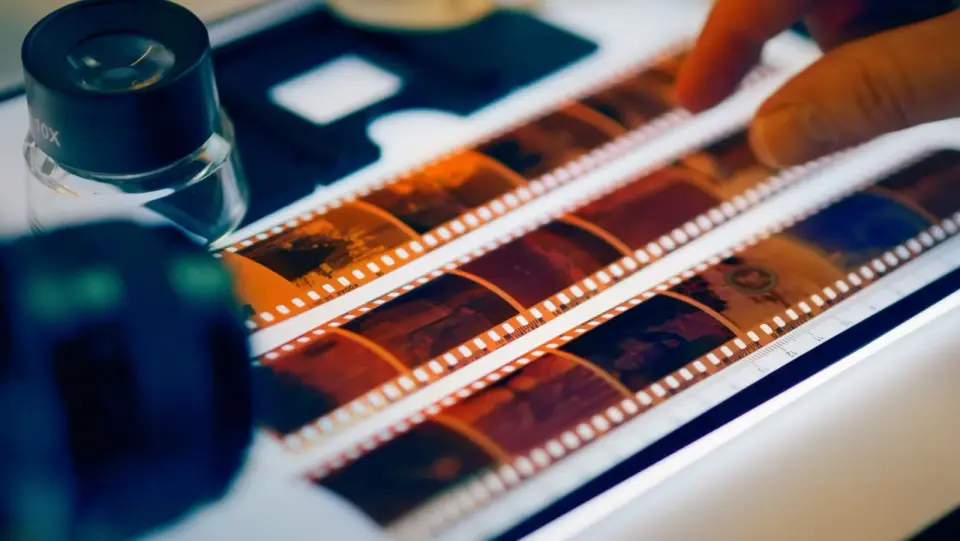
How to Resize an Image Without Losing Quality
Resize an image without losing quality: keep the aspect ratio, only resize down, pick the right resampling filter, and resize before compressing, with real sizes.
An image at the wrong dimensions is useless even if it looks great. These guides cover resizing without quality loss, cropping to aspect ratios (circles, squares, panoramas), and the exact pixel sizes every platform wants — Instagram posts and stories, YouTube thumbnails, LinkedIn banners, Twitter cards, and Pinterest pins. Every size is current for 2026.
2026-07-26
Resize an image without losing quality: keep the aspect ratio, only resize down, pick the right resampling filter, and resize before compressing, with real sizes.
2026-07-12
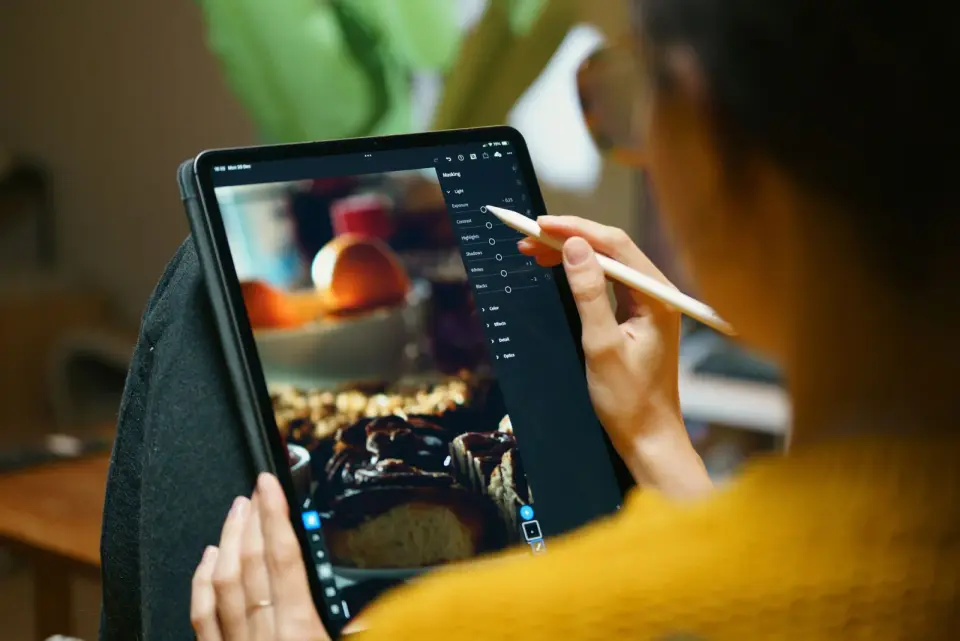
Crop an image online with the right aspect ratio for Instagram, YouTube, and print. I tested free croppers and batch tools so you get clean crops the first time.
2026-07-12
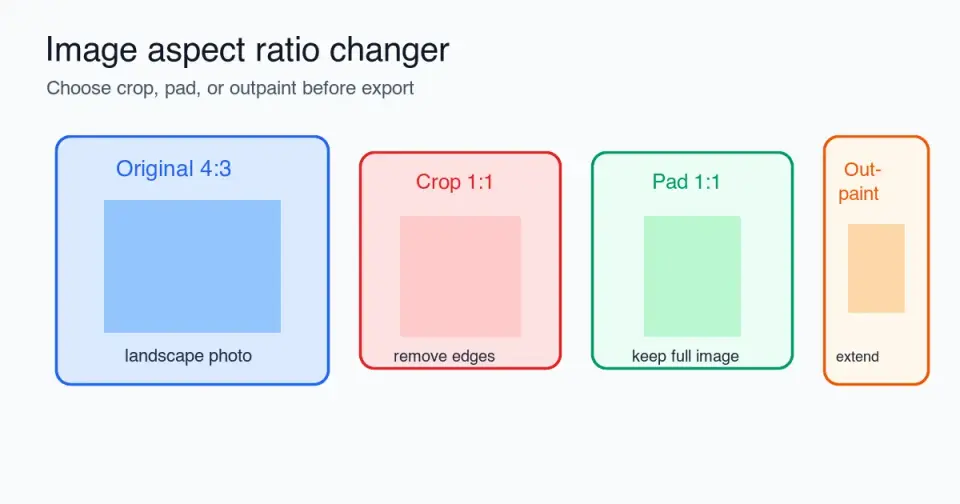
Change an image aspect ratio without stretching it: choose crop, pad, or outpaint, use platform ratios, check safe zones, and export clean files.
2026-07-26
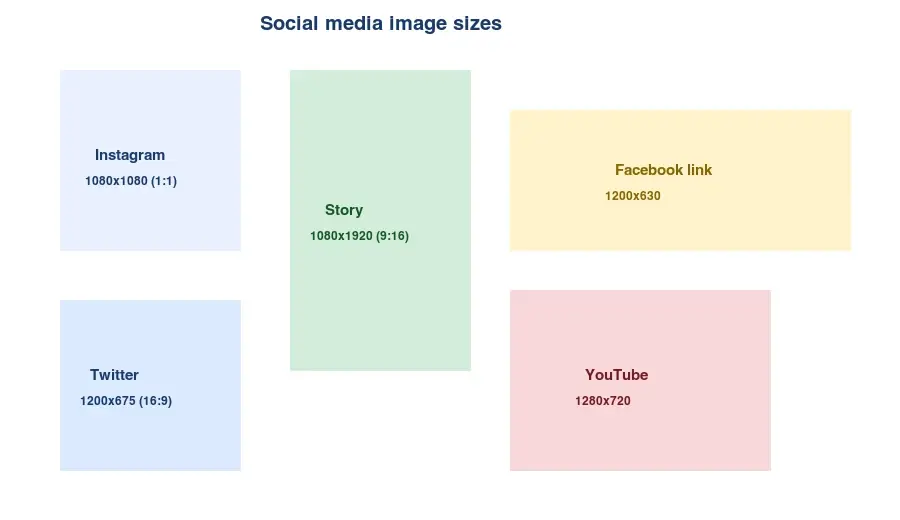
Every social media image size in one cheat sheet: Instagram, Facebook, Twitter/X, YouTube, Pinterest, and LinkedIn, with aspect ratios and where to verify the numbers.

2026-07-04
Resize images for the web by matching the display slot, doubling width for retina, serving WebP srcset variants, and compressing under 200KB. The measured workflow.
Free and no signup — apply what these guides cover.
2026-07-26
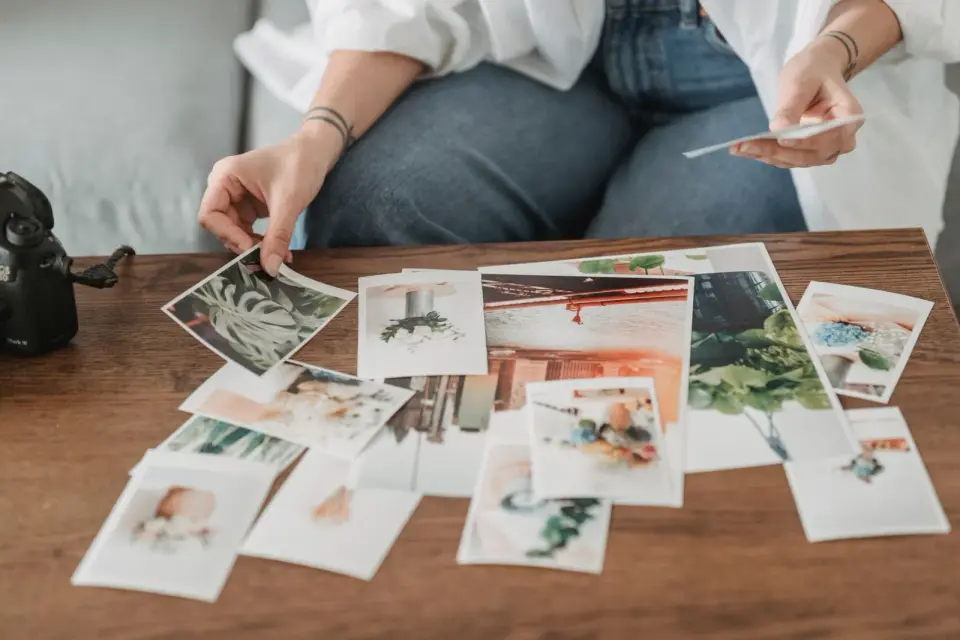
Resize hundreds of images at once with free online tools, ImageMagick, XnConvert, and Python scripts. Copy-paste commands, preset sizes, and a practical workflow.
2026-07-26
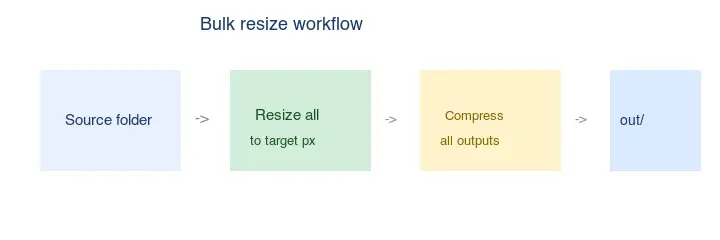
Resize hundreds of images in bulk for free with a browser tool, ImageMagick, XnConvert, or a Python script, with real byte savings and the safe batch workflow.
2026-07-26
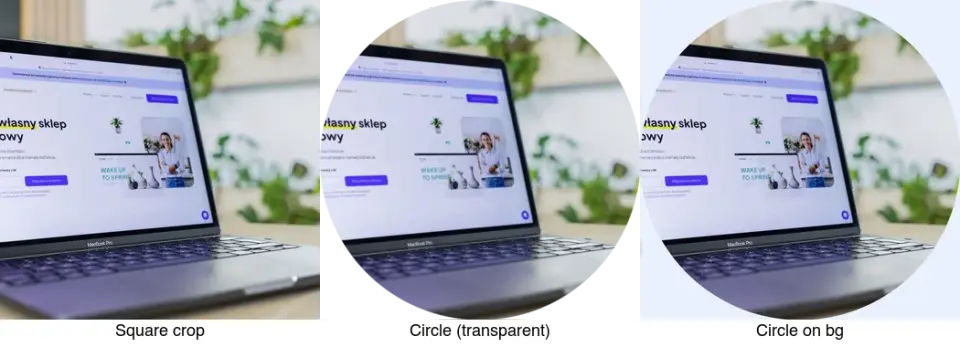
Crop an image to a circle for avatars and profile photos: the square-first rule, making a transparent circle PNG or a circle on a background, and where circles are used.
2026-07-26
Exact Instagram image sizes for 2026: feed posts, Stories, Reels covers, profile photos, and carousels. Pixel dimensions, aspect ratios, and file rules for each format.

2026-07-25
Split a photo into 3x3 or 3x1 tiles for an Instagram puzzle feed. Correct source dimensions, posting order, and why most grids show a visible seam.
2026-07-12
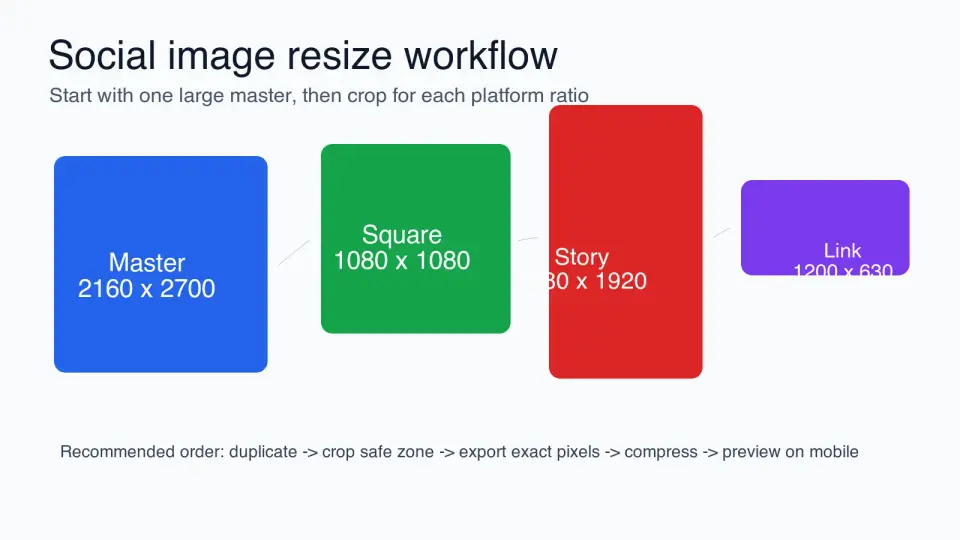
Resize social media images with the right ratios, crop safe zones, export sizes, compression settings, and a repeatable workflow for each platform.
2026-07-12
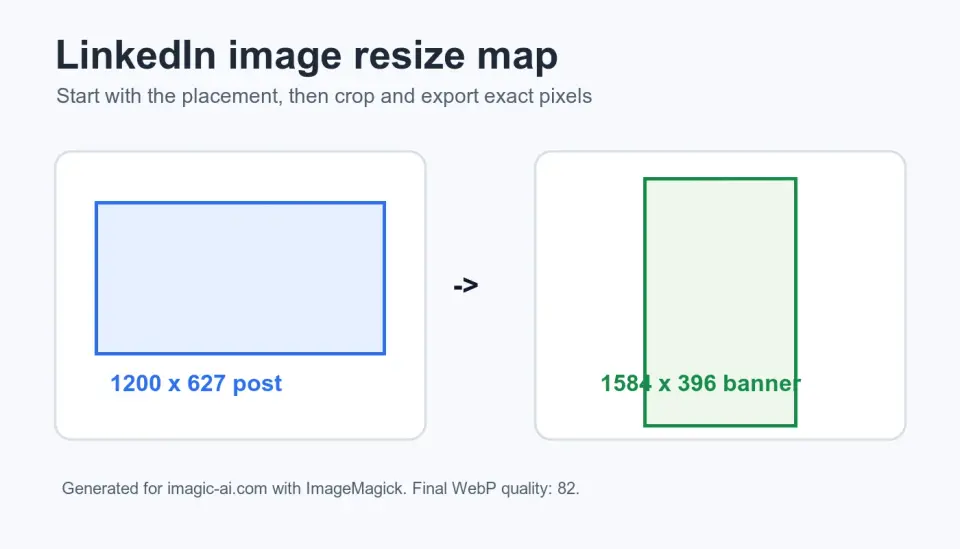
Resize LinkedIn images for posts, profiles, banners, and ads with exact dimensions, crop-safe guidance, tables, and a repeatable export checklist.
2026-07-12
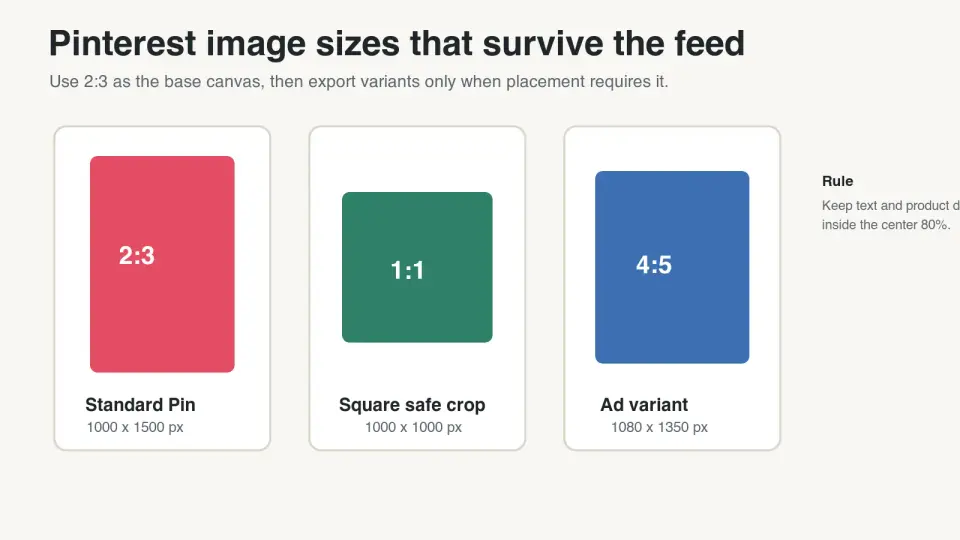
Use the right Pinterest image sizes for standard Pins, ads, carousels, product Pins, and blog graphics, with export checks before publishing.
2026-07-12
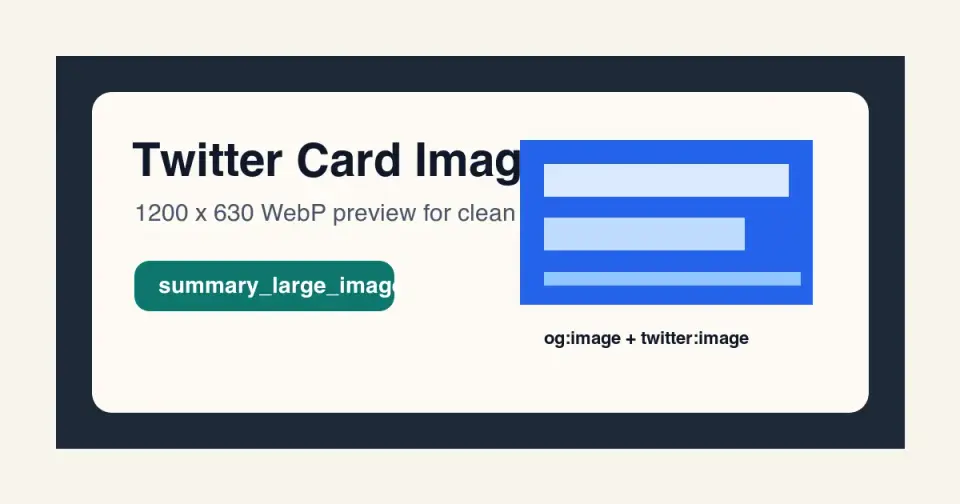
Choose the right Twitter card image size, metadata, WebP export, and troubleshooting checks so shared links render cleanly on X and other social feeds.
2026-07-11
Resize photos to Instagram's 1080px feed, Story, and Reel sizes. Step-by-step cropping, compression-safe export settings, and batch resizing that avoid blur.
2026-07-04
The exact YouTube thumbnail size (1280x720, 2 MB, 16:9) plus the design choices that raise click-through: subject size, contrast, and text legibility.
2026-06-30
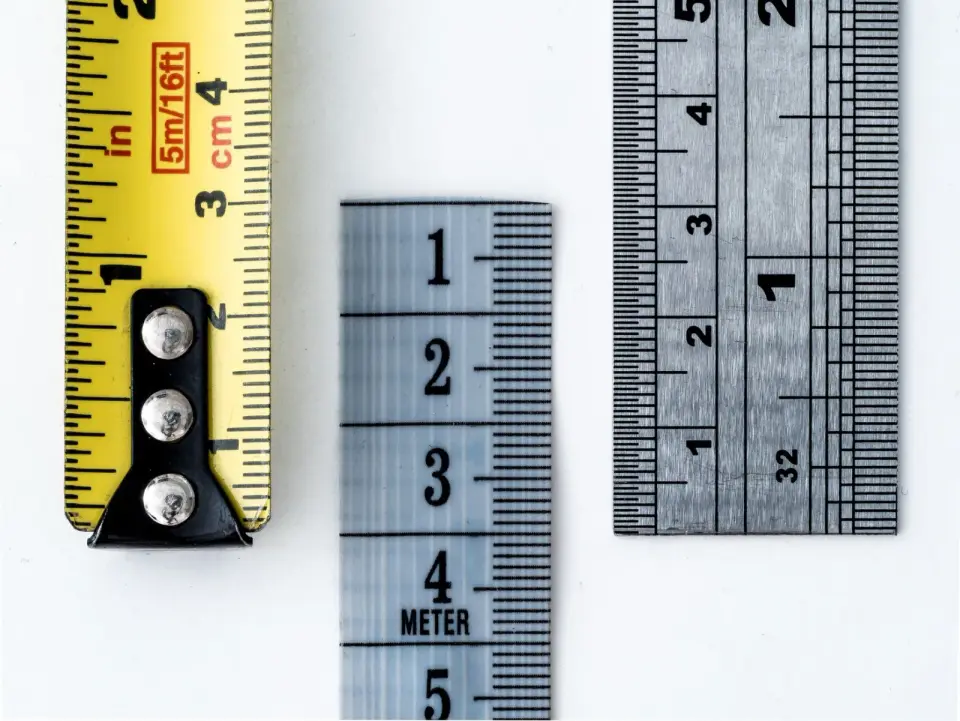
Find an image's exact pixel dimensions, file size in KB or MB, DPI, and format. Methods for Windows, Mac, iPhone, Android, and online, plus what each value means.
2026-06-30
Crop images for the right aspect ratio without distorting the subject. Real crop ratios for each platform, composition rules, and tools that crop without quality loss.